KiCad原理图在线查看器 — 即时查看.kicad_sch文件

无需安装KiCad即可查看KiCad原理图
KiCad是最受欢迎的开源EDA工具,.kicad_sch是其原生原理图格式。但仅仅为了查看一个原理图文件就安装整个KiCad未免大材小用,尤其是当您只需要快速查看来自同事、GitHub仓库或开源项目的电路图时。MakerSuite 3D让您直接在浏览器中打开任何.kicad_sch文件,具有完整的元件和网络可视化功能。
分步指南:在线查看.kicad_sch文件
- Open pcbviewer.app — 打开pcbviewer.app — 无需安装或注册
- 将.kicad_sch文件拖放到拖放区域
- 原理图解析器读取S表达式格式并提取所有符号、导线、标签和电源端口
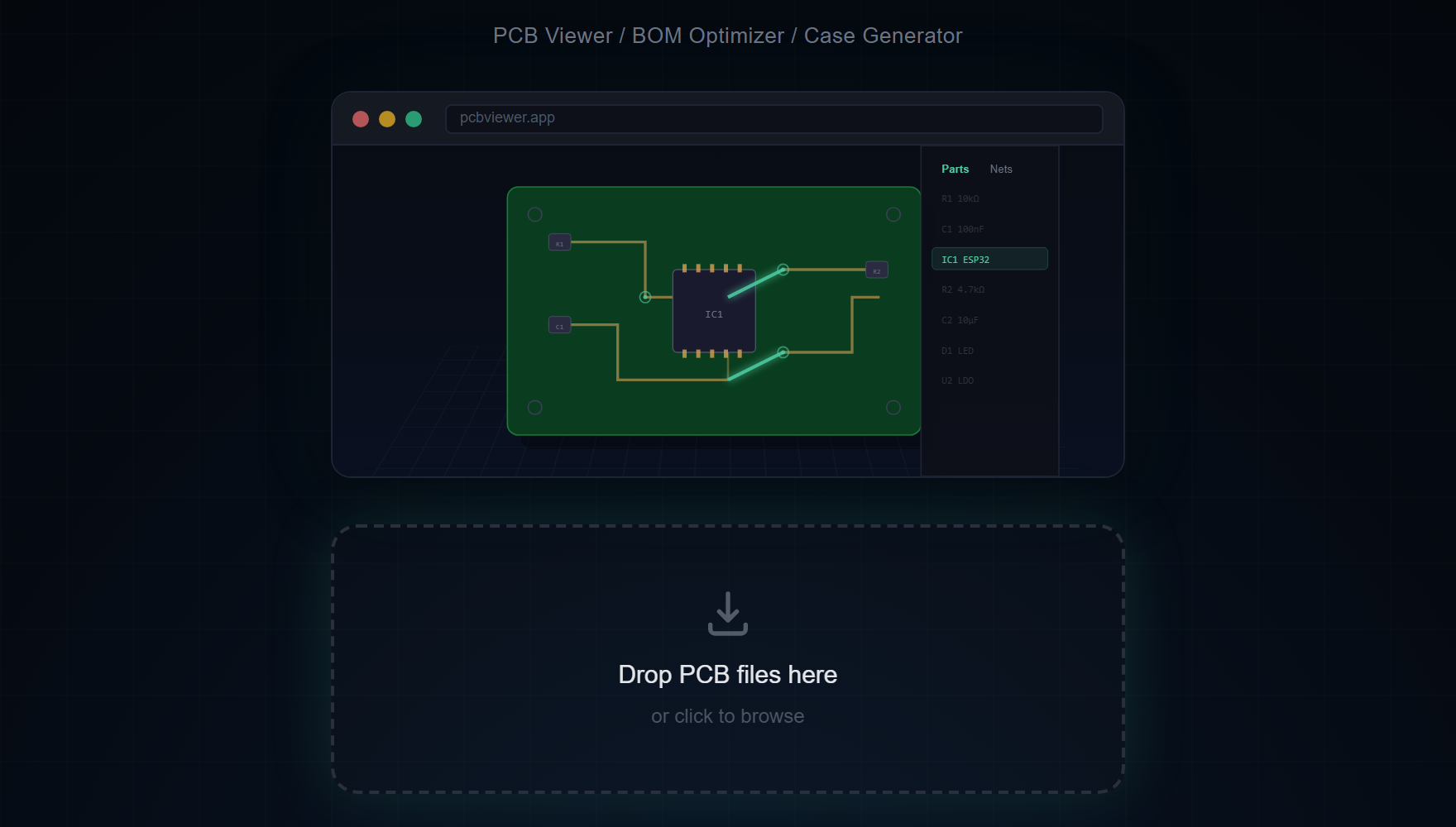
- 电路图显示在2D Canvas上 — 右键平移,滚轮缩放
- 在元件侧栏中通过参考(R1、U3、C5)或值(10k、STM32F4)搜索元件
- 在网络侧栏中点击网络可高亮所有连接的导线和引脚
KiCad专用原理图功能
- KiCad符号库 — 电阻、电容、IC、连接器等标准原理图符号以正确的引脚布局和方向渲染
- 导线路径 — 从.kicad_sch S表达式数据中准确解析和绘制所有导线段、节点和总线连接
- 网络标签 — 显示全局标签、本地标签和层级标签及其网络名称,便于信号追踪
- 电源端口 — VCC、GND、3V3、5V和其他电源符号以颜色编码,即时识别电源轨
- 文本和注释 — 原理图文本注释和设计笔记以正确的位置和大小渲染
- 多页导航 — 对于包含多个原理图页面的项目,可在页面间导航查看完整设计
Open your KiCad schematic in the browser right now.
免费试用 MakerSuite 3D支持的KiCad版本
原理图查看器可以打开 KiCad 6 至 KiCad 10 的 .kicad_sch 文件,以及 KiCad 4 和 5 的旧版 .sch 文件(传统格式)——无需先在新版 KiCad 中重新保存。旧版 .sch 本身不包含符号图形,符号保存在工程的 -cache.lib 中。把 .sch 和它的 -cache.lib(或它使用的 .lib 文件)一起选中并拖入,即可显示所有符号。只拖入 .sch 也能打开原理图,元件会显示为带标注的方框。
原理图 + PCB查看器合二为一
MakerSuite 3D独特地在同一浏览器标签中同时提供原理图查看和3D PCB查看。上传.kicad_sch查看电路图,然后上传匹配的.kicad_pcb在3D中查看物理板布局。这使得交叉参考原理图连接与实际PCB布线变得简单。
实用键盘快捷键
- S — 将原理图保存为PNG截图
- ESC — 清除选择并取消高亮网络
- 滚轮 — 原理图画布放大/缩小
常见问题
Does the viewer support multi-sheet schematics?
Yes. For KiCad projects with multiple schematic sheets, you can navigate between pages to see the complete design. Each sheet is rendered independently on the canvas.
Can I search for components in the schematic?
Yes. The Parts sidebar lets you search by reference designator (R1, U3), value (10k, STM32F4), or footprint. Click any result to highlight and center it on the canvas.
Does the viewer support net highlighting?
Yes. Click any net in the Nets sidebar to highlight all connected wires and pin connections across the entire schematic. Power nets like VCC and GND are color-coded automatically.
Which KiCad versions are supported?
The schematic viewer opens .kicad_sch files from KiCad 6 through KiCad 10, and legacy KiCad 4/5 .sch files without re-saving them. For a legacy .sch, drop the project's -cache.lib (or the .lib files it uses) together with it to see the symbols; dropped alone, each part is drawn as a labelled box.
Can I view both schematic and PCB in the same tool?
Yes. MakerSuite 3D supports both .kicad_sch schematic files and .kicad_pcb board files. Upload one to see the circuit diagram, and the other to see the 3D board layout.
相关文章
在浏览器中打开您的KiCad原理图
打开 MakerSuite 3D