打开任何PCB文件格式 — KiCad、Gerber、Eagle、Altium、EasyEDA

一个查看器支持所有PCB格式
不要再为不同文件格式切换不同查看器。MakerSuite 3D自动检测和解析9种PCB格式 — 全部在一个浏览器标签页中。
支持格式详情
KiCad (.kicad_pcb)
完整的S表达式递归解析器。支持多层PCB(最多32个铜层)、盲/埋孔、弧形边缘切割和区域填充。读取元件3D模型路径用于STEP加载。
Gerber (.zip / .gbr / .ger)
支持Excellon钻孔文件的RS-274X扩展Gerber解析器。从文件名自动检测层。上传包含所有层的ZIP或拖动单个文件。支持Pick & Place和BOM CSV导入。
Eagle (.brd)
Autodesk Eagle XML板解析器。从XML结构中提取元件、走线、过孔和丝印。支持Eagle的旋转和镜像约定。
Altium (.PcbDoc)
OLE2/CFB二进制格式解析器。直接从二进制复合文档中读取元件位置、铜填充、机械层和Texts6丝印数据。
EasyEDA / LCEDA (.json)
包含坐标转换(10mil到mm)的JSON格式解析器。将EasyEDA层编号映射到标准PCB层名称。支持导出的项目文件。
One viewer for all PCB formats — try it now.
免费试用 MakerSuite 3D自动格式检测
只需拖放文件。MakerSuite 3D会检查文件扩展名和内容,自动选择正确的解析器。无需手动选择格式。
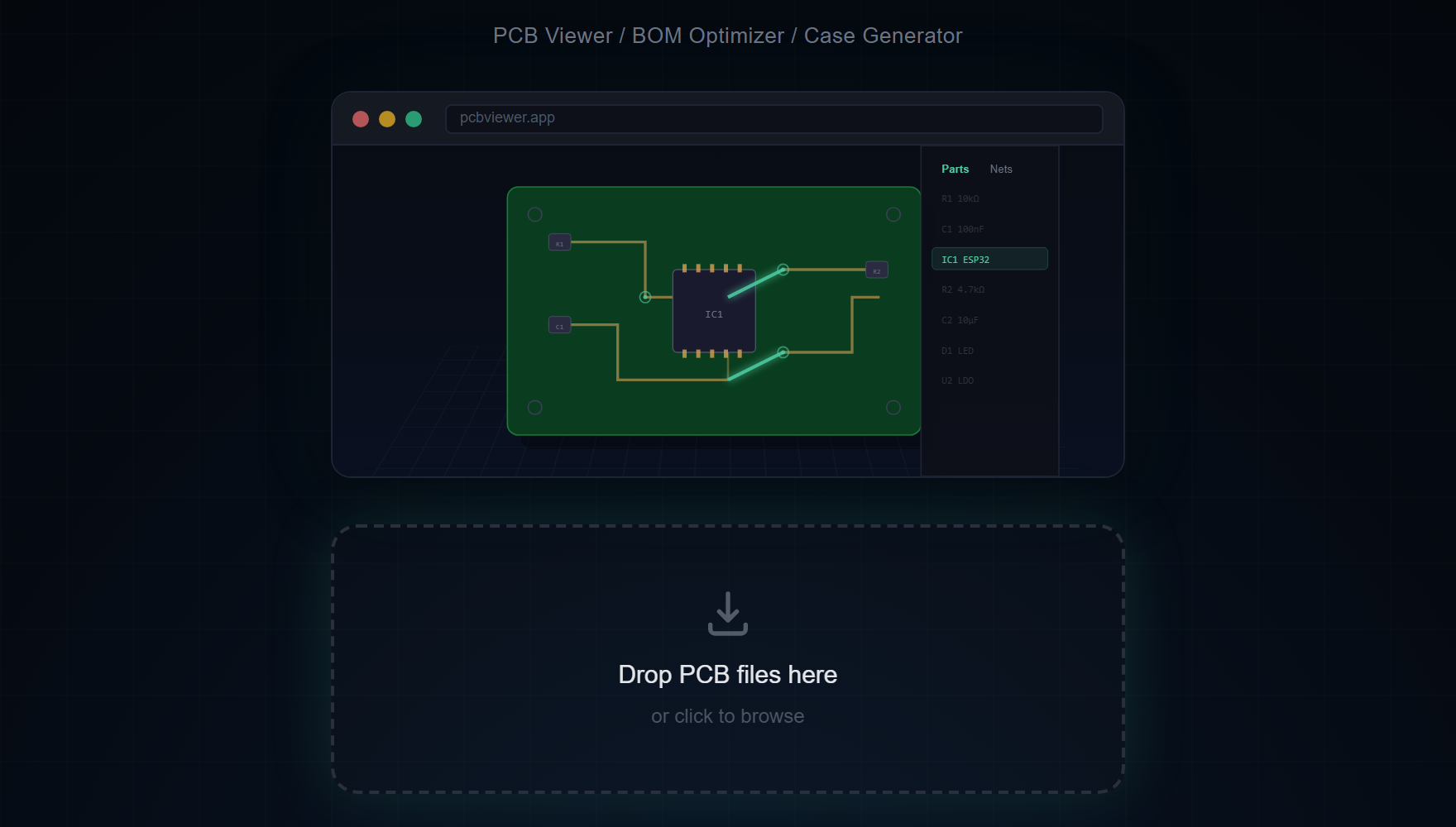
格式功能对比
由于每种格式存储的信息不同,功能支持也有所不同:
- 3D模型 — KiCad(模型路径)、Gerber(Pick&Place)、Eagle/Altium/EasyEDA(封装匹配)
- BOM数据 — 所有格式都提取元件参考、值和封装
- 网络连接 — KiCad和Eagle有完整网络数据;Gerber使用Web Worker分析
- 层堆叠 — KiCad支持最多32层;其他格式因设计而异
为何支持多种格式比打磨一种更重要
大多数 PCB 查看器项目早期的押注是挑一种格式做到极致,其他以后再说。KiCanvas 在 KiCad 上这么做,SnapEDA 的查看器在自家中间格式上这么做。代价是这些工具的用户在遇到其他格式时都需要别的查看器 — 而实际上,硬件工程师确实会遇到所有格式。一位创业 CTO 可能在 KiCad 中设计,与交付 Gerber 的厂商签约,雇佣发送 .PcbDoc 的前 Altium 顾问,再审计共享 EasyEDA 导出的 EMS。在每个之间切换查看器是个小但持续的摩擦。
把五个解析器做到生产质量比完善一个花的时间更长,但回报是查看器对跨格式团队成为摩擦最小的选择。实现模式一致:每种格式有自己的解析器文件(kicad-parser.ts、gerber-parser.ts、eagle-parser.ts、easyeda-parser.ts、altium-parser.ts),都产出相同的内部 BoardData JSON 形态。从那里开始,渲染流水线对格式无关。一旦解析完成,KiCad 板与 Altium 板在 3D 中看起来一样 — 相同的光照、相同的相机控制、相同的 BOM 面板。
格式检测是自动的。拖放区检查文件扩展名与内容魔术字节,然后不询问就路由到正确的解析器。.kicad_pcb 显然走 KiCad 解析器,.PcbDoc 以 OLE2 复合文件签名 D0 CF 11 E0 开头,<?xml 开头的 .brd 文件是 Eagle,.json 文件在解析器提交前会针对 EasyEDA 的特定 schema 测试。
当您不知道手里是什么格式时
如果同事在没有上下文的情况下发来 PCB 文件,直接拖到查看器里。自动检测会挑选正确的解析器并在标题栏报告检测到的格式。如果检测失败 — 通常是因为文件是被改名的导出,扩展名不对 — 错误信息会告诉您找到的魔术字节,那往往指向真实格式。看起来像 ZIP 但打不开的文件可能是缺少 .zip 扩展名的 Gerber 包;含二进制乱码的文件多半是有人忘了标注的 Altium .PcbDoc。
对于混合格式归档 — 比如包含 KiCad 源加上导出 Gerber 的项目文件夹 — 一次拖一个。查看器把每块板保留为独立会话,所以您可以把源设计与导出的制造文件比较,发现导出过程中引入的任何不一致。
常见问题
Can I convert between PCB formats?
MakerSuite 3D is a viewer and analyzer, not a format converter. It opens any supported format for 3D visualization, BOM extraction, and supplier search.
Which format gives the best 3D rendering?
KiCad and Altium provide the most complete data including 3D model references and full net connectivity. Gerber files give the best results with Pick & Place data included.
How does automatic format detection work?
The file extension and internal content structure are analyzed to automatically select the correct parser — no manual format selection needed.
Can I view multiple formats in one session?
Yes. Simply drag and drop a new file to replace the current board. The viewer automatically detects and switches parsers.
相关文章
几秒内打开任何PCB文件
打开 MakerSuite 3D