PADS Logic 原理图在线查看器 — 无需 PADS 打开 .sch 与 ASCII 导出文件
无需 PADS 查看 PADS Logic 原理图
PADS Logic(Mentor,现属 Siemens)把原理图保存为二进制 .sch,每套 PADS 也都能把它导出为 ASCII 文本文件。即使 PADS 许可早已不在,这两种文件仍常见于资料库、供应商资料包和交接文件中。如果你只需要读懂原理图 — 追踪网络、核对引脚、列出器件 — MakerSuite 3D 可在浏览器中直接打开其中任意一种。
如何打开 PADS Logic 原理图
- Open MakerSuite 3D — 无需登录或安装
- 把 .sch(或 PADS Logic 导出的 ASCII .txt)拖到上传区 — 也可以用 GitHub 链接
- 所有图纸连同图框和标题栏并排打开,器件按 PADS 放置的符号变体绘制
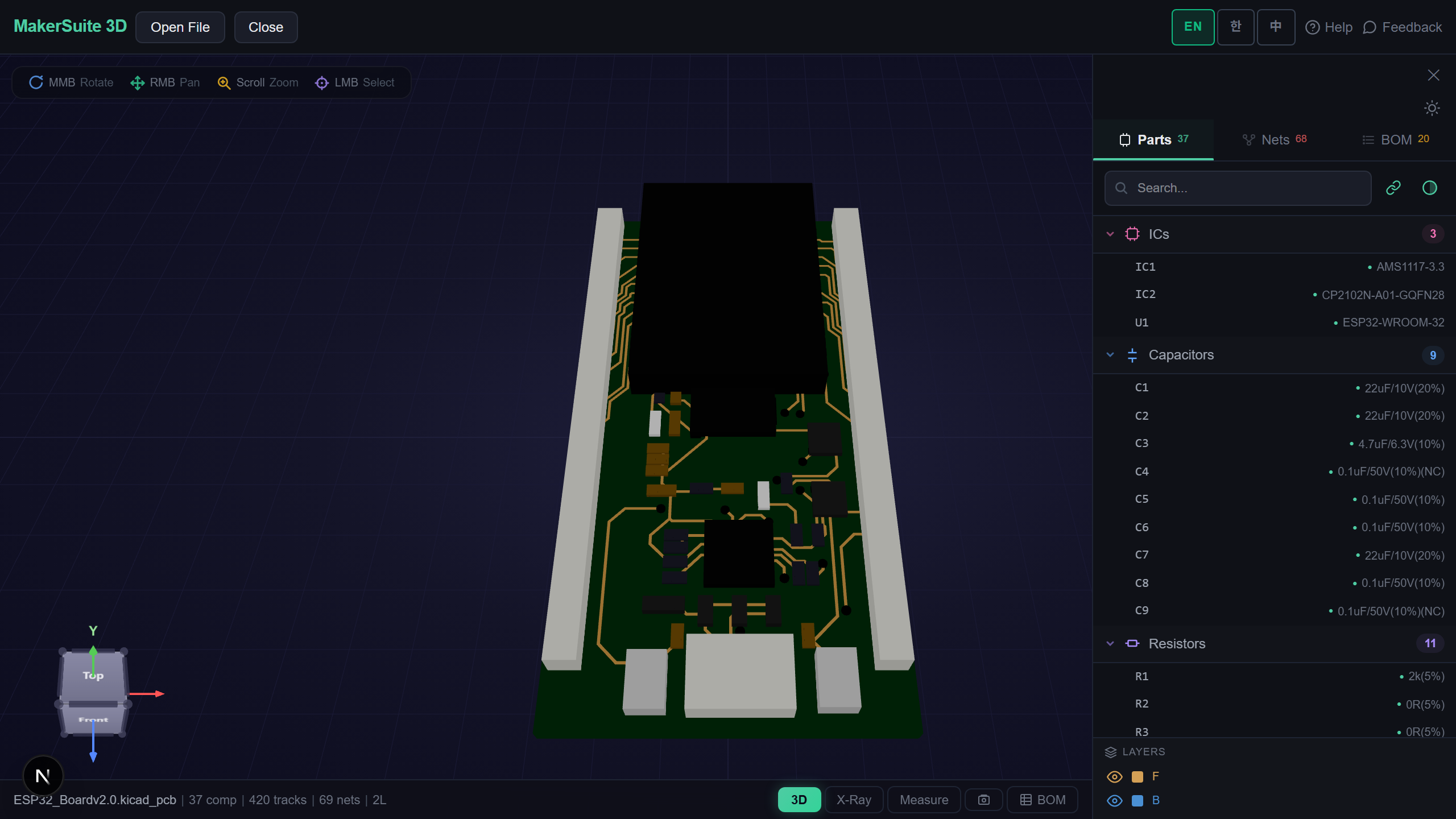
- 点击器件或网络即可高亮,搜索器件,打开带 LCSC、DigiKey、Mouser 实时价格的 BOM — 或在旁边打开 PADS Layout 板子
Open a PADS Logic schematic in the browser - no PADS install needed.
免费试用 MakerSuite 3DPADS Logic 读取器支持的内容
- 两种文件都支持 — PADS Logic VX 保存的二进制 .sch 和 ASCII 导出文件(File > Export);更早 PADS Logic 版本的二进制文件会提示改用 ASCII 导出
- 按放置原样绘制器件 — 每个门(U3-A、U3-B)都使用其封装变体、旋转与镜像;引脚按引脚封装绘制(含反相和时钟引脚),并显示编号和名称
- 网络来自文件而非推测 — 每条导线都属于有名称的信号,同名网络跨图纸相连,隐藏的电源引脚连到其器件类型指定的网络
- 图纸本身 — 图框和填好字段值的标题栏、自由文本、电源/地/跨页符号、连接点、总线和网络名
与 PADS Logic 的输出逐项核对
KiCad 测试集中有 23 个小型设计,由 PADS Logic VX 同时保存为二进制 .sch 和 PADS 自身的 ASCII 导出文件。分别读取每一对文件,23 对中有 22 对的器件、标签、导线、文本、图形和符号逐项一致(剩下一对只是连接器器件类型的存储方式不同)。而且每个指向引脚的导线端点都准确落在该引脚上 — 二进制文件 75/75,两个真实 ASCII 设计(其中一个有 106 个器件)501/501。
PADS Logic .sch 里有什么
二进制 .sch 是数据库的直接转储:文件头、全设计表(标题栏字段、属性、图纸与网络列表),然后每张图纸一组定长记录 — 符号图形、封装及其端子、带门和引脚的器件类型、放置、导线及其顶点、跨页与电源符号、连接点和网络名。长度以 2 mil 为单位存储,页面位置则存为加上固定偏移量的字。
ASCII 导出文件按节写出同一个设计:*CAEDECAL* 为符号,*PARTTYPE* 为门和引脚,*PART* 为放置,*SIGNAL* 块为各网络的导线。MakerSuite 把两者读入同一个模型,因此才能逐对比较。中欧等其他 Windows 代码页的文本按文件头指明的代码页解码。一切都在浏览器中完成,文件不会上传。
常见问题
Which PADS Logic files open?
The binary .sch that PADS Logic VX saves, and the ASCII file PADS Logic exports (File > Export, usually a .txt — renamed to .sch works too). The binary reader was checked against PADS Logic's own ASCII export of the same designs. Binary files from older PADS Logic versions get a message asking for the ASCII export instead.
Do I need PADS or a Siemens license?
No. The schematic is read directly in your browser; nothing is installed and the file is not uploaded.
Are multi-sheet designs and multi-gate parts shown?
Yes. Every sheet opens side by side, and each gate of a part (U3-A, U3-B) is drawn with the symbol variant PADS placed. Nets with the same name join across sheets, as PADS joins them.
Can I see the PADS Layout board too?
Yes. MakerSuite 3D also opens PADS Layout .pcb boards, binary or ASCII. Open the board next to the schematic to click a part in one and find it in the other.
相关文章
现在就打开你的 PADS Logic 原理图 — 免费。
打开 MakerSuite 3D