免费在线 PADS PCB 查看器 — 以 3D 打开 .asc/.pcb 文件
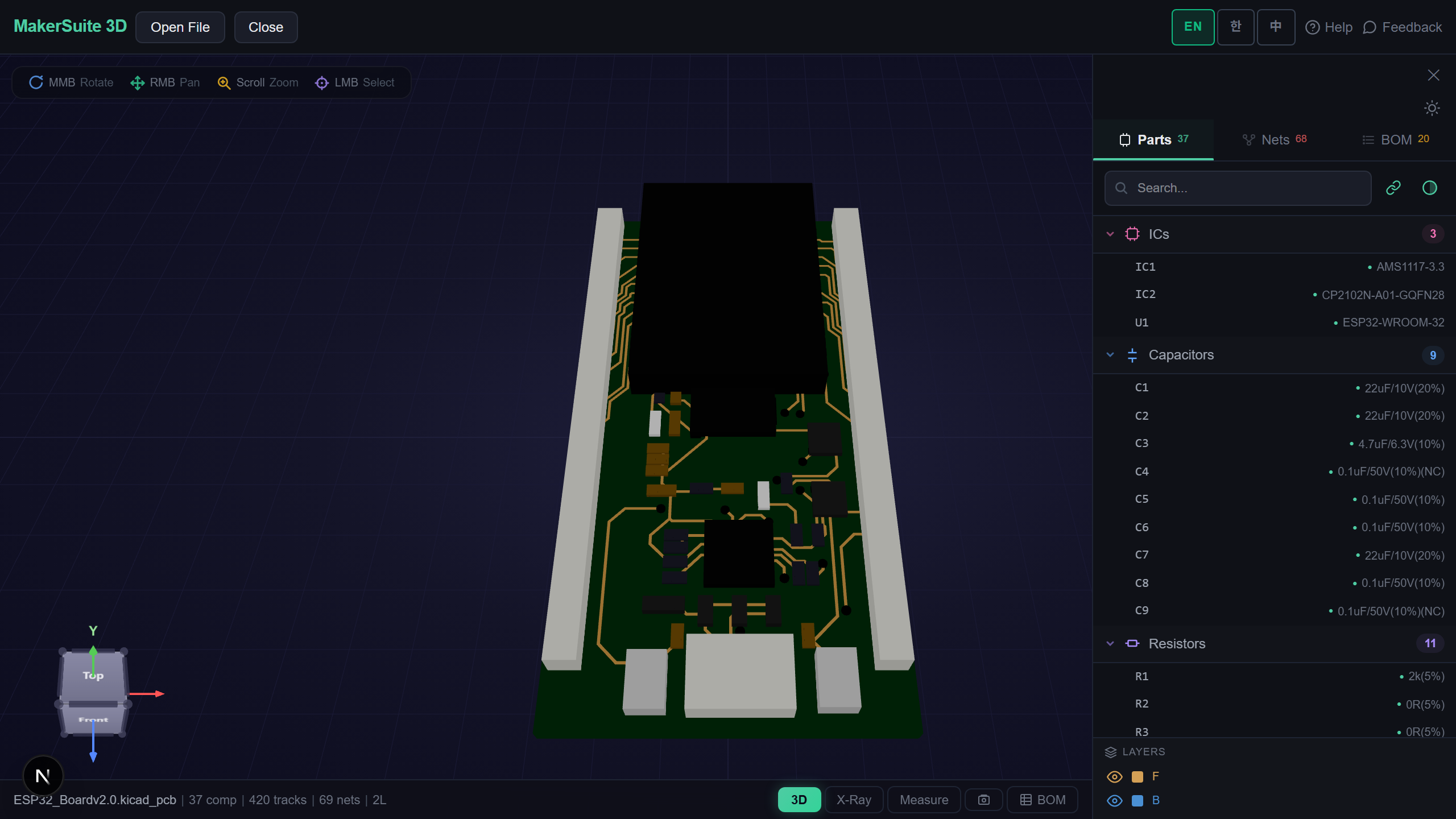
无需 PADS 也能查看 PADS 电路板
PADS Layout(Mentor/Siemens)以二进制 .pcb 保存电路板,但每个 PADS 都能导出完整文档化的 ASCII 格式。MakerSuite 3D 在浏览器中原生解析该 ASCII 导出 — PARTDECAL、PART、ROUTE、VIA、POUR 等区段还原为包含元件、走线、过孔和铺铜的 3D 电路板。无需 PADS 许可证,也不上传服务器。
如何在线查看 PADS 电路板
- Open MakerSuite 3D — 无需登录或安装
- 若是二进制 .pcb:在 PADS Layout 中 File → Export → ASCII(保持全部区段勾选)
- 将导出的 .asc(或 ASCII .pcb)拖入上传区
- 以 3D 浏览 — 网络高亮、X-Ray、测量,以及带 LCSC/DigiKey/Mouser 实时价格的 BOM
View your PADS board in 3D - no PADS license needed.
免费试用 MakerSuite 3DPADS 解析器读取的内容
- 元件封装 — 端子、焊盘堆叠(顶/内/底层)、通孔与 SMD 区分、封装轮廓作为丝印
- 布线 — 按信号的分段与层切换,过孔名称解析为真实钻孔/焊盘尺寸
- 铜层 — POUR 轮廓与元件级铜(散热环、外露焊盘)
- 单位 — MILS、MM、INCH 与 PADS BASIC 数据库单位(2/3nm)全部自动处理
同时支持其他 7 种 PCB 格式
同一查看器还能打开 KiCad、Gerber、Eagle、EasyEDA、Altium、P-CAD ACCEL_ASCII 和 Protel 99 SE ASCII 文件。
为什么 ASCII 导出是正确的桥梁
PADS 二进制格式是私有且无文档的,但 ASCII 格式拥有几十年保持稳定的 Mentor 官方规范。评审所需的几何、连接、铺铜和封装全部保留。
解析完全在浏览器内完成,设计文件不会离开你的电脑 — 与没有 PADS 授权的同事分享评审链接非常实用。
常见问题
Do I need PADS Layout installed to view a board?
No. MakerSuite 3D parses the PADS ASCII format directly in your browser. If your file is the binary .pcb, export ASCII once from any PADS install (File > Export > ASCII) and it opens here.
Which PADS units are supported?
MILS, MM, INCH, and the BASIC database units (2/3 nanometer) declared in the file header are all detected automatically.
Does it read routes and copper pours?
Yes. Per-signal route segments with layer changes, named vias with real drill sizes, POUR outlines, and component-level copper such as thermal pads all render in 3D.
Is my design uploaded to a server?
No. Parsing happens entirely in your browser - the file never leaves your machine.
相关文章
立即免费以 3D 打开你的 PADS 电路板。
打开 MakerSuite 3D