PCB BOM优化工具 — 找到最佳元件价格
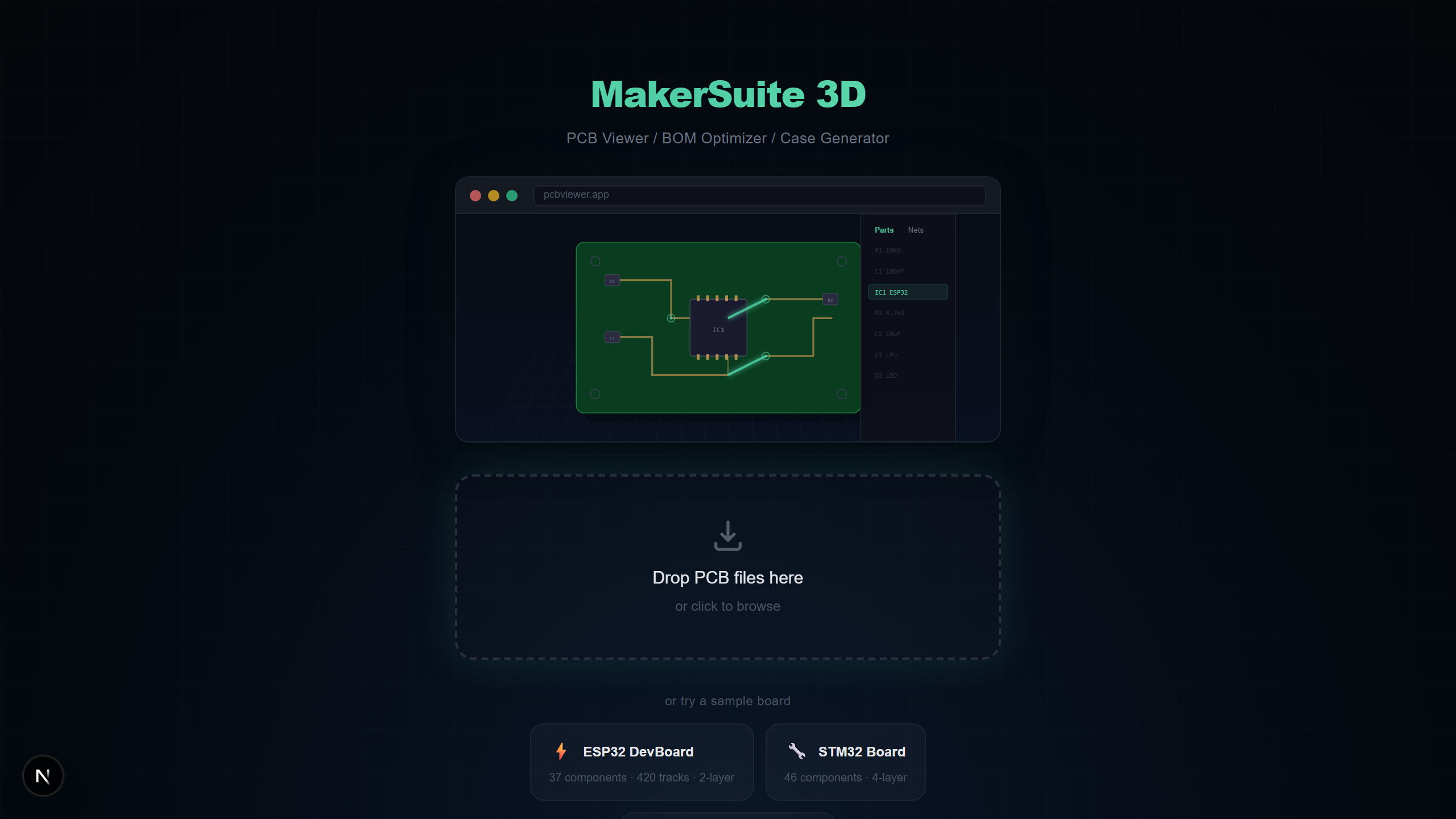
优化您的PCB物料清单
元件成本可以决定硬件项目的成败。MakerSuite 3D自动从任何PCB文件中提取BOM,同时搜索LCSC、DigiKey和Mouser以找到最佳价格 — 无需手动输入数据。
BOM优化工作原理
上传PCB文件后,MakerSuite 3D解析提取每个元件的参考、值、封装和制造商零件编号。BOM面板让您一键搜索三大供应商。
主要BOM功能
- 自动提取 — 元件按值和封装自动分组
- 三供应商同步搜索 — LCSC、DigiKey和Mouser同时搜索
- 交叉匹配 — 一个供应商找到的MPN自动触发其他供应商搜索
- 成本可视化 — 饼图显示哪些元件类型消耗预算
- 库存提醒 — 查看所有供应商的实时库存水平
- 导出选项 — 下载包含供应商定价的CSV或带样式的XLSX
Optimize your BOM costs — upload your PCB file now.
免费试用 MakerSuite 3D跨供应商匹配
当在一个供应商找到制造商零件编号(MPN)时,MakerSuite 3D自动使用该MPN搜索其他供应商。确保在所有供应商之间比较完全相同的元件,实现精确的价格比较。
BOM导出选项
将优化后的BOM导出为电子表格用CSV,或包含颜色编码定价、库存、数据手册链接和每个元件最优购买建议的带样式XLSX。
能为自己回本的 BOM 卫生
大多数 BOM 在交到采购手中时至少有三个问题之一:与几十个零件匹配的通用值、列出的供应商已不再供货的 MPN,或在设计中正确但在 BOM 行上错的封装。优化器把三者都揭示出来。每条缺少经过验证 MPN 的行都被标记,参数化搜索向您展示供应商认为它可能是哪些通用候选项 — 您可以选择一个,并在下次修订前把 MPN 烘回设计里。做一次就免去同一个人下个季度再做一次。
另一个安静的胜利是批次间的一致性。当您重新订购一块板时,供应商价格已经移动,库存已经轮替,六个月前最便宜的来源现在可能被 MOQ 锁定或停产。在每次 fab 下单前把同一份 .kicad_pcb(或 .PcbDoc、.brd 等)跑一遍优化器,会自动把这些变化暴露出来,无需手动重新定价。XLSX 导出捕获快照,让您拥有实际付款与报价之间的审计链路。
对使用 JLCPCB 装配的团队,优化器同时是降本工具。JLCPCB 对「Extended」零件按零件收取送料器费,对「Basic」零件不收。LCSC 搜索高亮哪些零件在 Basic 列表中,将三四条线从 Extended 切换到 Basic 等价物,往往能在小批量装配上削掉 20-30% 的成本。XLSX 捕获 JLCPCB 重新报价所需的 LCSC ID。
饼图想告诉您的事
如果饼图被一个切片主导 — 通常是微控制器、连接器或定制 IC — 那就是该花优化精力的地方。在 $0.05 的电阻上节省 20% 不可见;在 $4 的零件上节省 10% 立刻显现。设计师低估了总 BOM 成本中有多少住在两三个元件里。
留意关键零件的停产标志。即使是在您 fab 出货当天 EOL 的 $0.20 元件,也会让整个装配停摆。优化器高亮 DigiKey 与 Mouser 数据中的 EOL 警告,负责任的做法是规定第二来源 — 哪怕第一来源今天有库存。
常见问题
How does BOM optimization work?
MakerSuite 3D extracts components from your PCB file, groups them by value and footprint, then searches LCSC, DigiKey, and Mouser simultaneously to find the best prices.
Can I export the optimized BOM?
Yes. Export your BOM as CSV or XLSX with supplier pricing, stock levels, datasheet links, and optimal purchase recommendations.
Does it support cross-supplier price comparison?
Yes. Cross-matching technology uses manufacturer part numbers (MPN) to find the same component across all three suppliers for accurate comparison.
Is BOM extraction automatic?
Yes. Components are automatically extracted from your PCB file during parsing — no manual data entry required.
相关文章
为每个元件找到最佳价格
打开 MakerSuite 3D