在线查看PCB文件 — 无需安装软件
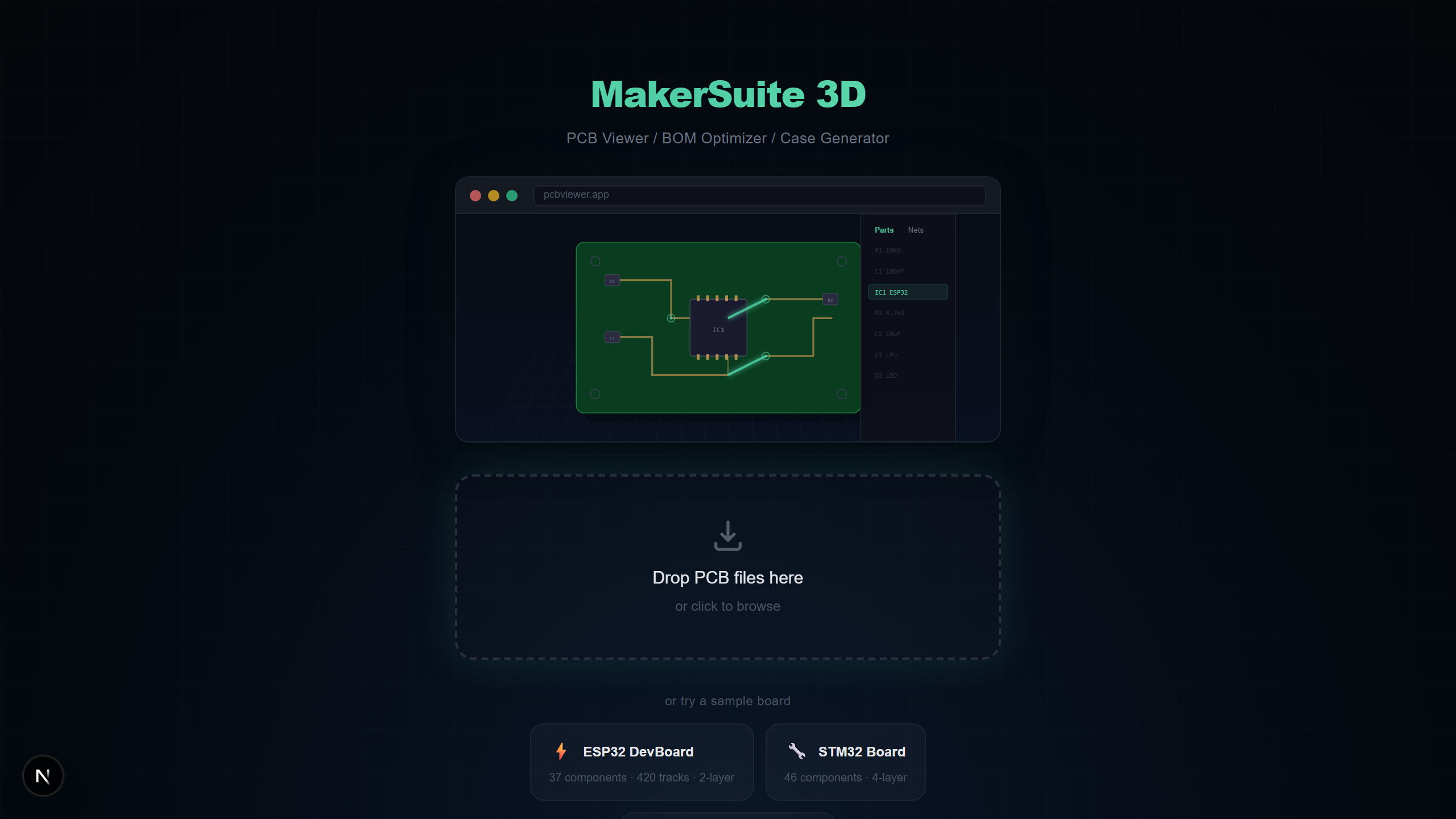
无需安装,直接打开
KiCad、Altium Designer、Eagle等传统PCB查看器需要大型桌面安装。MakerSuite 3D完全在浏览器中运行 — 拖放即可。
基于浏览器的PCB查看原理
MakerSuite 3D使用TypeScript解析器在浏览器本地解析PCB文件。文件不会上传到任何服务器。整个解析和3D渲染管道都在您的设备上运行。
支持的文件格式
- KiCad (.kicad_pcb) — 支持多层的完整S表达式解析器
- Gerber (.zip/.gbr) — 自动层检测的RS-274X
- Eagle (.brd) — 包含元件放置的XML板文件
- Altium (.PcbDoc) — OLE2/CFB二进制格式
- EasyEDA (.json) — LCEDA导出的JSON文件
No install needed — just drag and drop your PCB file.
免费试用 MakerSuite 3D相比桌面软件的优势
- 无需安装 — 在任何有现代浏览器的电脑上工作
- 无需账号 — 无需注册、邮箱、登记
- 跨平台 — Windows、Mac、Linux甚至Chromebook
- 始终最新 — 无需手动更新
- 隐私优先 — 文件不会离开您的设备
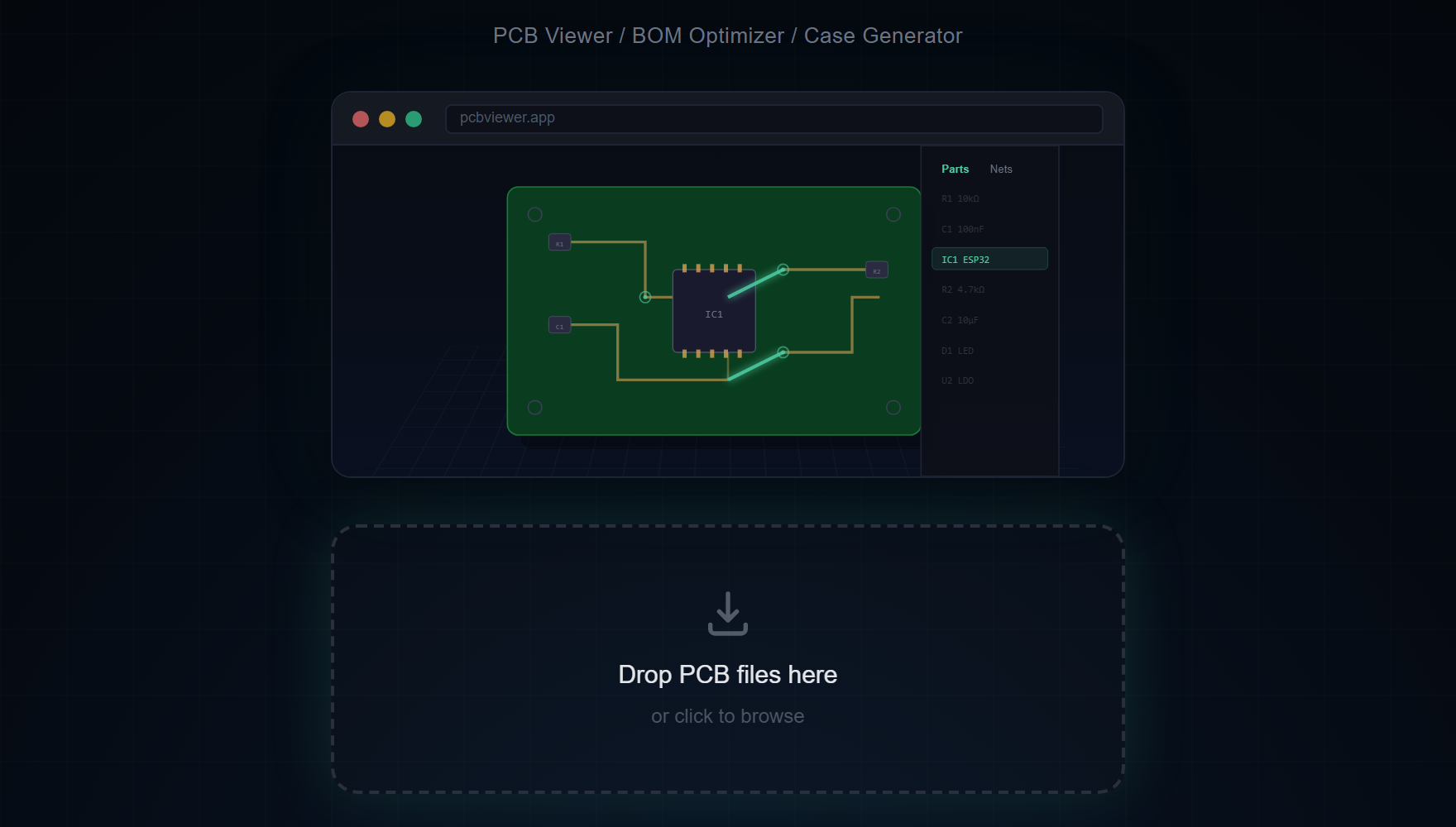
功能介绍
- 使用鼠标旋转、平移和缩放3D电路板
- 点击元件查看详细信息、网络和焊盘连接
- 切换层可见性和用于内部层的X-Ray模式
- 测量电路板上任意两点之间的距离
- 导出包含LCSC、DigiKey和Mouser价格的BOM
- 导出电路板的高分辨率PNG截图
还支持原理图文件
除了PCB文件外,MakerSuite 3D还可以直接在浏览器中打开KiCad原理图文件(.kicad_sch)— 无需安装。查看包含符号、导线、电源端口和网络标签的电路图,全部在本地解析和渲染。
「基于浏览器」在这里到底意味着什么
在浏览器里运行的工具与在您的浏览器里运行的工具之间有显著差异。第一种 — 大多数云查看器 — 把您的浏览器当作运行在服务器上的代码的远程控制器。您拖放文件,字节飞向数据中心,工作在那里发生,像素再回来。浏览器只是薄薄的显示层。第二种 — MakerSuite 所属 — 把解析与渲染代码运行在您自己的机器上,使用您的 CPU 与 GPU,对您的设计完全没有服务器侧计算。
技术基础是 WebAssembly 加上现代浏览器的文件 API。WebAssembly 把 C++ 库(用于 STEP 的 OpenCascade、用于网格修复的 manifold-3d)编译成在 JavaScript 引擎内沙盒运行的字节码,速度接近原生。File System Access API 与较早的 File API 让 JavaScript 直接把您的本地文件读进内存,无需上传步骤。WebGL 随后在您的 GPU 上渲染解析出的几何。它们共同让重量级 CAD 风格查看器在没有任何安装的情况下成为可能,而它们十年前并不存在。
实际后果在整个体验中扩散。电路板大致在从磁盘读取文件的时间内打开,因为没有网络往返。除可选地从 CDN 流送 STEP 元件模型外,网络中断时查看器仍能工作。超出浏览器典型上传上限(50 MB、100 MB)的文件没有问题,因为它们没有在被上传。
基于浏览器的查看器何时触顶
内存是主要天花板。带有数百个铜浇注和密集 BOM 的复杂 12 层板可能把浏览器标签推到 1 GB RAM 之外。Chrome 与 Firefox 在桌面上都把那个上限慷慨地拉高,但移动端的余量更小。如果您试图在手机上检查服务器级电路板,请预期偶尔的重新加载 — 即便桌面 CAD 工具在那里也会吃力。
另一个实际约束是 GPU 能力。WebGL 需要可用的硬件加速器;在 GPU 加速被禁用的机器上(被锁定的企业笔电、非常老的硬件、缺少正确驱动的某些 Linux 设置),查看器会回退到 CPU 渲染,帧率下降。修复方法是在浏览器设置中启用硬件加速。
常见问题
Why use a browser-based PCB viewer instead of desktop software?
No installation, no updates, no license fees. Works instantly on any OS — just open your browser and drag your PCB file.
Is it secure to view PCB files in a browser?
Yes. All file processing happens locally in your browser using TypeScript parsers. No data is ever sent to any server.
What browsers are supported?
Any modern browser with WebGL support — Chrome, Firefox, Safari, and Edge. Works on both desktop and mobile.
Can I use it offline?
The initial page load requires internet, but once loaded, PCB file parsing works entirely offline. Only supplier search and 3D model CDN require connectivity.
相关文章
准备好不安装任何东西就查看PCB了吗?
打开 MakerSuite 3D