带BOM管理的PCB查看器 — 3D电路板 + 供应商报价
为什么BOM管理应该在PCB查看器内
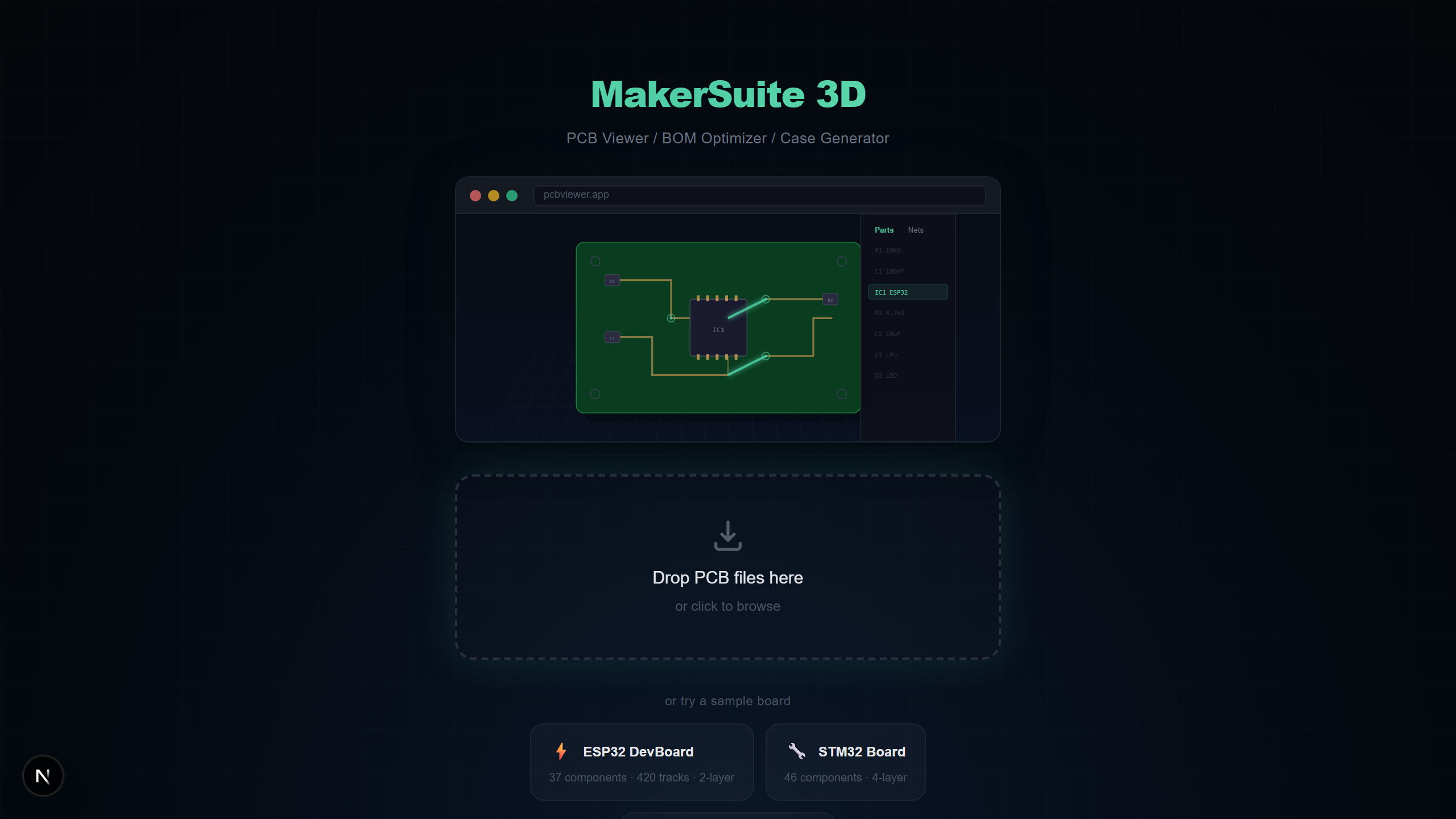
传统上PCB查看和BOM管理是分开的工作流程。在查看器中检查板布局,在电子表格中管理BOM,在供应商网站上手动搜索价格。MakerSuite 3D将BOM提取、供应商搜索和3D可视化集成到一个浏览器标签页中,消除了上下文切换。悬停在BOM行上,对应的元件在3D中高亮显示。
集成BOM + 3D的重要性
将BOM管理与3D PCB可视化结合可以解决任何单独工具都无法解决的问题:
- 可视元件验证 — 悬停在BOM行上,元件立即在3D中高亮,确认正确位置的正确零件
- 封装到价格映射 — 在3D中查看元件物理尺寸的同时检查同封装是否有更便宜的替代品
- 缺失元件检测 — 发现布局中有但BOM中没有的元件,或反之
- 组装成本估算 — 通过饼图查看哪些元件类别消耗最多预算的总项目成本明细
BOM提取工作原理
MakerSuite 3D在解析过程中自动从PCB文件中提取BOM数据。完整工作流程:
- 将PCB文件上传到pcbviewer.app(支持全部9种PCB格式)
- 解析器提取每个元件的参考标识符(R1、C5、U3)、值(10k、100nF、STM32F4)和封装(0603、LQFP-64)
- 打开BOM面板——元件按值和封装自动分组,显示数量统计
- 点击BOM行的搜索按钮同时查询LCSC、DigiKey和Mouser的定价和库存
- 结果以价格、库存水平、数据手册链接和缩略图内联显示。最便宜的选项标有绿色徽章。
支持的供应商
MakerSuite 3D搜索三大电子元件分销商,覆盖预算型和高端供应链:
- LCSC / JLCPCB — JLCPCB SMT贴装最低价。海量SMD元件目录和LCSC料号。低成本打样的理想选择。
- DigiKey — 包含详细规格、参数搜索和PDF数据手册的优质精选。紧急订单快速发货。
- Mouser — 制造商直销价格和广泛库存。适合量产数量和难找的元件。
想亲自试试?上传你的 PCB 文件。
免费试用 MakerSuite 3D跨供应商MPN匹配
MakerSuite 3D BOM系统最强大的功能之一是跨供应商匹配。当LCSC返回带有制造商料号(MPN)如TPS63020DSJR的结果时,MakerSuite 3D自动在DigiKey和Mouser中搜索该确切MPN。这种被动传播确保您在所有供应商之间比较完全相同的元件。
BOM面板功能
- 自动分组 — 相同值和封装的元件分组为一个BOM行并显示数量
- 3D悬停高亮 — 悬停在任何BOM行上,对应元件在3D视图中发光——立即在板上定位任何零件
- 成本饼图 — 按元件类别(IC、电容、电阻、连接器等)的项目成本可视化分析
- 库存提醒 — 三个供应商的实时库存水平。下单前发现缺货元件。
- 数据手册链接 — DigiKey和Mouser结果中的制造商PDF数据手册直接链接
- BOM差异对比 — 比较两个版本的BOM,查看设计修订间添加、删除或更改的元件
BOM导出选项
将BOM导出为电子表格导入用的纯CSV,或包含颜色编码供应商定价、库存、最优采购推荐(绿色勾选标记)和可点击数据手册超链接的带样式XLSX。XLSX格式包含格式化标题、列宽和条件格式。
谁受益于BOM + 3D集成?
- 在确定PCB设计前估算原型成本的硬件初创公司
- 在LCSC、DigiKey和Mouser之间优化供应商选择来构建采购订单的采购工程师
- 向客户交付完整BOM成本报告和3D板可视化的自由PCB设计师
- 在开始组装前验证BOM数据与物理板布局匹配的制造团队
常见问题
What is a PCB BOM viewer?
A PCB BOM viewer extracts the Bill of Materials from your PCB design file and displays it alongside the 3D board view. MakerSuite 3D automatically groups components by value and footprint, and lets you hover over BOM rows to highlight the corresponding components in 3D.
Can I search component prices from the BOM viewer?
Yes. MakerSuite 3D searches LCSC, DigiKey, and Mouser simultaneously for every component in your BOM. Results include real-time pricing, stock availability, datasheet links, and manufacturer part numbers.
What is cross-supplier matching?
When one supplier returns a manufacturer part number (MPN) for a component, MakerSuite 3D automatically queries the other two suppliers with that exact MPN. This ensures you compare identical parts across all vendors for accurate price comparison.
Can I export the BOM with supplier pricing?
Yes. You can export your BOM as CSV or styled XLSX. The XLSX export includes color-coded pricing from all three suppliers, stock levels, datasheet links, and a green checkmark indicating the optimal (cheapest) source for each component.
Which PCB formats support BOM extraction?
All 9 PCB formats supported by MakerSuite 3D extract BOM data: KiCad (.kicad_pcb), Gerber (with .csv BOM), Eagle (.brd), EasyEDA (.json), Altium (.PcbDoc), PADS (binary or ASCII .pcb/.asc), P-CAD and Protel 99 ASCII (.pcb), and Cadence Allegro (.brd). Components are automatically extracted with reference designators, values, and footprints.
相关文章
使用集成BOM管理查看您的PCB
打开 MakerSuite 3D