KiCad 회로도 뷰어 온라인 — .kicad_sch 파일 즉시 보기

KiCad 설치 없이 KiCad 회로도 보기
KiCad는 가장 인기 있는 오픈소스 EDA 도구이고, .kicad_sch는 KiCad의 기본 회로도 포맷입니다. 하지만 회로도 파일 하나를 보려고 KiCad 전체를 설치하는 것은 과합니다. 동료, GitHub 저장소, 오픈소스 프로젝트의 회로도를 빠르게 확인해야 할 때 MakerSuite 3D를 사용하면 브라우저에서 바로 .kicad_sch 파일을 열 수 있습니다.
단계별: .kicad_sch 파일 온라인으로 보기
- Open pcbviewer.app — pcbviewer.app 열기 — 설치나 가입 불필요
- .kicad_sch 파일을 드롭 존에 드래그 앤 드롭
- 회로도 파서가 S-expression 형식을 읽고 모든 심볼, 와이어, 라벨, 전원 포트를 추출
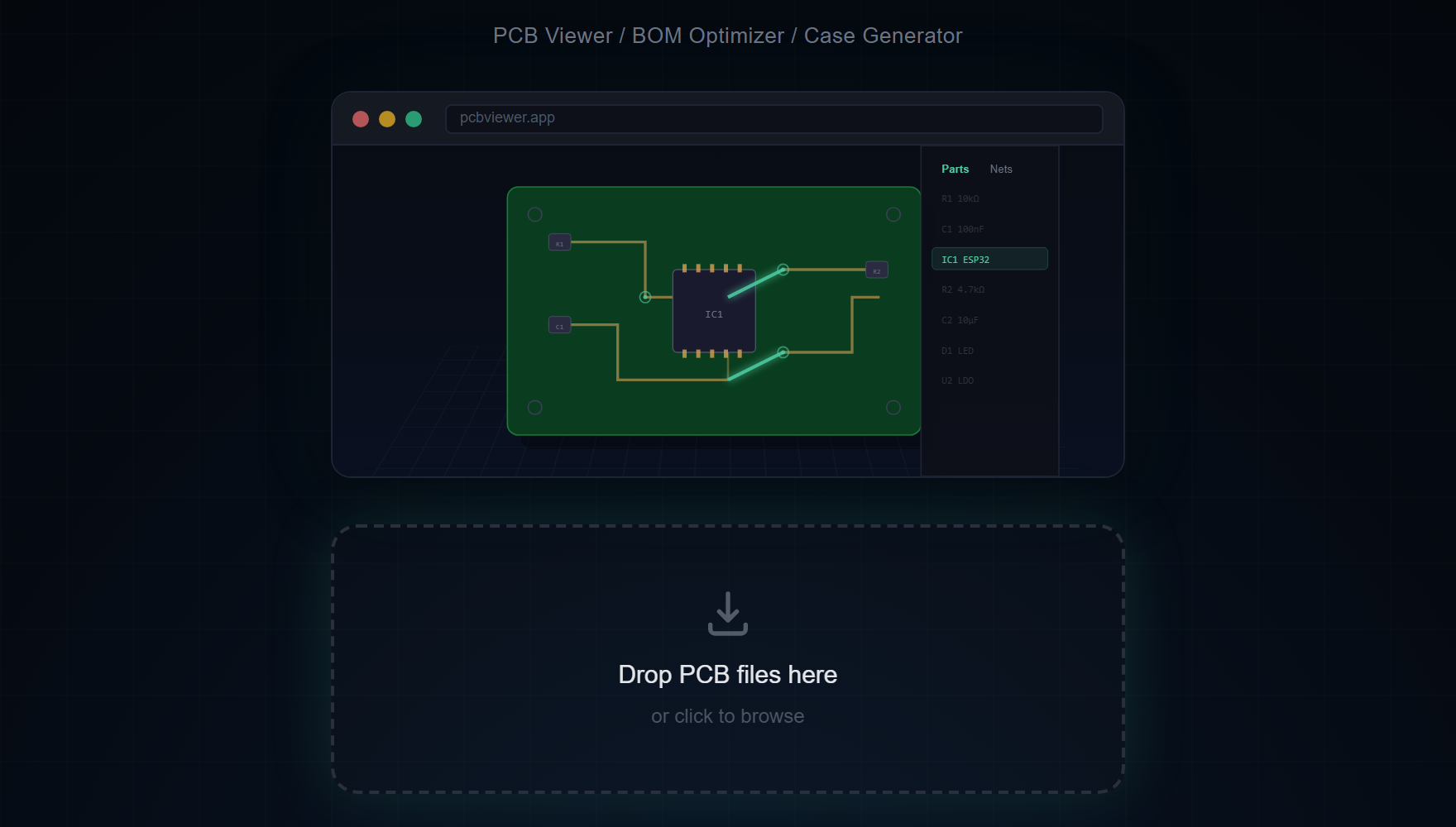
- 회로도가 2D Canvas에 표시됨 — 오른쪽 마우스로 패닝, 스크롤 휠로 줌
- 부품 사이드바에서 레퍼런스(R1, U3, C5)나 값(10k, STM32F4)으로 부품 검색
- 넷 사이드바에서 넷을 클릭하면 연결된 모든 와이어와 핀이 하이라이트
KiCad 전용 회로도 기능
- KiCad 심볼 라이브러리 — 저항, 커패시터, IC, 커넥터 등의 표준 회로도 심볼이 올바른 핀 레이아웃과 방향으로 렌더링
- 와이어 라우팅 — .kicad_sch S-expression 데이터에서 모든 와이어 세그먼트, 정션, 버스 연결을 정확하게 파싱하고 그리기
- 넷 라벨 — 글로벌 라벨, 로컬 라벨, 계층 라벨이 넷 이름과 함께 표시되어 신호 추적이 용이
- 전원 포트 — VCC, GND, 3V3, 5V 및 기타 전원 심볼이 색상으로 구분되어 전원 레일을 즉시 식별
- 텍스트 및 노트 — 회로도 텍스트 주석과 설계 노트가 올바른 위치와 크기로 렌더링
- 멀티시트 탐색 — 여러 회로도 시트가 있는 프로젝트에서 페이지 간 이동하여 전체 설계를 확인
Open your KiCad schematic in the browser right now.
MakerSuite 3D 무료로 써보기지원 KiCad 버전
회로도 뷰어는 KiCad 6부터 KiCad 10까지의 .kicad_sch 파일과, KiCad 4·5의 예전 .sch 파일(레거시 포맷)을 엽니다 — 새 KiCad에서 다시 저장할 필요가 없습니다. 레거시 .sch에는 심볼 그림이 들어 있지 않고, 프로젝트의 -cache.lib에 따로 있습니다. .sch와 -cache.lib(또는 그 회로도가 쓰는 .lib 파일)를 함께 선택해 한 번에 놓으면 모든 심볼이 그려집니다. .sch만 놓아도 회로도는 열리고, 부품은 이름이 붙은 상자로 표시됩니다.
회로도 + PCB 뷰어를 하나의 도구에서
MakerSuite 3D는 같은 브라우저 탭에서 회로도 뷰어와 3D PCB 뷰어를 모두 제공하는 독보적인 도구입니다. .kicad_sch를 업로드하여 회로도를 보고, 매칭되는 .kicad_pcb를 업로드하여 물리적 보드 레이아웃을 3D로 확인하세요. 회로도 연결과 실제 PCB 라우팅을 교차 참조하기 쉽습니다.
유용한 키보드 단축키
- S — 회로도를 PNG 스크린샷으로 저장
- ESC — 선택 해제 및 하이라이트된 넷 해제
- 스크롤 — 회로도 캔버스 줌 인/아웃
자주 묻는 질문
Does the viewer support multi-sheet schematics?
Yes. For KiCad projects with multiple schematic sheets, you can navigate between pages to see the complete design. Each sheet is rendered independently on the canvas.
Can I search for components in the schematic?
Yes. The Parts sidebar lets you search by reference designator (R1, U3), value (10k, STM32F4), or footprint. Click any result to highlight and center it on the canvas.
Does the viewer support net highlighting?
Yes. Click any net in the Nets sidebar to highlight all connected wires and pin connections across the entire schematic. Power nets like VCC and GND are color-coded automatically.
Which KiCad versions are supported?
The schematic viewer opens .kicad_sch files from KiCad 6 through KiCad 10, and legacy KiCad 4/5 .sch files without re-saving them. For a legacy .sch, drop the project's -cache.lib (or the .lib files it uses) together with it to see the symbols; dropped alone, each part is drawn as a labelled box.
Can I view both schematic and PCB in the same tool?
Yes. MakerSuite 3D supports both .kicad_sch schematic files and .kicad_pcb board files. Upload one to see the circuit diagram, and the other to see the 3D board layout.
관련 글
브라우저에서 KiCad 회로도를 열어보세요
MakerSuite 3D 열기