모든 PCB 파일 포맷 지원 — KiCad, Gerber, Eagle, Altium, EasyEDA

모든 PCB 포맷을 위한 하나의 뷰어
다른 파일 포맷마다 다른 뷰어를 사용하지 마세요. MakerSuite 3D는 9가지 PCB 포맷을 자동으로 감지하고 파싱합니다 — 브라우저 탭 하나에서 모두.
지원 포맷 상세
KiCad (.kicad_pcb)
완전한 S-expression 재귀 파서. 다층 PCB(최대 32 구리 레이어), 블라인드/매립 비아, 아크 Edge Cuts, 존 필을 지원합니다. STEP 로딩을 위한 부품 3D 모델 경로를 읽습니다.
Gerber (.zip / .gbr / .ger)
Excellon 드릴 파일을 지원하는 RS-274X 확장 Gerber 파서. 파일명에서 레이어를 자동 감지합니다. 모든 레이어가 포함된 ZIP을 업로드하거나 개별 파일을 드래그하세요. Pick & Place와 BOM CSV 가져오기를 지원합니다.
Eagle (.brd)
Autodesk Eagle XML 보드 파서. XML 구조에서 부품, 트레이스, 비아, 실크스크린을 추출합니다. Eagle의 회전 및 미러링 규약을 지원합니다.
Altium (.PcbDoc)
OLE2/CFB 바이너리 포맷 파서. 바이너리 복합 문서에서 부품 위치, 구리 필, 메카니컬 레이어, Texts6 실크스크린 데이터를 직접 읽습니다.
EasyEDA / LCEDA (.json)
좌표 변환(10mil→mm)을 포함한 JSON 포맷 파서. EasyEDA 레이어 번호를 표준 PCB 레이어 이름으로 매핑합니다. 내보낸 프로젝트 파일을 지원합니다.
One viewer for all PCB formats — try it now.
MakerSuite 3D 무료로 써보기자동 포맷 감지
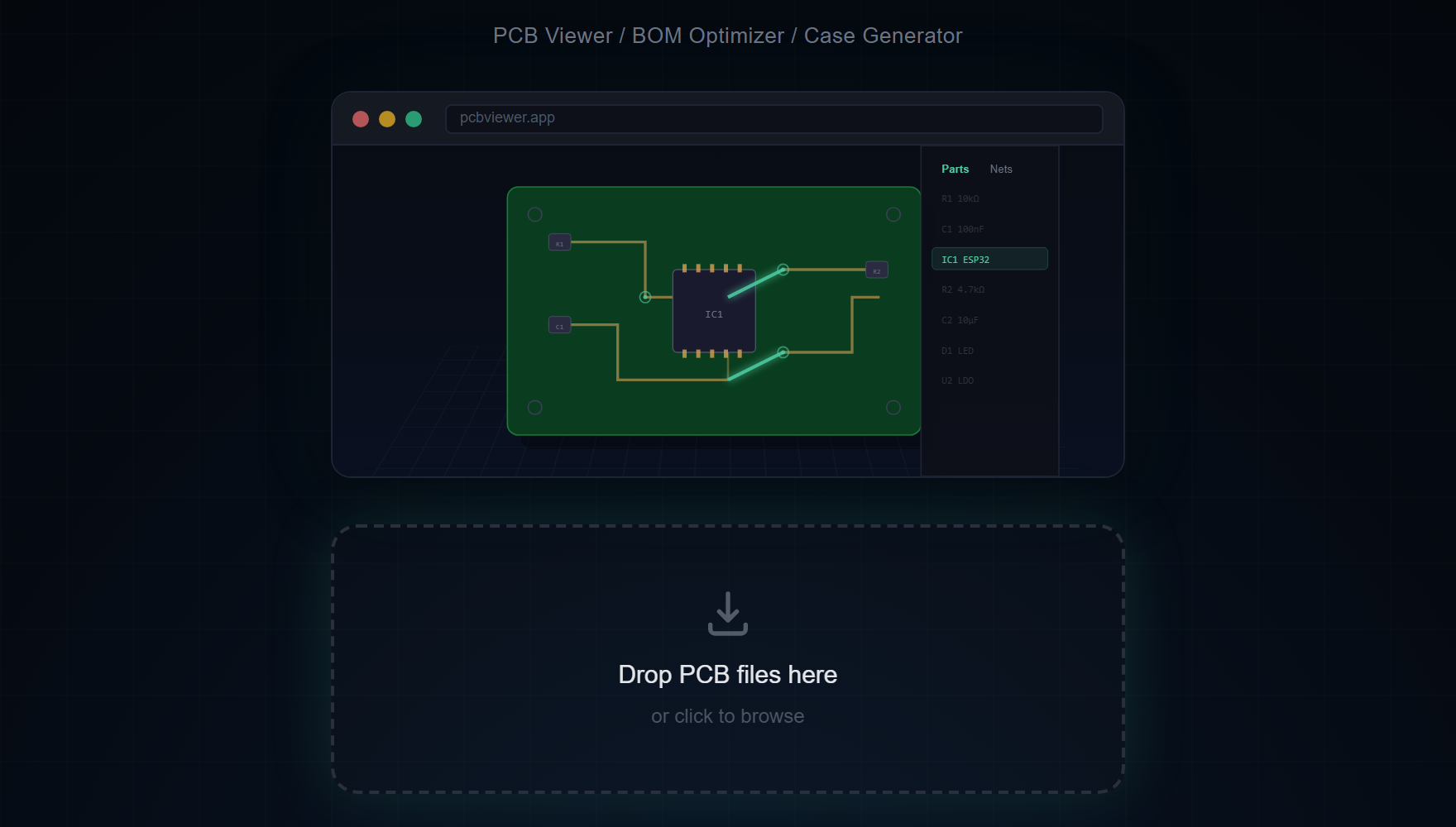
파일을 드래그 앤 드롭하세요. MakerSuite 3D가 파일 확장자와 내용을 분석하여 적절한 파서를 자동으로 선택합니다. 수동 포맷 선택이 필요 없습니다.
포맷별 기능 비교
각 포맷이 저장하는 정보에 따라 기능 지원이 다릅니다:
- 3D 모델 — KiCad(모델 경로), Gerber(Pick&Place), Eagle/Altium/EasyEDA(풋프린트 매칭)
- BOM 데이터 — 모든 포맷에서 부품 레퍼런스, 값, 풋프린트 추출
- 넷 연결 — KiCad와 Eagle은 완전한 넷 데이터 포함; Gerber는 Web Worker 분석 사용
- 레이어 스택업 — KiCad는 최대 32레이어 지원; 다른 포맷은 설계에 따라 다름
포맷의 폭이 한 포맷을 다듬는 것보다 중요했던 이유
대부분의 PCB 뷰어 프로젝트의 초기 베팅은 한 포맷을 골라 정말 잘 다루고 나머지는 나중에 걱정하는 것입니다. KiCanvas는 KiCad로 그렇게 합니다. SnapEDA의 뷰어는 자체 중간 포맷으로 그렇게 합니다. 트레이드오프는 그 도구의 사용자가 마주치는 다른 모든 포맷에 다른 뷰어가 필요하다는 것 — 그리고 실제로 하드웨어 엔지니어는 모든 포맷을 마주칩니다. 스타트업 CTO가 KiCad로 설계하고, Gerber를 보내는 제조사와 계약하고, .PcbDoc를 보내는 전 Altium 컨설턴트를 고용하고, EasyEDA export를 공유하는 EMS를 감사할 수 있습니다. 그 사이를 뷰어로 왔다갔다 하는 건 작지만 끊임없는 마찰입니다.
다섯 파서를 양산 품질까지 끌어올리는 데 한 파서를 완성하는 것보다 시간이 더 걸렸지만, 그 보상은 뷰어가 여러 포맷을 다루는 팀에게 가장 마찰 적은 옵션이 된다는 것입니다. 구현 패턴은 일관됩니다 — 각 포맷은 자체 파서 파일(kicad-parser.ts, gerber-parser.ts, eagle-parser.ts, easyeda-parser.ts, altium-parser.ts)을 가지며 같은 내부 BoardData JSON 형태를 산출합니다. 그 다음부터는 렌더링 파이프라인이 포맷-agnostic합니다. KiCad 보드와 Altium 보드는 일단 파싱되면 3D에서 같아 보입니다 — 같은 조명, 같은 카메라 컨트롤, 같은 BOM 패널.
포맷 감지는 자동입니다. 드롭존이 파일 확장자와 콘텐츠 매직 바이트를 검사한 뒤 묻지 않고 올바른 파서로 라우팅합니다. .kicad_pcb는 명백히 KiCad 파서로, .PcbDoc는 OLE2 compound 시그니처 D0 CF 11 E0로 시작, <?xml로 시작하는 .brd는 Eagle, .json 파일은 파서가 commit하기 전에 EasyEDA의 특정 스키마로 테스트됩니다.
어떤 포맷인지 모를 때
동료가 컨텍스트 없이 PCB 파일을 보내면 그냥 뷰어에 드롭하세요. 자동 감지가 올바른 파서를 고르고 타이틀 바에 감지된 포맷을 보고합니다. 감지가 실패한다면 — 보통 잘못된 확장자로 이름이 바뀐 export 때문 — 에러 메시지가 어떤 매직 바이트가 발견됐는지 알려주고 그것이 종종 실제 포맷을 가리킵니다. ZIP처럼 보이는데 안 열리는 파일은 .zip 확장자가 빠진 Gerber 패키지일 수 있고, 바이너리 가비지가 든 파일은 누군가 라벨링을 잊은 Altium .PcbDoc일 가능성이 큽니다.
혼합 포맷 아카이브 — 예를 들어 KiCad 소스에 export된 Gerber가 함께 있는 프로젝트 폴더 — 의 경우 한 번에 하나씩 드롭하세요. 뷰어는 각 보드를 별도 세션으로 유지하므로 소스 디자인을 export된 제조 파일과 비교하면서 export 중에 들어간 불일치를 발견할 수 있습니다.
자주 묻는 질문
Can I convert between PCB formats?
MakerSuite 3D is a viewer and analyzer, not a format converter. It opens any supported format for 3D visualization, BOM extraction, and supplier search.
Which format gives the best 3D rendering?
KiCad and Altium provide the most complete data including 3D model references and full net connectivity. Gerber files give the best results with Pick & Place data included.
How does automatic format detection work?
The file extension and internal content structure are analyzed to automatically select the correct parser — no manual format selection needed.
Can I view multiple formats in one session?
Yes. Simply drag and drop a new file to replace the current board. The viewer automatically detects and switches parsers.
관련 글
몇 초 만에 어떤 PCB 파일이든 열어보세요
MakerSuite 3D 열기