무료 3D PCB 뷰어 온라인 — STEP 모델로 실감나는 렌더링
3D PCB 뷰어는 무엇이 다른가요?
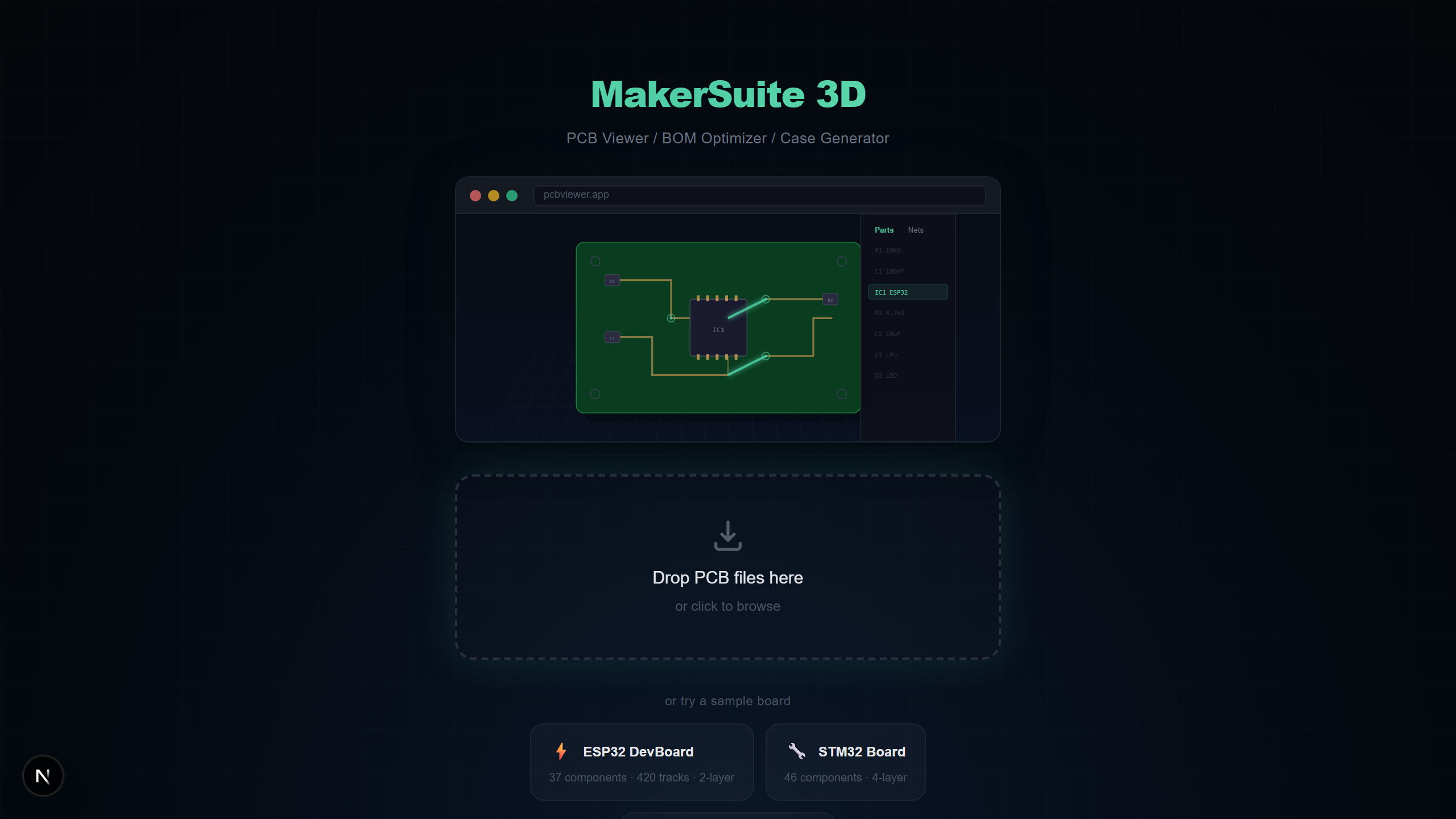
대부분의 PCB 뷰어는 보드를 평면 2D 이미지로 보여줍니다. 3D PCB 뷰어는 이 데이터를 사실적이고 회전 가능한 3차원 장면으로 변환하여 부품 높이, 물리적 간섭, 조립 후 보드의 실제 모습을 확인할 수 있습니다. MakerSuite 3D는 STEP 모델, SSAO, Bloom 포스트프로세싱으로 사진처럼 사실적인 렌더링을 브라우저에서 직접 제공합니다.
3D 시각화가 PCB 설계에서 중요한 이유
PCB를 3D로 보는 것은 단순한 미관이 아닙니다. 2D 뷰어로는 해결할 수 없는 실제 엔지니어링 문제를 해결합니다:
- 기구 간섭 확인 — 높은 부품이 인클로저 벽과 간섭하는지 첫 프로토타입 주문 전에 확인
- 부품 방향 확인 — 회전된 IC나 전해 커패시터의 극성 오류를 즉시 발견
- 열 분석 미리보기 — 방열판 클리어런스나 공기 흐름 공간이 필요한 부품 식별
- 고객 및 이해관계자 프레젠테이션 — 비엔지니어에게 완성된 보드의 실제 모습을 보여줌
- 조립 검증 — 3D 렌더링과 실제 보드를 비교하여 제조 오류 확인
PCB를 온라인에서 3D로 보는 방법
MakerSuite 3D로 PCB를 3D 뷰로 만드는 데 약 5초가 걸립니다:
- 브라우저에서 pcbviewer.app을 엽니다 — 설치나 회원가입 불필요
- PCB 파일을 드래그 앤 드롭합니다 (.kicad_pcb, .zip Gerber, .brd, .json, 또는 .PcbDoc)
- 뷰어가 파일을 로컬에서 파싱하고 모든 구리 레이어, 실크스크린, 부품과 함께 3D로 렌더링합니다
- 마우스 중간 버튼으로 회전, 오른쪽 버튼으로 이동, 스크롤 휠로 줌 — Autodesk Inventor와 동일한 컨트롤
3D 렌더링 기술
MakerSuite 3D는 React Three Fiber(Three.js)와 전문적인 포스트프로세싱 파이프라인을 사용하여 고품질 3D PCB 시각화를 제공합니다:
- STEP 3D Models — Cloudflare R2 CDN에서 116개 이상의 실감나는 부품 모델을 IPC-7351 풋프린트 명명 규칙과 제조사 부품번호로 매칭하여 로딩
- SSAO (N8AO) — SSAO가 부품 사이, IC 패키지 아래, 보드 가장자리에 사실적인 그림자를 추가
- Bloom Glow — 선택된 넷이 Bloom 이펙트로 발광하여 보드 전체에서 신호 경로를 시각적으로 쉽게 추적
- Tone Mapping — ACES 필름 톤 매핑으로 다양한 모니터에서 과노출 없이 자연스러운 색상 보장
- 3D Nav Cube — Siemens NX / Autodesk Inventor 스타일 방향 큐브로 빠른 카메라 프리셋 (위, 아래, 앞, 뒤, 왼쪽, 오른쪽)
직접 해보고 싶으신가요? PCB 파일을 업로드해 보세요.
MakerSuite 3D 무료로 써보기지원하는 PCB 파일 포맷
MakerSuite 3D가 자동으로 파일 포맷을 감지하고 올바른 파서를 적용합니다. 모든 파싱은 브라우저에서 처리됩니다:
- KiCad — 완전한 넷 데이터, 다층 지원(최대 32 구리 레이어), 존 필, 3D 모델 경로가 포함된 .kicad_pcb 파일
- Gerber — Excellon 드릴이 포함된 RS-274X Gerber ZIP, 자동 레이어 감지, 3D 부품 배치용 Pick & Place 옵션
- Eagle — 부품 회전, 미러링, 실크스크린 텍스트 추출이 포함된 XML 기반 .brd 파일
- EasyEDA — 자동 10mil→mm 좌표 변환이 포함된 EasyEDA Standard 및 LCEDA Pro JSON 포맷
- Altium — 다층 지원, 블라인드/매립 비아, ComponentBodies6 스트림 파싱이 포함된 OLE2/CFB 바이너리 .PcbDoc 파일
MakerSuite 3D vs 다른 3D PCB 뷰어
다른 3D PCB 시각화 도구와 MakerSuite 3D를 비교합니다:
- MakerSuite 3D — 무료, 브라우저 기반, PCB 9개 포맷, 116+ STEP 모델, LCSC/DigiKey/Mouser 가격 포함 BOM, Bloom 넷 하이라이트, 회원가입 불필요
- ZofzPCB — 기본 사용 무료, Windows 데스크톱만, Gerber 입력, 좋은 3D 렌더링이지만 설치 필요하고 BOM 기능 없음
- Altium 365 Viewer — Autodesk 계정 필요, Altium 파일만, 3D 렌더링 가능하지만 Altium 생태계에 종속, 서플라이어 검색 없음
- KiCad 3D Viewer — 무료, KiCad 설치 필요, KiCad 파일만, STEP 모델로 훌륭한 3D이지만 BOM 가격 통합 없음
- GerbLook — 무료, 온라인, Gerber만, 3D 지원 없는 2D 렌더링만, 빠른 레이어 검사에는 유용하지만 제한적
3D PCB 뷰어가 필요한 사람
- 각 도구를 설치하지 않고 다른 PCB 도구로 만든 동료의 설계를 검토하는 하드웨어 엔지니어
- 3D에서 부품 높이와 보드 치수를 확인하여 인클로저 적합성을 검증하는 기구 엔지니어
- 사실적인 3D 시각화로 오픈소스 PCB 설계를 탐색하는 학생과 취미가
- 3D에서 물리적 레이아웃을 보면서 BOM 정확도를 검사하는 구매팀
프라이버시 및 보안
MakerSuite 3D는 TypeScript 파서를 사용하여 브라우저에서 전적으로 PCB 파일을 처리합니다. 어떤 파일 데이터도 서버로 전송되지 않습니다. 독점 설계, NDA 보호 프로젝트, 데이터 주권이 중요한 방산 보드에도 안전합니다.
자주 묻는 질문
What makes a 3D PCB viewer different from a 2D viewer?
A 3D PCB viewer renders your circuit board with realistic depth, component heights, and STEP 3D models. You can rotate the board freely, see how components physically fit together, and inspect clearances that are invisible in flat 2D views. MakerSuite 3D uses Three.js with SSAO and Bloom post-processing for photorealistic rendering.
Can I view Gerber files in 3D?
Yes. MakerSuite 3D parses Gerber RS-274X files with Excellon drill data and reconstructs the board in 3D. If you include a Pick & Place (.pos) file in your ZIP, the viewer also places 3D component models on the board.
How does the 3D model library work?
MakerSuite 3D hosts 116+ STEP 3D models on a Cloudflare R2 CDN. When your PCB is loaded, the viewer matches each component's footprint to the library using IPC-7351 naming (CAPC, RESC, SOP, QFP) and manufacturer part numbers. Components closest to your camera load first.
Is there any file size limit for the 3D viewer?
There is no hard file size limit. Since all parsing happens locally in your browser, performance depends on your device. Boards with 500+ components and 4000+ tracks render smoothly on modern laptops.
How does MakerSuite 3D compare to ZofzPCB and Altium 365 Viewer?
ZofzPCB requires a Windows desktop installation. Altium 365 Viewer requires signup and only opens Altium files. MakerSuite 3D is browser-based, free with no signup, and supports 9 PCB formats (KiCad, Gerber, Eagle, EasyEDA, Altium, PADS, P-CAD, Protel 99, Allegro) with BOM supplier search included.
관련 글
지금 바로 PCB를 3D로 확인하세요
MakerSuite 3D 열기