Gerber 파일 여는 방법 — 초보자 완벽 가이드
Gerber 파일이란?
Gerber 파일은 설계자와 제조사 간에 PCB 제조 데이터를 전달하는 업계 표준 포맷입니다. KiCad, Eagle, Altium 등 어떤 EDA 도구에서든 PCB를 설계하면 제조사에 보낼 Gerber 파일을 내보냅니다. 각 Gerber 파일은 보드의 한 레이어를 설명하며, 드릴 홀 위치는 Excellon 드릴 파일에 저장됩니다. 이 파일들은 공장이 PCB를 제조하는 데 필요한 모든 정보를 담고 있습니다.
Gerber RS-274X 포맷 이해하기
RS-274X 확장 Gerber 포맷은 Ucamco가 관리하며 1980년대부터 PCB 업계 표준이었습니다. 포맷 구조에 대해 알아야 할 사항:
- RS-274X — 구리, 마스크, 실크 레이어의 메인 포맷. D-코드(D01 그리기, D02 이동, D03 플래시)와 트레이스 폭 및 패드 형상을 위한 어퍼처 정의를 사용합니다. 리전(G36/G37)은 구리 필을 정의합니다.
- Excellon — 드릴 홀용 별도 파일 포맷. 공구 정의(직경)와 각 홀의 X/Y 좌표를 포함합니다. 제조사는 이것을 사용하여 비아와 마운팅 홀을 드릴링합니다.
- 레이어 파일 — 각 PCB 레이어는 별도 파일입니다. 일반적인 명명: .gtl (상단 구리), .gbl (하단 구리), .gts (상단 마스크), .gbs (하단 마스크), .gto (상단 실크), .gbo (하단 실크).
- 파일 확장자 — 확장자는 EDA 도구에 따라 다릅니다. KiCad는 .gbr, Eagle은 .cmp/.sol, Altium은 .GTL/.GBL을 사용합니다. MakerSuite 3D는 모든 일반적인 명명 패턴을 자동 감지합니다.
단계별: 온라인에서 Gerber 파일 여는 방법
3D 렌더링이 가능한 무료 온라인 뷰어에서 Gerber 파일을 보려면 다음 단계를 따르세요:
- PCB 설계 도구에서 Gerber 파일을 내보냅니다 (KiCad: 파일 > 플롯, Eagle: CAM 프로세서, Altium: 파일 > 제조 출력)
- 생성된 모든 파일을 하나의 ZIP으로 모읍니다 — 구리 레이어, 마스크, 실크, 외곽선, 드릴(.drl) 파일 포함
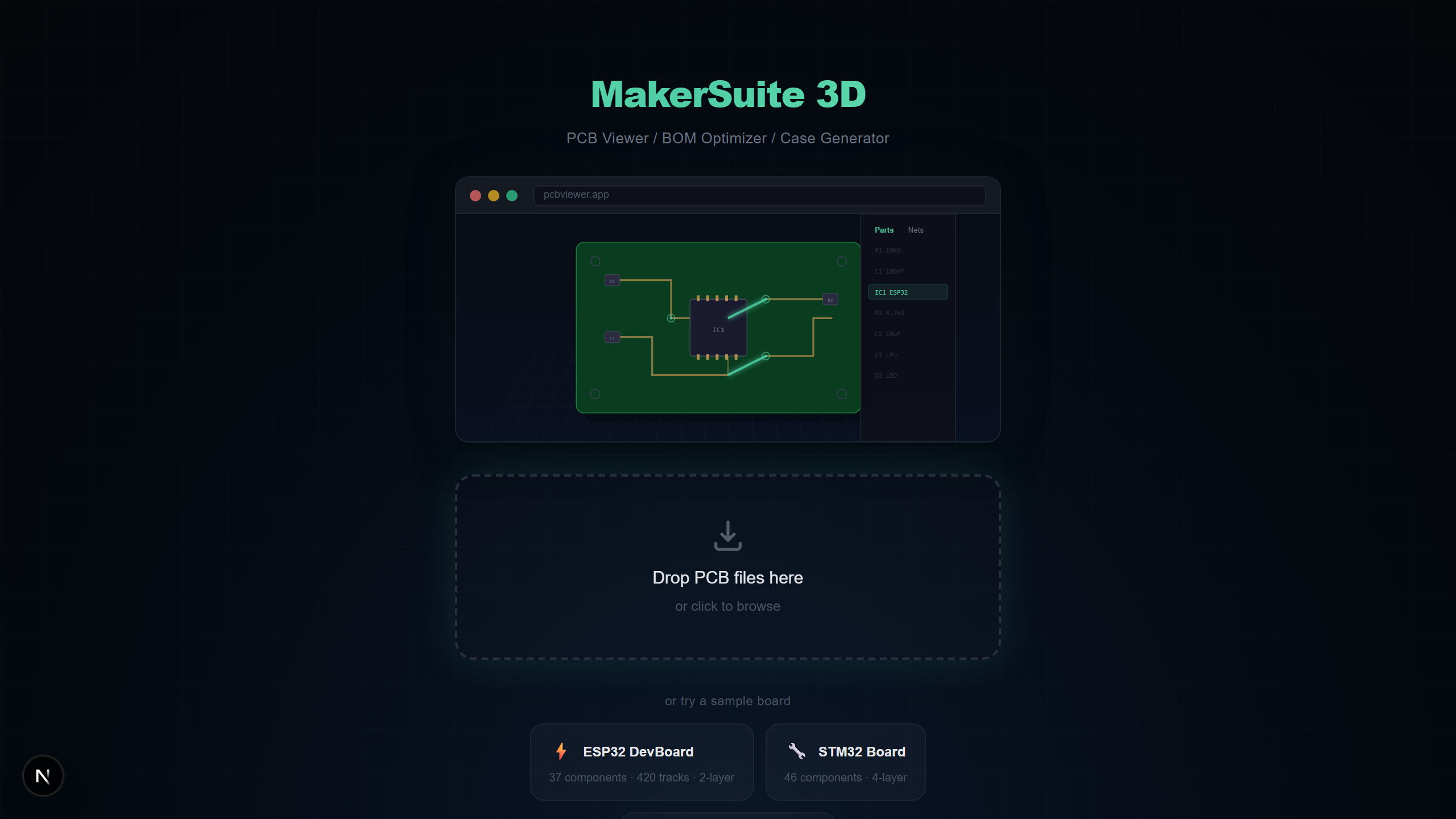
- pcbviewer.app을 열고 ZIP 파일을 드롭존에 드래그합니다
- 레이어 매핑 대화상자가 나타납니다 — 대부분의 레이어를 자동 감지하지만, 인식되지 않는 파일은 수동으로 재지정 가능
- 적용을 클릭하면 구리 트레이스, 비아, 보드 외곽선과 함께 3D로 렌더링됩니다
- 선택적으로 ZIP에 Pick & Place 파일(.pos)을 포함하면 Gerber 보드 위에 3D 부품 모델이 배치됩니다
Gerber 레이어 유형 설명
각 레이어 파일이 무엇을 나타내는지 이해하면 제조 전 Gerber 출력을 검증하는 데 도움이 됩니다:
- 구리 레이어 — 전기 트레이스, 패드, 구리 필을 정의합니다. 2층 보드는 상단(.gtl)과 하단(.gbl); 4층 이상은 내부 레이어 추가.
- 솔더 마스크 — 납땜을 위한 개구부가 있는 녹색(또는 다른 색상) 보호 코팅의 위치를 정의합니다. 상단 마스크(.gts)와 하단 마스크(.gbs).
- 실크스크린 — 부품 레퍼런스 디자인에이터(R1, C3, U1), 극성 마크, 보드 표면에 인쇄되는 조립 지침을 포함합니다.
- 보드 외곽선 — PCB의 물리적 형상과 치수를 정의합니다. Edge.Cuts 또는 메카니컬 레이어라고도 합니다. 정확한 보드 형상에 필수적입니다.
- 드릴 파일 — 비아, 관통홀 부품, 마운팅 홀의 홀 위치와 직경을 지정하는 Excellon 포맷.
직접 해보고 싶으신가요? PCB 파일을 업로드해 보세요.
MakerSuite 3D 무료로 써보기제조 전 Gerber 파일 검사 방법
잘못된 Gerber 파일을 제조사에 보내면 시간과 비용이 낭비됩니다. MakerSuite 3D 같은 Gerber 뷰어를 사용하여 주문 전에 이러한 중요 항목을 검증하세요:
- 보드 외곽선이 의도한 치수와 일치하는지 — M키 측정 도구 사용
- 모든 구리 레이어가 있고 트레이스가 올바르게 라우팅되었는지 — 레이어 토글로 각 레이어 검사
- 드릴 홀이 올바르게 위치하는지 — 3D 뷰에서 비아 정렬과 마운팅 홀 위치 확인
- 솔더 마스크 개구부가 올바른 패드를 노출하는지 — 마스크 레이어 온/오프 토글
- 실크스크린 텍스트가 읽기 쉽고 올바르게 위치하는지 — 레퍼런스 디자인에이터가 패드와 겹치지 않는지 확인
Gerber 파일 뷰어 옵션
여러 도구가 Gerber 파일을 열 수 있으며, 각각 다른 장점이 있습니다:
- MakerSuite 3D — 무료, 온라인, 자동 넷 분석이 포함된 3D 렌더링, BOM 지원, PCB 9개 포맷 호환. 빠른 3D 검사와 BOM 확인에 최적.
- GerbLook — 무료 온라인 2D Gerber 뷰어. 빠르고 간단하지만 2D 및 Gerber만 지원, BOM이나 3D 지원 없음.
- ViewMate — Pentalogix의 무료 Windows 데스크톱 앱. 좋은 2D 렌더링이지만 설치 필요하고 Windows에서만 실행.
- KiCad GerbView — KiCad에 내장된 GerbView. KiCad 설치 필요. 견고한 2D 뷰어이지만 Gerber 파일용 3D 렌더링 없음.
더 나은 Gerber 파일을 위한 팁
- 항상 Edge.Cuts / 보드 외곽선 파일을 포함하세요 — 없으면 뷰어가 보드 형상을 결정할 수 없습니다
- 개별 파일 대신 모든 파일을 ZIP으로 묶어 원클릭 업로드하세요
- Gerber 보드에 3D 부품 배치를 보려면 Pick & Place(.pos) 파일을 포함하세요
- 안정적인 자동 감지를 위해 표준 확장자(.gtl, .gbl, .gts, .gbs)를 사용하여 파일 이름을 지정하세요
Gerber export에서 무엇이 잘못되나 — 그리고 어떻게 잡나
대부분의 Gerber 문제는 포맷의 잘못이 아니라 export의 잘못입니다. "내 fab 발주가 잘못 돌아왔다" 사례의 대부분은 세 가지 이슈에서 옵니다. 첫째는 누락 또는 오명명된 레이어입니다 — 모든 EDA 도구가 Gerber export에 어떤 레이어를 포함할지에 다른 기본값을 가지며, 가장 흔한 결함은 솔더 마스크 없는 구리만 출하하거나 paste 없는 silk만 출하하는 것입니다. 둘째는 Excellon 드릴 파일의 단위 혼란입니다 — 인치 vs 밀리미터, 명시적 소수점 vs 암시적 소수점, leading zero suppression vs trailing zero suppression. 잘못된 조합을 고르면 대략 옳은 위치에 있지만 잘못된 크기의 홀을 가진 보드가 나옵니다. 셋째는 보드 외곽선(Edge.Cuts) 레이어를 통째로 빠뜨리는 것입니다 — 그러면 fab은 가장 큰 구리 폴리곤에서 당신의 보드 형상을 추측하게 됩니다.
MakerSuite는 fab이 실제로 만들 것의 3D 표현을 렌더하여 셋 다 잡습니다. 상단 마스크 레이어가 누락되면 보드의 모든 패드가 초록색 resist로 덮인 채 렌더됩니다 — 시각적으로 놓치기 불가능하게 잘못됐습니다. 드릴 단위가 어긋나면 홀이 패드 대비 핀prick 또는 호수처럼 보입니다 — 다시 명백합니다. 보드 외곽선이 누락되면 렌더된 보드가 가장 큰 구리 폴리곤의 형상을 띠는데, 의도한 외곽선과 거의 일치하지 않습니다. 뷰어에서 이걸 잡는 데 30초 — 보드가 도착한 뒤 잡는 데 re-spin과 또 2주 lead time.
다른 카테고리의 문제는 어셈블리까지 보이지 않는 것입니다 — 실제로 솔더링할 부품과 일치하지 않는 패드 크기. 뷰어가 fab의 적절한 DFM 체크를 대체하진 않지만 Pick & Place 파일이 포함되면 3D 렌더가 풋프린트 위에 부품이 앉은 모습을 보여주고, 풋프린트 불일치(0805 패드 위 0603 부품, 또는 그 반대)가 즉시 시각화됩니다.
보드를 살리는 발주 전 체크리스트
어떤 Gerber 패키지든 fab에 보내기 전에 MakerSuite에서 이 다섯 점 검사를 돌리세요. 첫째, 보드 외곽선 확인. 둘째, 레이어 카운트가 의도한 스택업과 일치하는지 확인(2 copper Gerber만 있는 4-layer 보드는 내부 레이어가 누락). 셋째, 솔더 마스크를 켰다 끄세요 — 마스크가 켜졌을 때 모든 패드가 노출돼야 합니다. 넷째, 실크 텍스트가 읽기 가능하고 패드를 가리지 않는지 확인. 다섯째, 패드 밖으로 떨어지는 비아나 부품 리드와 맞지 않는 홀을 찾아 드릴 정렬 확인.
새 fab으로 가는 보드의 경우 sanity 크로스체크를 위해 같은 Gerber 패키지를 두 번째 뷰어(gerblook, KiCad의 GerbView)로 보내세요. 다른 뷰어는 다른 결함을 노출합니다 — 한 도구에서 구리로 misnamed되는 레이어가 다른 도구에선 마스크로 플래그될 수 있는데, 그게 정확히 fab 진행에 돈을 쓰기 전에 원하는 신호입니다.
자주 묻는 질문
What is a Gerber file?
A Gerber file is the industry-standard format for PCB manufacturing data. It uses RS-274X extended format to describe copper layers, solder mask, silkscreen, and board outlines. Each layer is typically a separate file, and drill data comes in Excellon format.
What programs can open Gerber files?
You can open Gerber files with MakerSuite 3D (free, browser-based, 3D), GerbLook (online, 2D), ViewMate (Windows desktop), KiCad's GerbView, or Altium Designer. MakerSuite 3D is the only free option that renders Gerber files in 3D with automatic net analysis.
Can I view Gerber files without installing software?
Yes. MakerSuite 3D is an online Gerber viewer that runs entirely in your browser. Just ZIP your Gerber files together and drag the ZIP onto pcbviewer.app. No installation, no signup, and your files stay on your device.
How do I check Gerber files before sending them to a manufacturer?
Upload your Gerber ZIP to MakerSuite 3D and verify: (1) all layers are correctly detected, (2) board outline matches your design, (3) drill holes are in the right positions, (4) copper traces look correct in 3D, and (5) silkscreen text is readable. The 3D view makes mechanical fit checks much easier than 2D.
What files should I include in a Gerber ZIP?
Include copper layers (.gtl, .gbl for top/bottom), solder mask (.gts, .gbs), silkscreen (.gto, .gbo), board outline (Edge.Cuts), drill files (.drl), and optionally Pick & Place (.pos) for 3D component placement and a BOM CSV for component values.
관련 글
지금 바로 Gerber 파일을 3D로 열어보세요
MakerSuite 3D 열기