Free Online Altium Library Viewer — Open .PcbLib & .SchLib Files
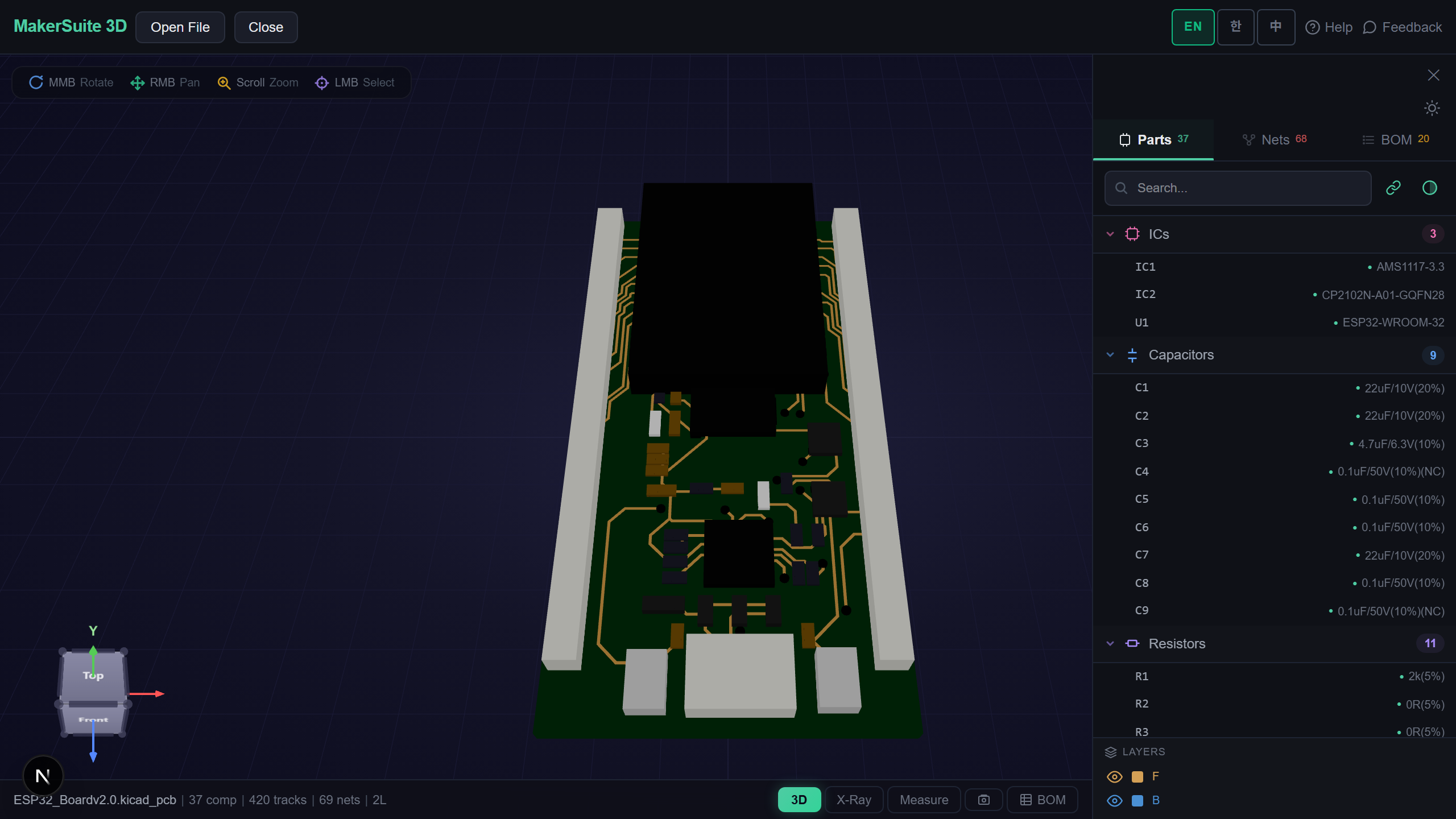
Look Inside an Altium Library Without Altium
Component libraries get passed around constantly — a vendor download, a colleague’s company library, a footprint from a forum thread. Checking one used to mean opening Altium Designer. MakerSuite 3D now reads Altium’s footprint libraries (.PcbLib) and symbol libraries (.SchLib) directly in your browser: every footprint is laid out on one board in 3D with its pads and silkscreen, and every symbol is drawn with its pins, names and numbers.
How to Open an Altium Library Online
- Open MakerSuite 3D — no login or installation needed
- Drag the .PcbLib or .SchLib file onto the drop zone (a .zip containing it works too)
- Footprints appear side by side in a grid, each with its name; symbols appear the same way on a schematic sheet
- Search the part list to jump to one footprint or symbol, or switch to the 2D layer view for a flat look at pads and silkscreen
Open your Altium library in the browser - no Altium license needed.
Try MakerSuite 3D FreeWhat the Library Viewer Reads
- Footprint pads — position, size, shape, rotation, and through-hole vs SMD, including exposed and thermal pads
- Footprint graphics — silkscreen lines and arcs, filled silkscreen shapes such as pin-1 marks, and copper regions
- Symbol pins — names, numbers, length, direction and electrical type; pins stored in Altium’s binary pin format are decoded
- Multi-part symbols — each part (A, B, …) of a symbol is shown separately so every pin is visible
Boards and Schematics Too
The same viewer opens 8 PCB formats (KiCad, Gerber, Eagle, EasyEDA, Altium, PADS, P-CAD, Protel 99) and 4 schematic formats, including Altium .PcbDoc and .SchDoc.
How a .PcbLib Is Stored
A .PcbLib is an OLE2 compound file, like a .PcbDoc. Each footprint lives in its own storage, and its Data stream holds the footprint’s pads, tracks, arcs, texts and regions back to back in the same record layout a board uses. That is why the viewer can reuse its Altium board parser: each footprint is read as a one-part board, then all of them are placed on a grid.
A .SchLib works the same way for symbols, with one difference: library pins are stored as compact binary records instead of the text records a schematic uses. Everything is parsed in your browser — the library never leaves your machine.
Frequently Asked Questions
Do I need Altium Designer to open a .PcbLib or .SchLib?
No. MakerSuite 3D reads Altium's library files directly in your browser. Drop the file and every footprint or symbol in it is shown.
What does it show for each footprint?
Pads with their real size, shape and rotation, silkscreen lines, arcs and filled shapes, and copper regions. 3D body models embedded in the library are not drawn yet — the pads and outline are what the viewer focuses on.
Are multi-part symbols supported?
Yes. Each part of a multi-part symbol (A, B, and so on) is drawn on its own, so every pin is visible.
Is my library uploaded to a server?
No. Parsing happens entirely in your browser - the file never leaves your machine.
Related Articles
Open your Altium library right now — free.
Open MakerSuite 3D