Free Online PCB 3D Viewer — View Any PCB File in Your Browser
What is MakerSuite 3D?
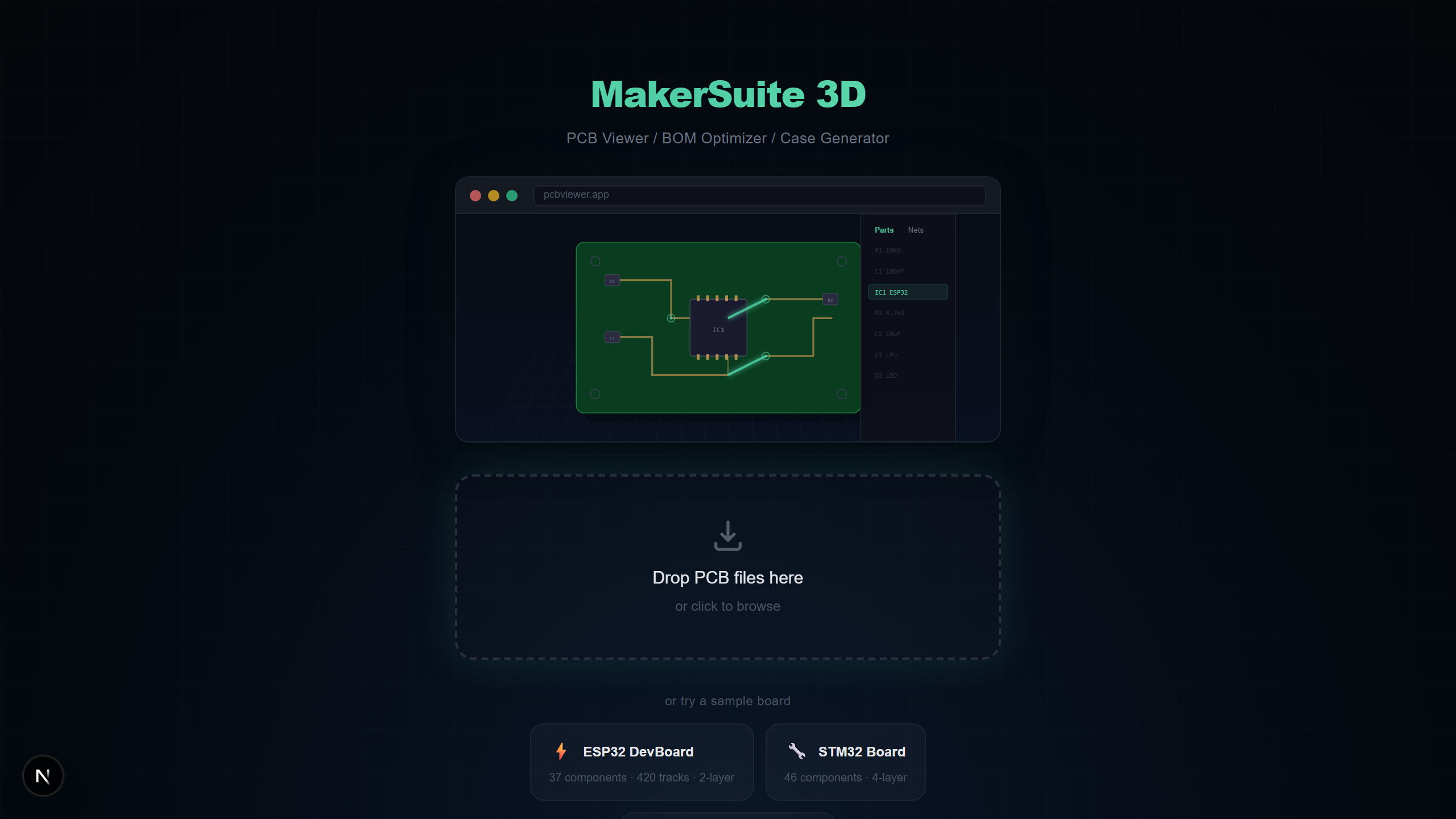
MakerSuite 3D is a free, browser-based PCB viewer that lets you visualize circuit boards in 3D. No installation, no signup — just drag and drop your PCB file and see it instantly.
Supported File Formats
- KiCad (.kicad_pcb) — Full support with net data, multi-layer, 3D models
- Gerber (.zip, .gbr, .gbl, .gtl) — RS-274X + Excellon drill, auto layer detection, net analysis
- Eagle (.brd) — XML-based board files with components and nets
- EasyEDA (.json) — JSON format with tracks, vias, and footprints
How to Use
- Go to MakerSuite 3D
- Drag your PCB file onto the drop zone (or click to browse)
- Your board appears in 3D instantly
- Use middle mouse button to rotate, right mouse button to pan, scroll to zoom
Key Features
- 3D STEP Models — Real component shapes loaded from KiCad library
- Net Highlighting — Click a net to see all connected traces glow
- X-Ray Mode — See through the board to inspect both layers
- Measurement Tool — Click two points to measure distance in mm
- Multi-Layer Support — 2, 4, 6, or 8-layer PCBs
- Screenshot Export — Save your 3D view as PNG
Why Use an Online PCB Viewer?
Traditional PCB viewers require installing heavy software like KiCad, Altium, or Eagle. An online viewer lets you quickly inspect PCB files without any setup — perfect for code reviews, sharing with teammates, or checking manufacturer files.
Want to try it yourself? Upload your PCB file now.
Try MakerSuite 3D FreeMakerSuite 3D vs Other Viewers
How does MakerSuite 3D compare to other popular PCB viewing tools?
- MakerSuite 3D — Free, browser-based, 8 PCB formats, 3D rendering, BOM with supplier pricing, STEP models, net highlighting
- KiCad — Free, requires installation, KiCad files only, 3D with STEP, no BOM pricing
- Altium Viewer — Free, requires signup, Altium files only, 2D only, no BOM export
- Online Gerber — Free, Gerber only, 2D only, no net analysis, no component data
- Fusion 360 — Paid subscription, requires installation, limited PCB format support
Who Is This For?
- Hardware engineers reviewing designs from teammates using different PCB tools
- Procurement teams inspecting BOM and sourcing components from LCSC, DigiKey, or Mouser
- Students learning PCB design who want to explore example boards in 3D
- Manufacturers verifying Gerber files before fabrication
- Open-source contributors reviewing PCB pull requests on GitHub
Privacy First
Unlike cloud-based viewers, MakerSuite 3D processes everything locally in your browser using JavaScript. Your PCB files are never uploaded to any server. This makes it safe for proprietary designs and NDA-protected projects.
Beyond PCB: Schematic Viewer
MakerSuite 3D is not just a PCB viewer. It now includes a schematic viewer for KiCad .kicad_sch files. View your circuit diagrams with symbols, wires, power ports, and net labels — all rendered in your browser. Features include a searchable Parts/Nets sidebar, color-coded power ports, PNG export, and sample schematics to get started.
Free, Browser-Based, and Actually Useful — In That Order
"Free PCB viewer" returns a long list of search results, but the qualifier that matters is "actually opens the file you have." Most free viewers either lock you to one format (KiCad-only, Gerber-only) or accept multiple formats but render them in low-fidelity 2D with no component awareness. The combination of full 3D, 8 PCB formats, and zero install is rare. The reason is partly historical — until WebAssembly matured around 2020, running a real PCB parser in the browser was impractical. Older viewers either ran a server-side process (with all the upload concerns that brings) or shipped as native desktop tools.
MakerSuite is structured around a different bet: that browsers in 2026 are finally fast enough to run heavyweight CAD-style work locally, and that doing so changes the privacy and accessibility math. A board open in the viewer never travels over the network in raw form. The first frame paints in seconds because there's no upload step. And the same drop zone accepts a .kicad_pcb from a hobbyist, a .PcbDoc from an Altium shop, and a manufacturing ZIP from a fabrication house. None of those users has to install a separate tool to read the others' files.
Browser-based does not mean stripped-down. The 3D scene runs the same Three.js renderer used by major game engines and CAD viewers. Post-processing includes screen-space ambient occlusion (SSAO), Bloom for net highlighting, and ACES filmic tone mapping. The BOM panel queries three suppliers in parallel and cross-matches MPNs across them. The schematic viewer handles .kicad_sch with searchable Parts/Nets sidebars. Everything that a desktop tool offers, the viewer offers — minus the installer.
Knowing Which Free Viewer to Reach For
If you only ever look at KiCad files and you want a single-purpose tool, KiCanvas is excellent and stays focused. If you only review Gerbers and you want a 2D-only viewer with measurement tools, gerblook is fine. If you're working across formats — say, reviewing a vendor's Altium file this morning and a contractor's KiCad file this afternoon — MakerSuite reduces the friction of context-switching between viewers.
For NDA-bound work, the privacy story is the deciding factor. Cloud viewers mostly bury their data-handling behind language like "we don't store your files" — which still means the file traveled to their server, sat in their RAM, possibly was logged for crash recovery, and possibly hit a CDN edge cache. MakerSuite's local-only architecture eliminates that whole class of concern by removing the upload step entirely.
Frequently Asked Questions
Is MakerSuite 3D really free?
Yes, completely free with no signup or subscription required. All features including 3D rendering, BOM export, and supplier search are available at no cost.
Are my PCB files uploaded to a server?
No. All parsing happens locally in your browser using TypeScript parsers. Your files never leave your computer, ensuring complete privacy.
What PCB file formats are supported?
KiCad (.kicad_pcb), Gerber (RS-274X ZIP), Eagle (.brd), EasyEDA (JSON), and Altium Designer (.PcbDoc) are all supported.
Does it work on mobile devices?
Yes. MakerSuite 3D is fully responsive and works on phones and tablets with touch controls optimized for 44px touch targets.
Can I export BOM data?
Yes. You can export your Bill of Materials as CSV or XLSX with real-time supplier pricing from LCSC, DigiKey, and Mouser.
Does it support schematic files?
Yes. MakerSuite 3D now supports KiCad schematic files (.kicad_sch) with 2D canvas rendering, searchable sidebar, color-coded power ports, and PNG export.
Related Articles
Ready to try it?
Open MakerSuite 3D