KiCad Schematic Viewer Online — View .kicad_sch Files Instantly

View KiCad Schematics Without Installing KiCad
KiCad is the most popular open-source EDA tool, and .kicad_sch is its native schematic format. But installing KiCad just to view a schematic file is overkill — especially when you only need a quick look at a circuit diagram from a colleague, a GitHub repository, or an open-source project. MakerSuite 3D lets you open any .kicad_sch file directly in your browser with full component and net visualization.
Step-by-Step: View a .kicad_sch File Online
- Open pcbviewer.app — Open pcbviewer.app — no installation or signup needed
- Drag and drop your .kicad_sch file onto the drop zone
- The schematic parser reads the S-expression format and extracts all symbols, wires, labels, and power ports
- Your circuit diagram appears on a 2D Canvas — pan with right mouse, zoom with scroll wheel
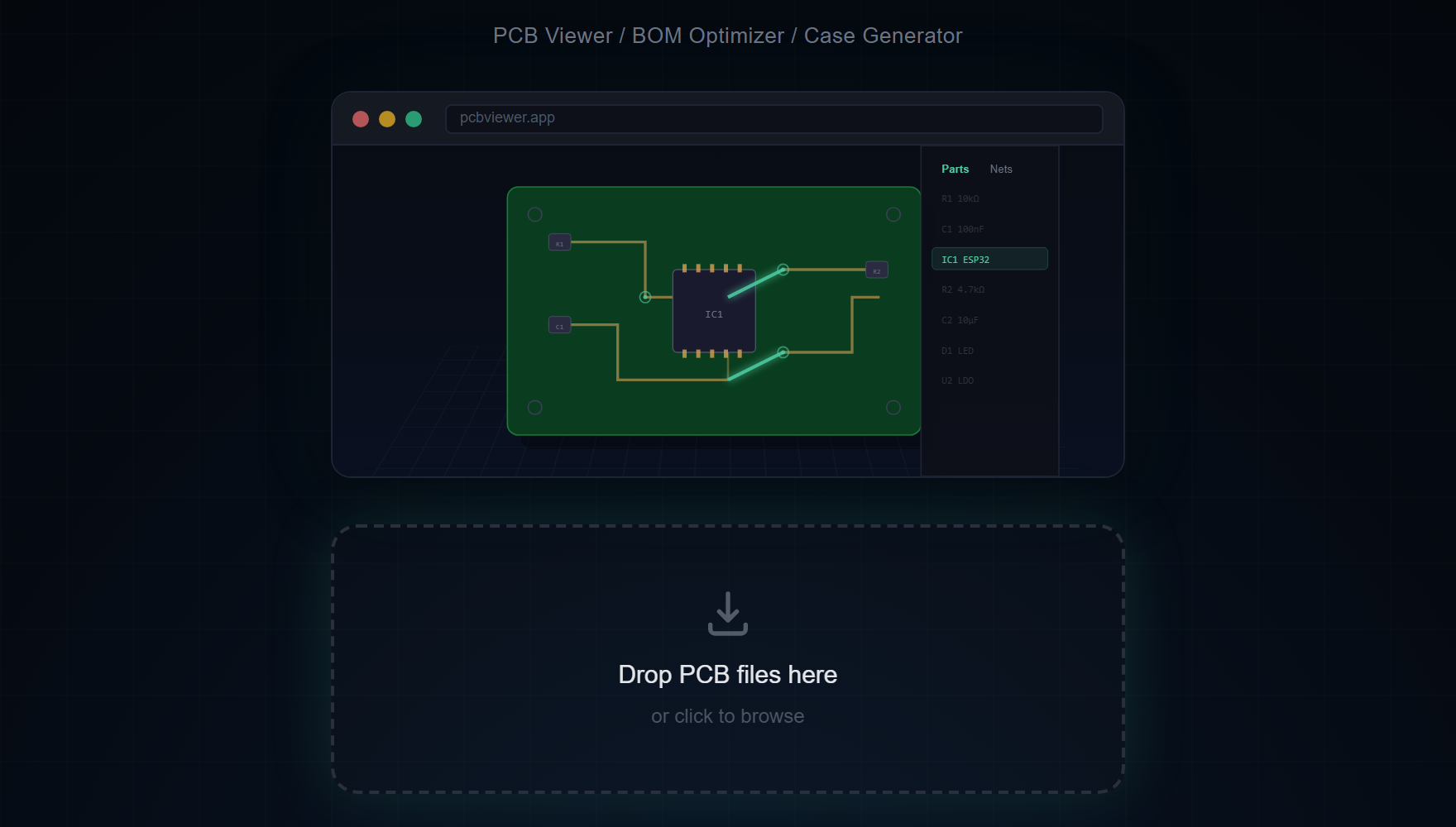
- Use the Parts sidebar to find components by reference (R1, U3, C5) or value (10k, STM32F4)
- Click any net in the Nets sidebar to highlight all connected wires and pins
KiCad-Specific Schematic Features
- KiCad Symbol Library — Standard schematic symbols for resistors, capacitors, ICs, connectors, and more are rendered with correct pin layout and orientation
- Wire Routing — All wire segments, junctions, and bus connections are parsed and drawn accurately from the .kicad_sch S-expression data
- Net Labels — Global labels, local labels, and hierarchical labels are displayed with their net names for easy signal tracing
- Power Ports — VCC, GND, 3V3, 5V, and other power symbols are color-coded for instant visual identification of power rails
- Text and Notes — Schematic text annotations and design notes are rendered in their correct positions and sizes
- Multi-Sheet Navigation — For projects with multiple schematic sheets, navigate between pages to see the complete design
Open your KiCad schematic in the browser right now.
Try MakerSuite 3D FreeSupported KiCad Versions
The schematic viewer opens .kicad_sch files from KiCad 6 through KiCad 10, and the older .sch files from KiCad 4 and 5 (the legacy format) — no need to re-save them in a newer KiCad first. A legacy .sch doesn't contain its symbol drawings; they live in the project's -cache.lib. Select the .sch together with its -cache.lib (or the .lib files it uses) and drop them at once to see every symbol. Dropped alone, the schematic still opens, with each part drawn as a labelled box.
Schematic + PCB Viewer in One Tool
MakerSuite 3D is unique in offering both schematic viewing and 3D PCB viewing in the same browser tab. Upload your .kicad_sch to see the circuit diagram, then upload the matching .kicad_pcb to see the physical board layout in 3D. This makes it easy to cross-reference your schematic connections with the actual PCB routing.
Useful Keyboard Shortcuts
- S — Save schematic as PNG screenshot
- ESC — Clear selection and deselect highlighted nets
- Scroll — Zoom in and out on the schematic canvas
Frequently Asked Questions
Does the viewer support multi-sheet schematics?
Yes. For KiCad projects with multiple schematic sheets, you can navigate between pages to see the complete design. Each sheet is rendered independently on the canvas.
Can I search for components in the schematic?
Yes. The Parts sidebar lets you search by reference designator (R1, U3), value (10k, STM32F4), or footprint. Click any result to highlight and center it on the canvas.
Does the viewer support net highlighting?
Yes. Click any net in the Nets sidebar to highlight all connected wires and pin connections across the entire schematic. Power nets like VCC and GND are color-coded automatically.
Which KiCad versions are supported?
The schematic viewer opens .kicad_sch files from KiCad 6 through KiCad 10, and legacy KiCad 4/5 .sch files without re-saving them. For a legacy .sch, drop the project's -cache.lib (or the .lib files it uses) together with it to see the symbols; dropped alone, each part is drawn as a labelled box.
Can I view both schematic and PCB in the same tool?
Yes. MakerSuite 3D supports both .kicad_sch schematic files and .kicad_pcb board files. Upload one to see the circuit diagram, and the other to see the 3D board layout.
Related Articles
Open your KiCad schematic in your browser
Open MakerSuite 3D