Open Any PCB File Format — KiCad, Gerber, Eagle, Altium, EasyEDA

One Viewer for All PCB Formats
Stop switching between different viewers for different file formats. MakerSuite 3D automatically detects and parses 9 PCB formats — all in one browser tab.
Supported Formats in Detail
KiCad (.kicad_pcb)
Full S-expression recursive parser. Supports multi-layer PCBs (up to 32 copper layers), blind/buried vias, arc edge cuts, and zone fills. Reads component 3D model paths for STEP loading.
Gerber (.zip / .gbr / .ger)
RS-274X extended Gerber parser with Excellon drill file support. Automatic layer detection from filenames. Upload a ZIP with all layers or drag individual files. Supports Pick & Place and BOM CSV import.
Eagle (.brd)
Autodesk Eagle XML board parser. Extracts components, traces, vias, and silkscreen from the XML structure. Supports Eagle's rotation and mirroring conventions.
Altium (.PcbDoc)
OLE2/CFB binary format parser. Reads component positions, copper fills, mechanical layers, and Texts6 silkscreen data directly from the binary compound document.
EasyEDA / LCEDA (.json)
JSON format parser with coordinate conversion (10mil to mm). Maps EasyEDA layer numbers to standard PCB layer names. Supports exported project files.
One viewer for all PCB formats — try it now.
Try MakerSuite 3D FreeAutomatic Format Detection
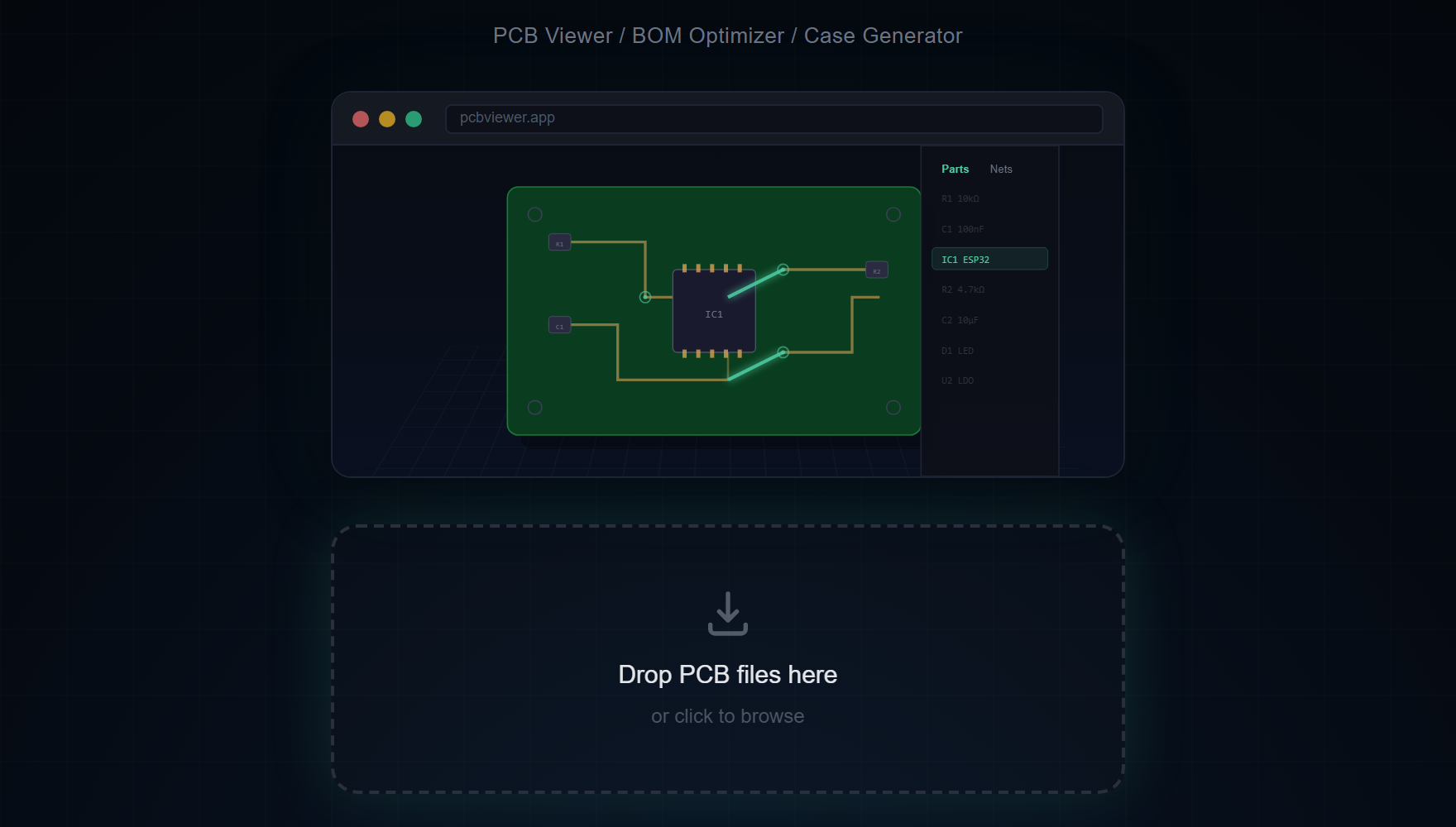
Just drag and drop your file. MakerSuite 3D examines the file extension and content to automatically select the right parser. No manual format selection needed.
Format Feature Comparison
Feature support varies by format due to the information each format stores:
- 3D Models — KiCad (model paths), Gerber (Pick&Place), Eagle/Altium/EasyEDA (footprint matching)
- BOM Data — All formats extract component reference, value, and footprint
- Net Connectivity — KiCad and Eagle have full net data; Gerber uses Web Worker analysis
- Layer Stackup — KiCad supports up to 32 layers; others vary by design
Why Format Breadth Mattered More Than Polishing One
The early bet for most PCB viewer projects is to pick one format, do it really well, and worry about the rest later. KiCanvas does this with KiCad. SnapEDA's viewer does it with their own intermediate format. The trade-off is that users of those tools need a different viewer for every other format they encounter — and in practice, hardware engineers do encounter every format. A startup CTO might design in KiCad, contract a manufacturer who delivers Gerber, hire a former Altium-shop consultant who sends .PcbDoc files, and audit a contract manufacturer who shares EasyEDA exports. Switching viewers between each of those is a small but constant friction.
Building five parsers up to production quality took longer than perfecting one would have, but the payoff is that the viewer becomes the lowest-friction option for cross-format teams. The implementation pattern is consistent: each format has its own parser file (kicad-parser.ts, gerber-parser.ts, eagle-parser.ts, easyeda-parser.ts, altium-parser.ts) that produces the same internal BoardData JSON shape. From there, the rendering pipeline is format-agnostic. A KiCad board and an Altium board look identical in 3D once parsed, with the same lighting, the same camera controls, the same BOM panel.
Format detection is automatic. The drop zone examines file extensions and content magic bytes, then routes to the right parser without asking. .kicad_pcb obviously goes to the KiCad parser, .PcbDoc starts with the OLE2 compound file signature D0 CF 11 E0, .brd files starting with <?xml are Eagle, and .json files are tested against EasyEDA's specific schema before the parser commits.
When You Don't Know What Format You Have
If a colleague sends you a PCB file with no context, just drop it on the viewer. The auto-detection picks the right parser and reports the detected format in the title bar. If detection fails — usually because the file is a renamed export with the wrong extension — the error message tells you what magic bytes were found, which often points to the actual format. A file that looks like a ZIP but doesn't open might be a Gerber package missing the .zip extension; a file with binary garbage is probably an Altium .PcbDoc someone forgot to label.
For mixed-format archives — say, a project folder with KiCad source plus exported Gerbers — drop them one at a time. The viewer keeps each board in a separate session, so you can compare the source design against the exported manufacturing files and spot any discrepancies introduced during export.
Frequently Asked Questions
Can I convert between PCB formats?
MakerSuite 3D is a viewer and analyzer, not a format converter. It opens any supported format for 3D visualization, BOM extraction, and supplier search.
Which format gives the best 3D rendering?
KiCad and Altium provide the most complete data including 3D model references and full net connectivity. Gerber files give the best results with Pick & Place data included.
How does automatic format detection work?
The file extension and internal content structure are analyzed to automatically select the correct parser — no manual format selection needed.
Can I view multiple formats in one session?
Yes. Simply drag and drop a new file to replace the current board. The viewer automatically detects and switches parsers.
Related Articles
Open any PCB file in seconds
Open MakerSuite 3D