OrCAD Schematic Viewer Online — Open Capture .DSN Files Without OrCAD
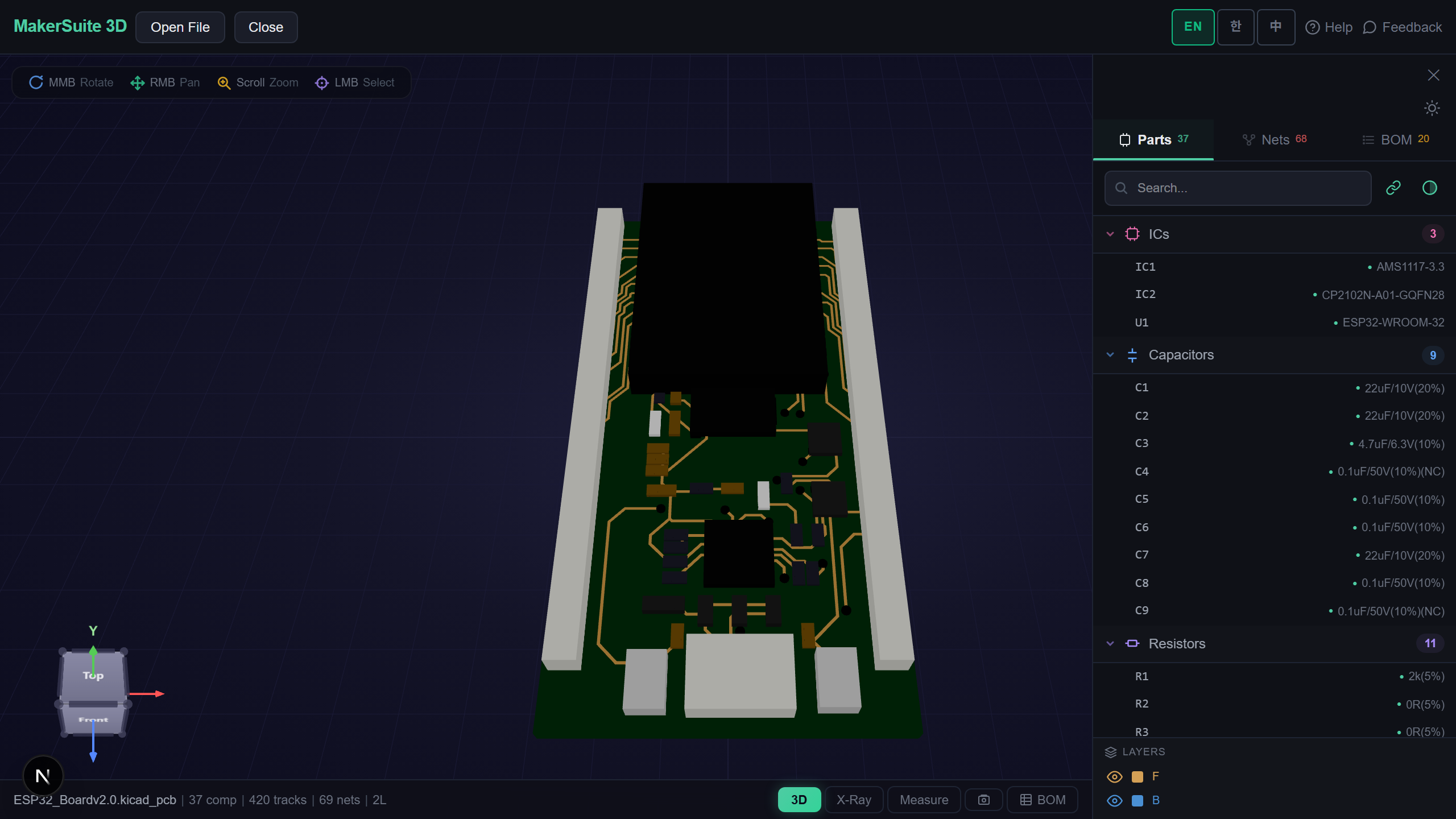
An OrCAD Schematic Without OrCAD
Evaluation boards from TI, NXP and many others ship their schematics as OrCAD Capture .DSN files, and so do plenty of open-hardware projects. Capture itself is a paid Windows program, and its free viewer is a Windows download behind an account. If all you want is to read the schematic — find a net, check a pin, list the parts — MakerSuite 3D now opens the .DSN directly in your browser.
How to Open an OrCAD .DSN
- Open MakerSuite 3D — no login or installation needed
- Drag the .DSN onto the drop zone (a GitHub link works too)
- Every page opens side by side as Capture prints them — a hierarchical design shows each block once per use, with that use’s reference designators
- Click a part or a net to highlight it across the pages, search parts, or open the BOM with live LCSC, DigiKey and Mouser prices
Open an OrCAD .DSN in the browser - no OrCAD install needed.
Try MakerSuite 3D FreeWhat the OrCAD Reader Handles
- Capture 16.3 and newer — designs saved by 16.3 to 17.4 were checked; later releases, OrCAD X included, keep the same format but no public file was available to test
- Parts as drawn — symbols come from the copy of every symbol the design carries, placed with their rotation and mirroring, with pin names, pin numbers and multi-part suffixes such as U3A or J1-2
- Nets from the file, not guessed — wires, net aliases, power and ground symbols, off-page connectors and hierarchical ports join the way Capture joins them, with Capture’s own names for unnamed nets
- The page itself — borders, title blocks with their fields, notes and drawings, junction dots and no-connect marks; text typed on Chinese Windows (GBK, Big5) reads as typed, checked against three Rockchip-based designs’ printed PDFs
Checked Against What Capture Printed
Capture’s PDF export lists every net with its pins, so a design and its PDF make an answer key. On a hierarchical carrier board whose 13 printed pages hold ten block instances, all 487 reference designators and all 1,222 nets matched, every net with the same name and the same pins. A smaller one-page design matched all 28 nets and 92 pins, including each pin’s name and number. On three larger flat designs of 17, 22 and 32 pages, every reference designator shown on a page appears on the same printed page. Designs saved by Capture 16.2 and older use an earlier binary layout; they get a message asking to re-save them in 16.3 or newer. Library files (.OLB) are not opened — the design carries its own copy of every symbol it uses.
What Is Inside an OrCAD .DSN
A .DSN is a Windows compound file — the same container as old Word documents — holding a string table, a cache with a copy of every symbol and package the design uses, and one stream per page. Each page stores its wires, placed parts, power and off-page symbols, and a net table that gives each wire’s net its name; each placed pin records the wire it sits on.
A hierarchical design keeps one copy of each sub-sheet and a separate occurrence tree that says which reference designators that sheet’s parts get in each place it is used. MakerSuite follows that tree, gives each use its own pages and joins ports to the block pins on the parent sheet, bus members included. Everything happens in your browser; the file is not uploaded.
Frequently Asked Questions
Which OrCAD versions open?
Designs saved by OrCAD Capture 16.3 and newer. Designs saved by 16.3 to 17.4 were checked against Capture's own PDF output; later releases, OrCAD X included, keep the same format. Designs saved by 16.2 and older use an earlier layout and get a message asking to re-save them in 16.3 or newer.
Do I need OrCAD or a Cadence account?
No. The .DSN is read directly in your browser; nothing is installed and the file is not uploaded.
Does it handle hierarchical designs?
Yes. Each hierarchical block is shown once per use with that use's reference designators, and its ports join the block pins on the parent sheet, bus members included.
Can I open an OrCAD library (.OLB) or a Specctra .dsn?
Not yet. A design carries a copy of every symbol it uses, so drop the .DSN itself. A Specctra .dsn is an autorouter file (text), not a schematic.
Related Articles
Open your OrCAD schematic right now — free.
Open MakerSuite 3D