PADS Logic Schematic Viewer Online — Open .sch and ASCII Exports Without PADS
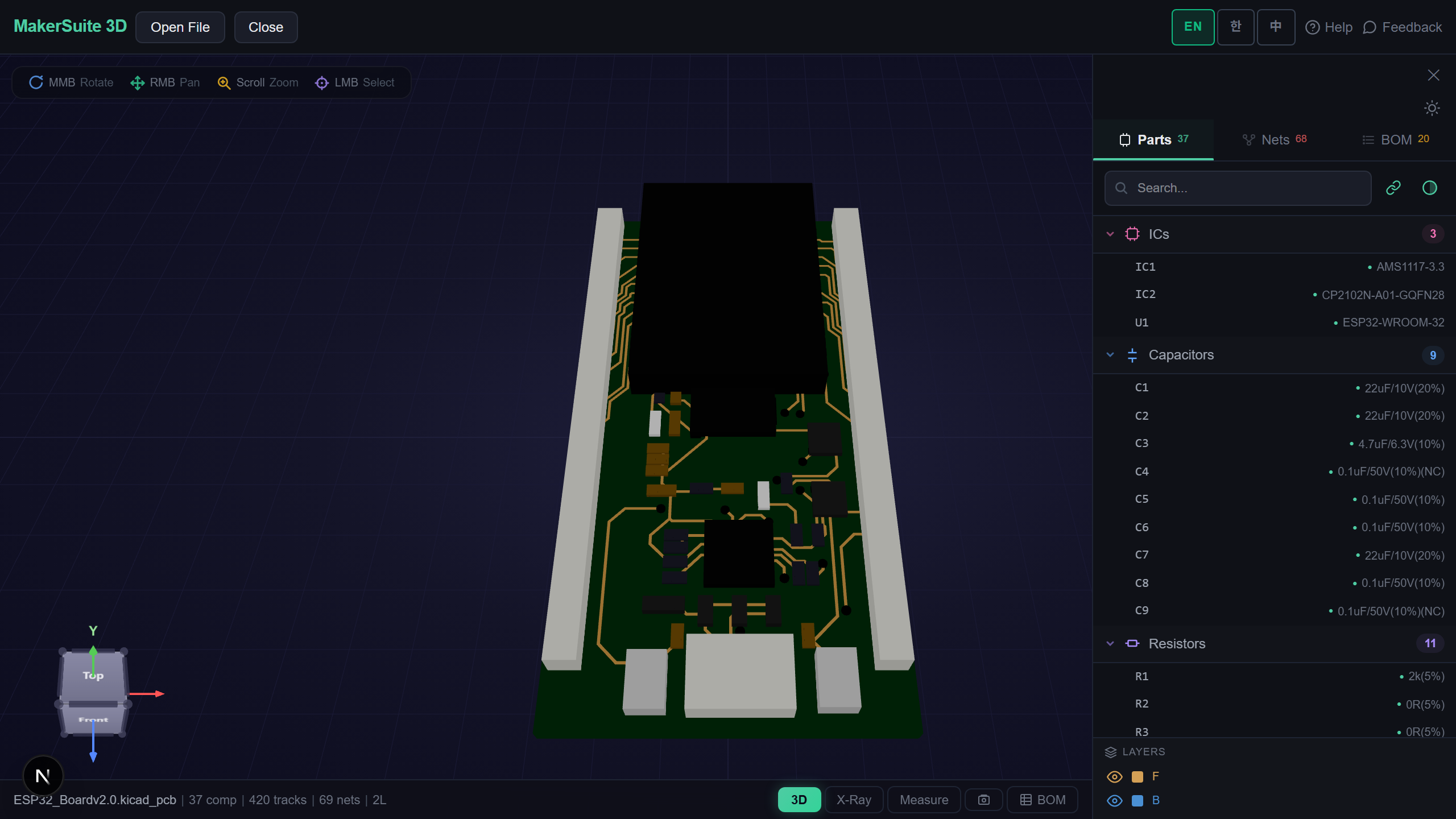
A PADS Logic Schematic Without PADS
PADS Logic (Mentor, now Siemens) saves schematics as a binary .sch, and every PADS install can also export them as an ASCII text file. Both turn up in archives, supplier packages and handovers long after the PADS license has gone. If all you want is to read the schematic — follow a net, check a pin, list the parts — MakerSuite 3D opens either file directly in your browser.
How to Open a PADS Logic Schematic
- Open MakerSuite 3D — no login or installation needed
- Drag the .sch (or the ASCII .txt PADS Logic exported) onto the drop zone — a GitHub link works too
- Every sheet opens side by side, with its border and title block, parts drawn with the symbol variant PADS placed
- Click a part or a net to highlight it, search parts, open the BOM with live LCSC, DigiKey and Mouser prices — or open the PADS Layout board next to it
Open a PADS Logic schematic in the browser - no PADS install needed.
Try MakerSuite 3D FreeWhat the PADS Logic Reader Handles
- Both file kinds — the binary .sch PADS Logic VX saves and the ASCII export (File > Export); binaries from older PADS Logic versions get a message asking for the ASCII export
- Parts as placed — each gate (U3-A, U3-B) with its decal variant, rotation and mirroring; pins drawn from their pin decals, inverted and clock pins included, with numbers and names
- Nets from the file, not guessed — every wire belongs to its named signal, nets join across sheets by name, and hidden power pins join the net their part type names
- The sheet itself — borders and title blocks with their field values, free text, power, ground and off-sheet symbols, junction dots, buses and net names
Checked Against What PADS Logic Wrote
KiCad’s test suite keeps 23 small designs saved by PADS Logic VX both as binary .sch and as PADS’ own ASCII export. Read separately, the two files of each pair give the same parts, labels, wires, text, drawings and symbols, field for field, in 22 of the 23 (the last differs only in how a connector part type is stored). And every wire end that names a pin lands exactly on that pin — 75 of 75 in the binaries and 501 of 501 in two real ASCII designs, one with 106 parts.
What Is Inside a PADS Logic .sch
The binary .sch is a database dump: a header, design-wide tables (title-block fields, attributes, the list of sheets and nets), then one block per sheet with fixed-size records — symbol graphics, decals and their terminals, part types with their gates and pins, placements, wires and their vertices, off-page and power symbols, junctions and net names. Lengths are stored in units of two mils and page positions as words offset by a fixed bias.
The ASCII export spells the same design out section by section: *CAEDECAL* for symbols, *PARTTYPE* for gates and pins, *PART* for placements, *SIGNAL* blocks for the wires of each net. MakerSuite reads both into one model, which is how the pairs could be compared. Text in a Central European or other Windows code page is decoded as the file’s header says. Everything happens in your browser; the file is not uploaded.
Frequently Asked Questions
Which PADS Logic files open?
The binary .sch that PADS Logic VX saves, and the ASCII file PADS Logic exports (File > Export, usually a .txt — renamed to .sch works too). The binary reader was checked against PADS Logic's own ASCII export of the same designs. Binary files from older PADS Logic versions get a message asking for the ASCII export instead.
Do I need PADS or a Siemens license?
No. The schematic is read directly in your browser; nothing is installed and the file is not uploaded.
Are multi-sheet designs and multi-gate parts shown?
Yes. Every sheet opens side by side, and each gate of a part (U3-A, U3-B) is drawn with the symbol variant PADS placed. Nets with the same name join across sheets, as PADS joins them.
Can I see the PADS Layout board too?
Yes. MakerSuite 3D also opens PADS Layout .pcb boards, binary or ASCII. Open the board next to the schematic to click a part in one and find it in the other.
Related Articles
Open your PADS Logic schematic right now — free.
Open MakerSuite 3D