View PCB Files Online — No Software Install Needed
Why Install When You Can Just Open?
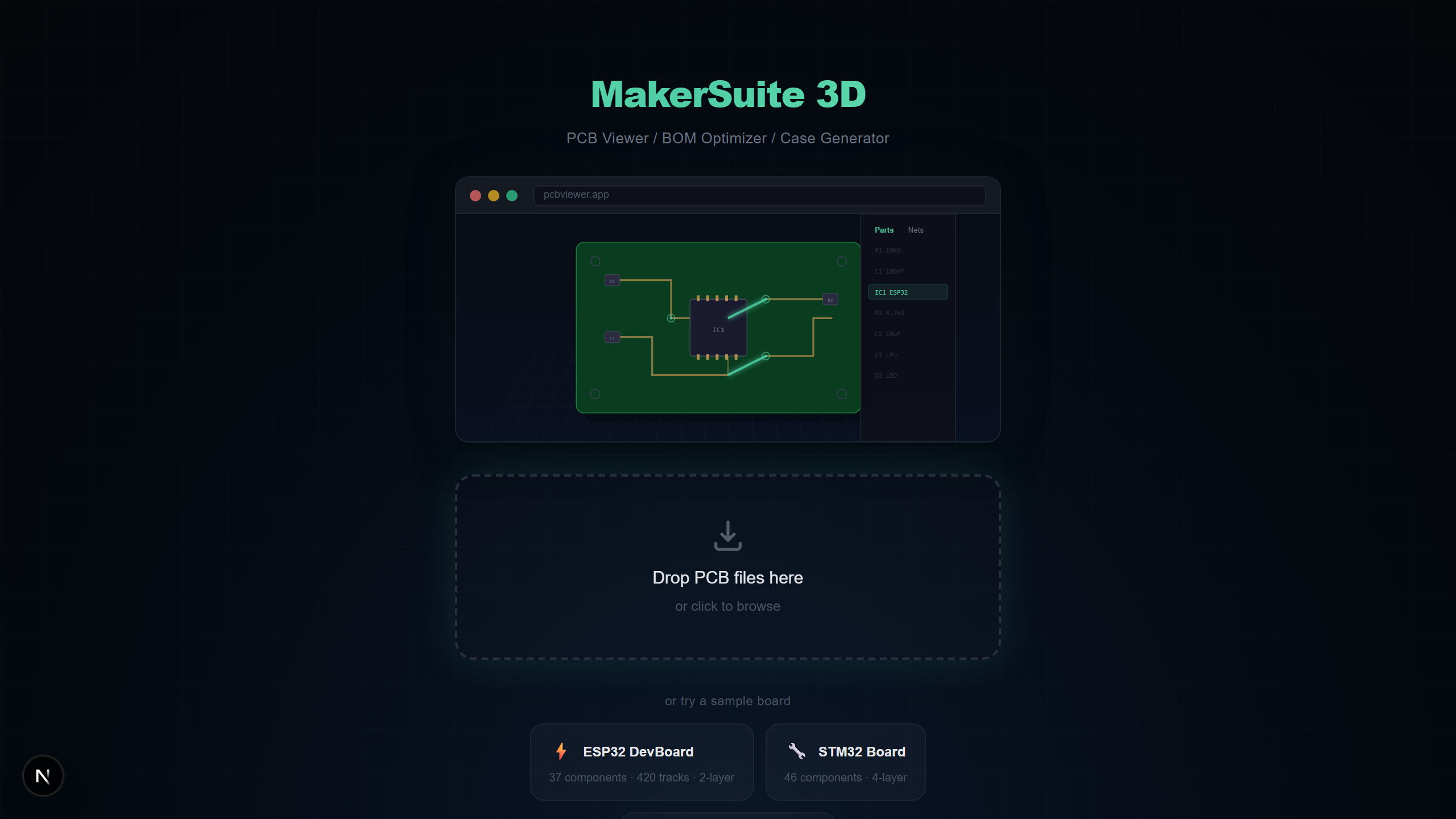
Traditional PCB viewers like KiCad, Altium Designer, and Eagle require large desktop installations. MakerSuite 3D runs entirely in your browser — drag, drop, done.
How Browser-Based PCB Viewing Works
MakerSuite 3D parses your PCB files using TypeScript parsers that run locally in your browser. No file is uploaded to any server. The entire parsing and 3D rendering pipeline happens on your machine.
Supported File Formats
- KiCad (.kicad_pcb) — Full S-expression parser with multi-layer support
- Gerber (.zip/.gbr) — RS-274X with automatic layer detection
- Eagle (.brd) — XML board files with component placement
- Altium (.PcbDoc) — OLE2/CFB binary format
- EasyEDA (.json) — LCEDA exported JSON files
No install needed — just drag and drop your PCB file.
Try MakerSuite 3D FreeAdvantages Over Desktop Software
- No installation — works on any computer with a modern browser
- No account required — no signup, no email, no registration
- Cross-platform — Windows, Mac, Linux, even Chromebook
- Always up to date — no manual updates needed
- Privacy-first — files never leave your device
What You Can Do
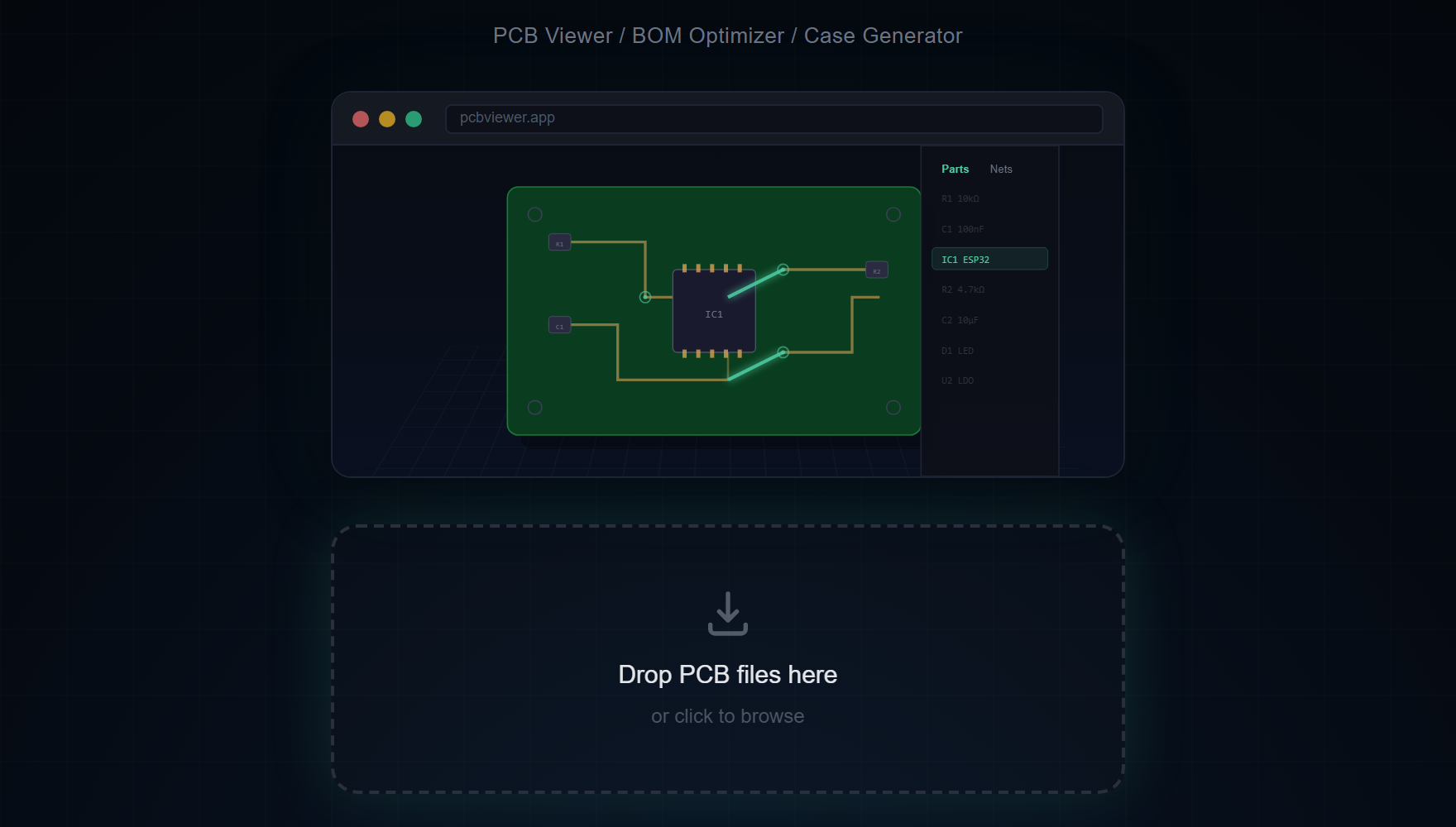
- Rotate, pan, and zoom the 3D board with mouse controls
- Click components to see details, nets, and pad connections
- Toggle layer visibility and use X-Ray mode for internal layers
- Measure distances between any two points on the board
- Export BOM with supplier prices from LCSC, DigiKey, and Mouser
- Take high-resolution PNG screenshots of your board
Schematic Files Too
In addition to PCB files, MakerSuite 3D can also open KiCad schematic files (.kicad_sch) directly in your browser — no installation required. View circuit diagrams with symbols, wires, power ports, and net labels, all parsed and rendered locally.
What "Browser-Based" Actually Means Here
There's a meaningful difference between a tool that runs in a browser and a tool that runs in your browser. The first kind — most cloud viewers — uses your browser as a remote control for code that actually runs on a server. You drop the file, the bytes travel to a data center, the work happens there, and pixels come back. The browser is a thin display layer. The second kind — what MakerSuite is — runs the parsing and rendering code on your own machine, using your CPU and your GPU, with no server-side compute on your design at all.
The technical foundation is WebAssembly plus the modern browser file APIs. WebAssembly compiles C++ libraries (OpenCascade for STEP, manifold-3d for mesh repair) into a sandboxed bytecode that runs at near-native speed inside the JavaScript engine. The File System Access API and the older File API let JavaScript read your local files directly into memory without an upload step. WebGL then renders the parsed geometry on your GPU. Together they make a heavyweight CAD-style viewer feasible without any installation, and they didn't exist a decade ago.
The practical consequences ripple through the whole experience. Boards open in roughly the time it takes to read the file from disk, because there's no network round trip. The viewer keeps working when your network is down, except for streaming optional STEP component models from the CDN. Files larger than browser-typical upload limits (50 MB, 100 MB) are no problem because they aren't being uploaded.
When a Browser-Based Viewer Hits Its Limits
Memory is the main ceiling. A complex 12-layer board with hundreds of polygon pours and a dense BOM can push your browser tab past 1 GB of RAM. Chrome and Firefox both raise that ceiling generously on desktop, but on mobile the headroom is smaller. If you're trying to inspect a server-grade board on a phone, expect occasional reloads — and consider that even desktop CAD tools struggle there.
The other practical constraint is GPU capability. WebGL needs a working hardware accelerator; on machines with disabled GPU acceleration (locked-down corporate laptops, very old hardware, some Linux setups without proper drivers) the viewer falls back to CPU rendering and frame rate drops. The fix is to enable hardware acceleration in your browser's settings.
Frequently Asked Questions
Why use a browser-based PCB viewer instead of desktop software?
No installation, no updates, no license fees. Works instantly on any OS — just open your browser and drag your PCB file.
Is it secure to view PCB files in a browser?
Yes. All file processing happens locally in your browser using TypeScript parsers. No data is ever sent to any server.
What browsers are supported?
Any modern browser with WebGL support — Chrome, Firefox, Safari, and Edge. Works on both desktop and mobile.
Can I use it offline?
The initial page load requires internet, but once loaded, PCB file parsing works entirely offline. Only supplier search and 3D model CDN require connectivity.
Related Articles
Ready to view your PCB without installing anything?
Open MakerSuite 3D