PCB BOM 최적화 도구 — 최적의 부품 가격 찾기
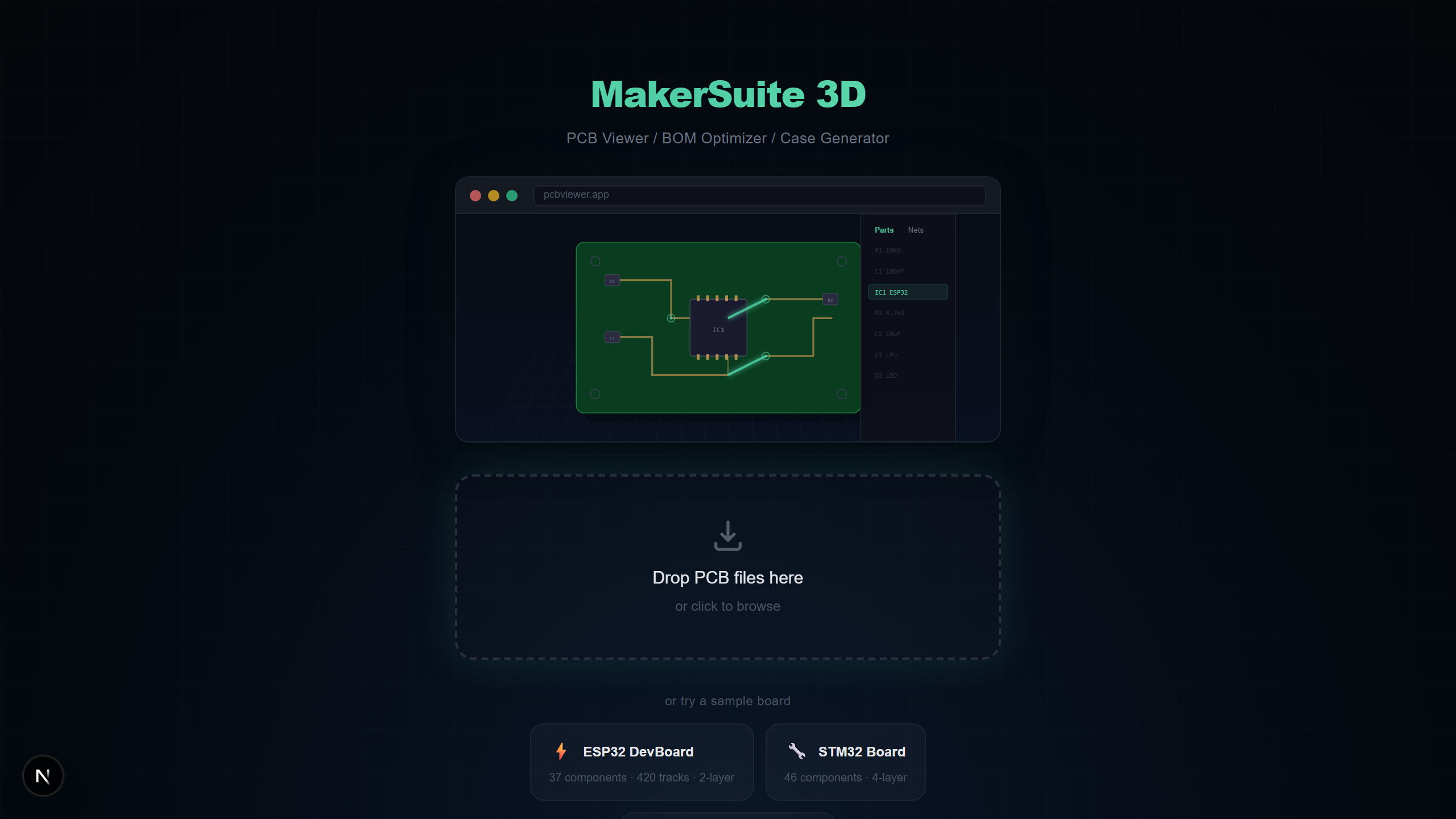
PCB BOM 최적화하기
부품 비용은 하드웨어 프로젝트의 성패를 좌우합니다. MakerSuite 3D는 모든 PCB 파일에서 BOM을 자동 추출하고 LCSC, DigiKey, Mouser를 동시에 검색하여 최적 가격을 찾습니다 — 수동 데이터 입력 불필요.
BOM 최적화 작동 방식
PCB 파일을 업로드하면 MakerSuite 3D가 모든 부품의 레퍼런스, 값, 풋프린트, 제조사 부품번호를 추출합니다. BOM 패널에서 한 번의 클릭으로 3개 주요 공급사를 검색할 수 있습니다.
주요 BOM 기능
- 자동 추출 — 부품이 값과 풋프린트별로 자동 그룹화
- 3개 공급사 동시 검색 — LCSC, DigiKey, Mouser 동시 검색
- 크로스 매칭 — 한 공급사에서 찾은 MPN으로 다른 공급사 자동 검색
- 비용 시각화 — 파이 차트로 어떤 부품 유형이 예산을 소비하는지 표시
- 재고 알림 — 모든 공급사의 실시간 재고 수준 확인
- 내보내기 옵션 — 공급사 가격 포함 CSV 또는 스타일링된 XLSX로 다운로드
Optimize your BOM costs — upload your PCB file now.
MakerSuite 3D 무료로 써보기크로스 공급사 매칭
한 공급사에서 제조사 부품번호(MPN)를 찾으면 MakerSuite 3D가 자동으로 해당 MPN을 사용하여 다른 공급사를 검색합니다. 정확한 가격 비교를 위해 모든 벤더에서 동일한 부품을 비교할 수 있습니다.
BOM 내보내기 옵션
최적화된 BOM을 스프레드시트용 CSV 또는 색상 코딩된 가격, 재고, 데이터시트 링크, 부품별 최적 구매 추천이 포함된 스타일링된 XLSX로 내보낼 수 있습니다.
본전 뽑는 BOM 위생
대부분의 BOM은 세 가지 문제 중 적어도 하나를 안고 구매부에 도착합니다 — 수십 개 부품에 매칭되는 일반적 값, 등재된 공급사가 더 이상 취급하지 않는 MPN, 또는 디자인엔 맞지만 BOM 라인엔 틀린 풋프린트. 최적화 도구가 셋 다 표면화합니다. 검증된 MPN이 없는 모든 라인이 표시되고, 파라메트릭 검색이 공급사들이 그것일 수 있다고 생각하는 일반적 후보들을 보여줍니다 — 그러면 하나를 골라 다음 리비전 전에 디자인에 MPN을 다시 구워넣을 수 있습니다. 이걸 한 번 하면 같은 사람이 다음 분기에 다시 하지 않아도 됩니다.
다른 조용한 승리는 배치 간 일관성입니다. 보드를 재발주할 때 공급사 가격은 움직였고, 재고는 회전했고, 6개월 전 가장 저렴했던 source가 이제 MOQ로 묶이거나 단종됐을 수 있습니다. fab 발주 전에 같은 .kicad_pcb (또는 .PcbDoc, .brd 등)을 최적화 도구에 통과시키면 그 변화들이 자동으로 표면화됩니다 — 수동 재가격 산출 없이. XLSX export는 스냅샷을 캡처하므로 견적받은 것 대비 실제 지불한 것의 감사 추적을 갖습니다.
JLCPCB 어셈블리를 쓰는 팀에게 최적화 도구는 cost-down 도구를 겸합니다. JLCPCB는 "Extended" 부품에 부품별 피더 비용을 부과하지만 "Basic" 부품엔 부과하지 않습니다. LCSC 검색은 어떤 부품이 Basic 리스트에 있는지 강조하고, 서너 개 라인을 Extended에서 Basic 동등품으로 바꾸는 것이 작은 배치에서 종종 어셈블리 비용을 20-30% 깎습니다. XLSX는 JLCPCB가 재견적에 필요한 LCSC ID를 캡처합니다.
파이 차트가 말하려는 것
파이 차트가 한 조각 — 보통 마이크로컨트롤러, 커넥터, 또는 커스텀 IC — 에 지배되면 거기가 최적화 노력을 쏟을 곳입니다. $0.05짜리 저항에서 20%를 절약하는 건 보이지 않습니다 — $4짜리 부품에서 10%를 절약하는 건 즉시 드러납니다. 디자이너들은 총 BOM 비용의 얼마나 많은 부분이 두세 부품에 사는지 과소평가합니다.
중요 부품의 단종 플래그를 살피세요. fab 발주가 출하되는 날 EOL이 되는 $0.20 부품도 어셈블리 전체를 멈춥니다. 최적화 도구는 DigiKey와 Mouser 데이터의 EOL 경고를 강조하고, 책임 있는 행동은 첫 번째 source가 오늘 재고에 있더라도 두 번째 source를 spec하는 것입니다.
자주 묻는 질문
How does BOM optimization work?
MakerSuite 3D extracts components from your PCB file, groups them by value and footprint, then searches LCSC, DigiKey, and Mouser simultaneously to find the best prices.
Can I export the optimized BOM?
Yes. Export your BOM as CSV or XLSX with supplier pricing, stock levels, datasheet links, and optimal purchase recommendations.
Does it support cross-supplier price comparison?
Yes. Cross-matching technology uses manufacturer part numbers (MPN) to find the same component across all three suppliers for accurate comparison.
Is BOM extraction automatic?
Yes. Components are automatically extracted from your PCB file during parsing — no manual data entry required.
관련 글
모든 부품의 최적 가격을 찾아보세요
MakerSuite 3D 열기