PCB 부품 가격 비교 — LCSC vs DigiKey vs Mouser
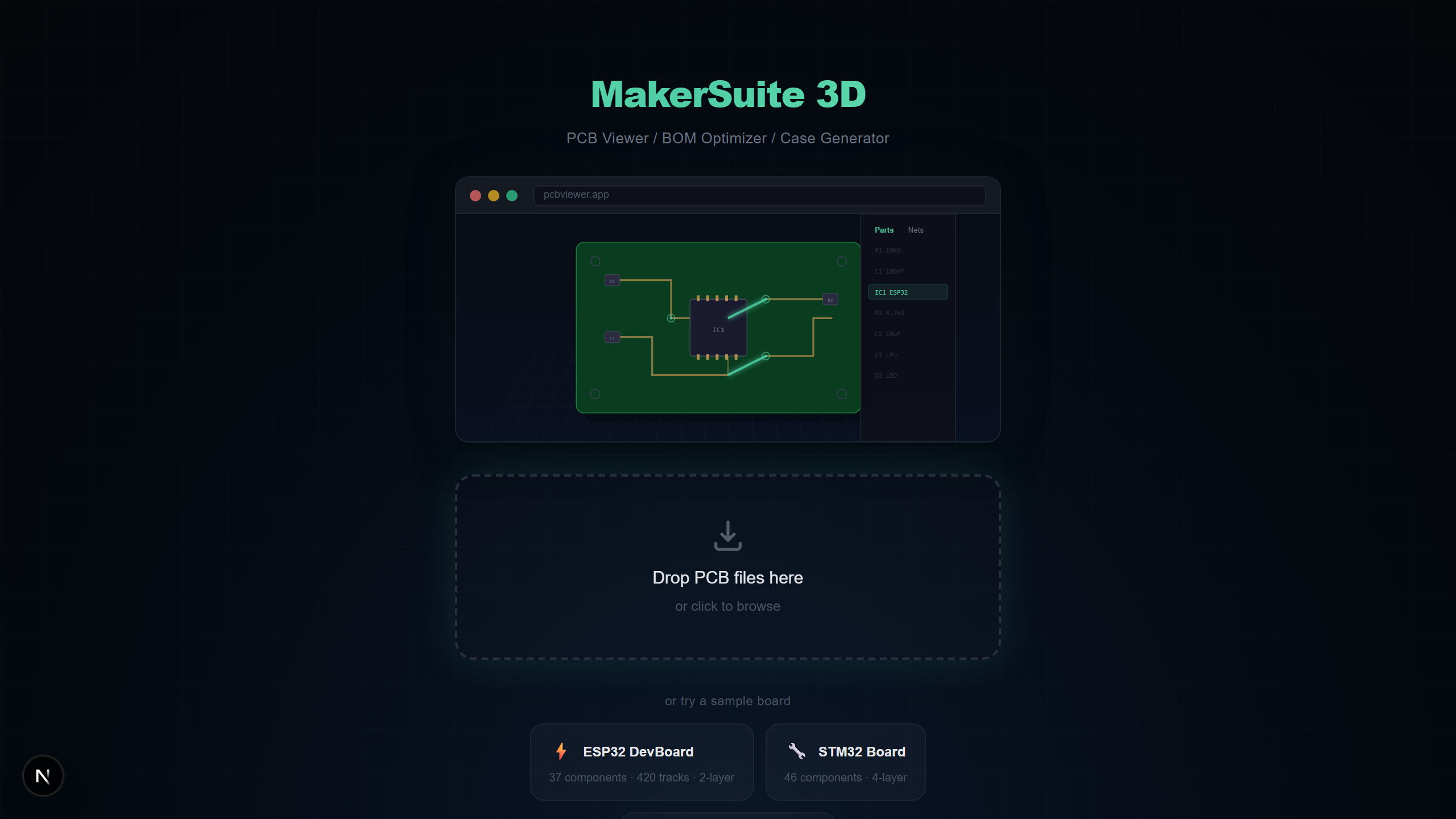
세 곳의 웹사이트를 따로 검색하지 마세요
MakerSuite 3D가 BOM의 모든 부품을 LCSC, DigiKey, Mouser에서 자동으로 검색합니다. 가격을 나란히 비교하고, 최저가를 찾고, 최적화된 BOM을 한 번에 내보내세요.
공급사 검색 작동 방식
BOM 패널을 열면 MakerSuite 3D가 PCB 파일에서 부품 값, 풋프린트, 제조사 부품 번호(MPN)를 추출합니다. 그런 다음 세 공급사에 동시에 쿼리하여 관련성 기준으로 결과를 점수화하고 순위를 매깁니다.
지원 공급사
- LCSC / JLCPCB — JLCPCB 조립용 최저가, 방대한 SMD 부품 카탈로그
- DigiKey — 상세 스펙과 데이터시트가 포함된 프리미엄 셀렉션
- Mouser — 제조사 직거래 가격의 폭넓은 재고
크로스 매칭 기술
한 공급사에서 제조사 부품 번호(MPN)가 반환되면, MakerSuite 3D가 다른 공급사에서도 동일한 MPN을 자동 검색합니다. 이를 통해 모든 벤더에서 정확히 같은 부품을 비교할 수 있습니다.
Compare prices across LCSC, DigiKey, and Mouser — upload your PCB now.
MakerSuite 3D 무료로 써보기BOM 기능
- 비용 파이 차트 — 어떤 부품 유형이 예산을 차지하는지 확인
- 가격 비교 — 각 라인 아이템별 최저가 공급사 찾기
- 재고 확인 — 세 공급사의 재고 현황 확인
- 데이터시트 링크 — DigiKey, Mouser에서 PDF 데이터시트 직접 접근
- EOL 경고 — 주문 전 단종 부품 발견
- CSV/XLSX 내보내기 — 공급사 데이터가 포함된 BOM 다운로드
최적 구매 계산
MakerSuite 3D는 모든 공급사의 총 비용을 계산하고 각 부품의 최저가 옵션을 강조합니다. 초록색 체크마크 배지가 최적 구매 추천을 표시합니다.
3-way 크로스 매칭이 실제로 작동하는 방식
BOM 패널을 열면 뷰어가 PCB에서 모든 고유 부품 — reference designator, 값, 풋프린트, 그리고 디자인에 박힌 모든 제조사 부품 번호(MPN) — 을 추출합니다. 첫 라운드의 공급사 검색은 가장 구체적인 데이터를 사용합니다. 회로도가 "Texas Instruments LM358DR" 같은 MPN을 담고 있었다면 검색은 정확한 그 문자열로 세 공급사를 모두 두드리고 거의 항상 깔끔한 매치를 반환합니다. "100nF 0603" 같은 일반적 값만 있다면 검색은 더 fuzzy한 파라메트릭 매칭에 의존합니다.
크로스 매치 단계가 흥미롭습니다. LCSC가 MPN "AMS1117-3.3"의 결과를 반환하면 뷰어는 원래 LCSC 검색이 다른 키워드로 트리거됐더라도 그 MPN으로 DigiKey와 Mouser에서 백그라운드 검색을 큐잉합니다. 이게 흔한 케이스를 잡아냅니다 — 값 기반 검색이 한 공급사에서 부품을 찾고, 결과의 MPN 필드가 다른 두 공급사에서 정확한 매치를 푸는 열쇠가 되는 경우. 전체 파이프라인은 공급사별 800ms rate limit으로 돌아가서 그들의 API 할당량을 존중하면서도 순차 검색을 기다리게 하지 않습니다.
최적 구매 계산은 단순히 라인별 최저가가 아닙니다. 재고 가용성(품절 부품은 제외), 수량 단계별 가격 인하, 그리고 배송비 절약을 위해 보통 한두 공급사로 통합하고 싶다는 실용적 현실을 반영합니다. 초록색 배지가 라인별 재고 있는 최저가 공급사를 표시하고, export가 그 추천을 XLSX에 담아내므로 구매 워크플로우가 계산을 다시 할 필요가 없습니다.
디자이너처럼 파이 차트 읽기
비용 파이 차트는 BOM을 부품 유형별로 나눕니다. 첫 번째로 봐야 할 것은 한 카테고리 — 보통 커넥터, 마이크로컨트롤러, 또는 특수 IC — 가 합계를 지배하는지 여부입니다. 단일 $12 USB-C 커넥터가 BOM 비용의 절반이라면 0603 저항 20개를 갈아 끼우는 것보다 훨씬 큰 레버리지의 최적화가 있는 것입니다. JLCPCB 어셈블리를 쓰는 디자이너는 어떤 부품이 LCSC "Basic" 라이브러리에 있는지도 봐야 합니다 — 그것들은 부품별 피더 로딩 비용을 건너뛰고 작은 배치 크기에서 빠르게 본전을 뽑습니다.
재고 알림은 몇 주 후에 예정된 양산 발주에서 가장 중요합니다. 오늘 DigiKey가 50,000개를 가진 부품이 보드가 어셈블리 준비될 때쯤엔 제조사 할당에 묶일 수 있습니다. 뷰어는 결과 옆에 현재 재고 수치를 보여주지만 분기마다 재발주할 디자인이라면 MakerSuite의 BOM export가 각 배치 전 재확인할 수 있는 baseline을 제공합니다.
자주 묻는 질문
Which suppliers are compared?
LCSC (JLCPCB), DigiKey, and Mouser are searched simultaneously with real-time pricing, stock levels, and datasheet links.
How does cross-matching work?
When a part is found on one supplier, its manufacturer part number (MPN) is automatically used to search other suppliers for the exact same component.
Can I export pricing data?
Yes. Export your complete BOM as CSV or XLSX with supplier pricing, stock availability, datasheet links, and optimal purchase recommendations.
Is the pricing data real-time?
Yes. Prices and stock levels are fetched live from each supplier's official API at the time of search — no cached or outdated data.
관련 글
PCB 부품의 최저가를 찾아보세요
MakerSuite 3D 열기