PCB 파일 온라인 뷰어 — 설치 없이 바로 보기
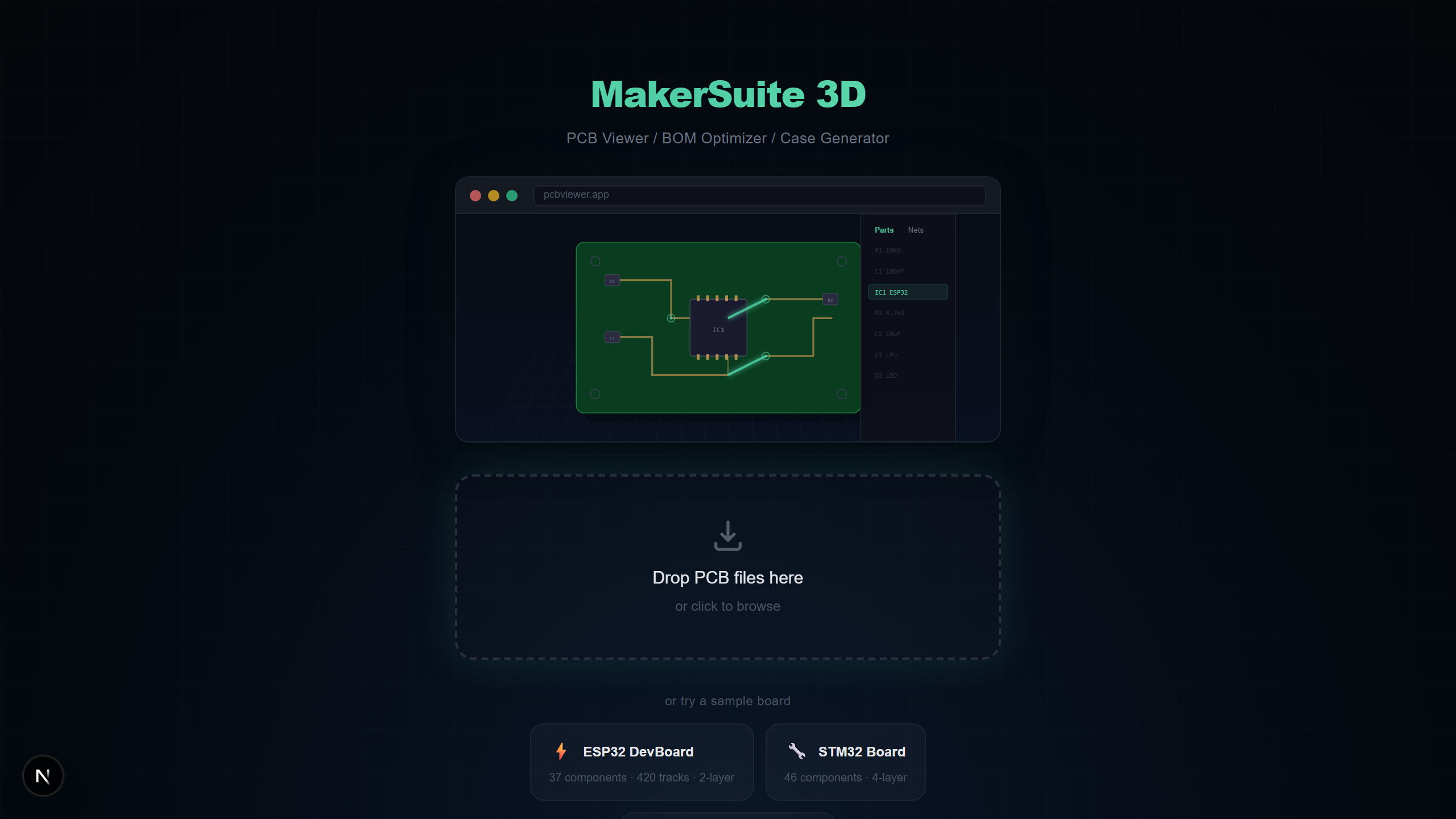
설치할 필요 없이 바로 열 수 있습니다
KiCad, Altium Designer, Eagle 같은 기존 PCB 뷰어는 대용량 데스크톱 설치가 필요합니다. MakerSuite 3D는 브라우저에서 완전히 실행됩니다 — 드래그, 드롭, 끝.
브라우저 기반 PCB 뷰어 작동 방식
MakerSuite 3D는 TypeScript 파서를 사용하여 브라우저 내에서 PCB 파일을 직접 파싱합니다. 파일이 서버로 업로드되지 않습니다. 파싱과 3D 렌더링 파이프라인 전체가 사용자의 컴퓨터에서 실행됩니다.
지원하는 파일 포맷
- KiCad (.kicad_pcb) — 다층 지원 S-expression 파서
- Gerber (.zip/.gbr) — 자동 레이어 감지 RS-274X
- Eagle (.brd) — 부품 배치 XML 보드 파일
- Altium (.PcbDoc) — OLE2/CFB 바이너리 포맷
- EasyEDA (.json) — LCEDA 내보내기 JSON 파일
No install needed — just drag and drop your PCB file.
MakerSuite 3D 무료로 써보기데스크톱 소프트웨어 대비 장점
- 설치 불필요 — 최신 브라우저가 있는 모든 컴퓨터에서 작동
- 계정 불필요 — 회원가입, 이메일, 등록 없음
- 크로스 플랫폼 — Windows, Mac, Linux, Chromebook까지
- 항상 최신 — 수동 업데이트 불필요
- 프라이버시 우선 — 파일이 기기 밖으로 나가지 않음
주요 기능
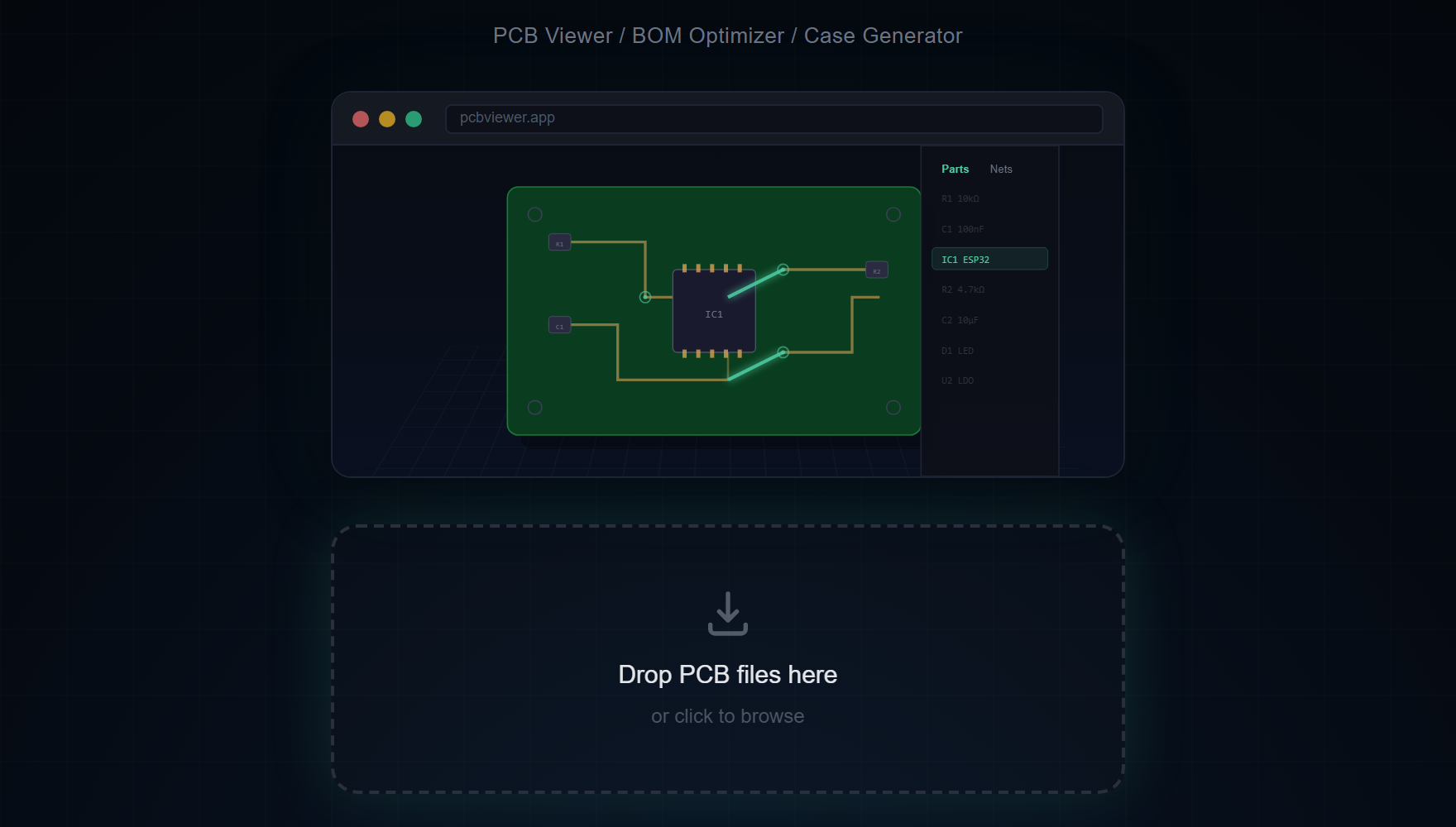
- 마우스로 3D 보드를 회전, 이동, 확대
- 부품 클릭으로 상세 정보, 넷, 패드 연결 확인
- 레이어 가시성 토글 및 내부 레이어용 X-Ray 모드
- 보드의 두 점 간 거리 측정
- LCSC, DigiKey, Mouser 가격이 포함된 BOM 내보내기
- 보드의 고해상도 PNG 스크린샷 내보내기
회로도 파일도 지원
PCB 파일 외에도 MakerSuite 3D는 KiCad 회로도 파일(.kicad_sch)을 설치 없이 브라우저에서 바로 열 수 있습니다. 심볼, 와이어, 전원 포트, 넷 라벨이 포함된 회로도를 로컬에서 파싱하고 렌더링합니다.
여기서 "브라우저 기반"이 실제로 의미하는 것
브라우저에서 도는 도구와 당신의 브라우저에서 도는 도구는 의미상 차이가 있습니다. 첫 번째 종류 — 대부분의 클라우드 뷰어 — 는 실제로 서버에서 돌아가는 코드의 원격 제어 장치로 브라우저를 씁니다. 파일을 드롭하면 바이트가 데이터센터로 가고, 거기서 작업이 일어나고, 픽셀이 돌아옵니다. 브라우저는 얇은 디스플레이 레이어입니다. 두 번째 종류 — MakerSuite가 그것 — 는 파싱과 렌더링 코드를 당신의 기기에서, 당신의 CPU와 GPU로 돌립니다. 디자인에 대한 서버 측 컴퓨팅이 전혀 없습니다.
기술적 토대는 WebAssembly와 모던 브라우저 파일 API입니다. WebAssembly는 C++ 라이브러리(STEP용 OpenCascade, 메시 리페어용 manifold-3d)를 JavaScript 엔진 안의 sandbox 바이트코드로 컴파일하여 거의 네이티브 속도로 실행합니다. File System Access API와 옛 File API는 JavaScript가 업로드 단계 없이 로컬 파일을 메모리로 직접 읽게 해줍니다. WebGL은 그런 다음 파싱된 지오메트리를 GPU에서 렌더링합니다. 그것들이 모여서 설치 없이도 헤비웨이트 CAD급 뷰어를 가능케 했고, 10년 전엔 존재하지 않던 기술입니다.
실용적 결과가 경험 전체에 퍼집니다. 보드는 거의 디스크에서 파일을 읽는 시간 안에 열립니다 — 네트워크 왕복이 없으니까요. 옵션인 STEP 부품 모델을 CDN에서 스트리밍하는 것 외에는 네트워크가 끊겨도 뷰어가 계속 동작합니다. 브라우저의 일반적 업로드 한계(50MB, 100MB)를 넘는 파일도 문제없습니다 — 업로드되지 않으니까요.
브라우저 기반 뷰어가 한계에 부딪힐 때
메모리가 주된 천장입니다. 수백 개의 폴리곤 pour와 빽빽한 BOM을 가진 복잡한 12층 보드는 브라우저 탭이 1GB RAM을 넘게 만들 수 있습니다. Chrome과 Firefox 둘 다 데스크탑에선 그 천장을 후하게 올려주지만, 모바일에선 여유 공간이 작습니다. 서버 등급 보드를 폰에서 검토하려 한다면 가끔의 새로고침을 예상하세요 — 데스크탑 CAD 도구도 거기선 고생합니다.
다른 실용적 제약은 GPU 능력입니다. WebGL은 동작하는 하드웨어 가속이 필요합니다. GPU 가속이 비활성화된 기기(잠긴 회사 노트북, 매우 오래된 하드웨어, 드라이버가 부실한 일부 리눅스 환경)에선 뷰어가 CPU 렌더링으로 fallback하고 프레임률이 떨어집니다. 해법은 브라우저 설정에서 하드웨어 가속을 켜는 것입니다.
자주 묻는 질문
Why use a browser-based PCB viewer instead of desktop software?
No installation, no updates, no license fees. Works instantly on any OS — just open your browser and drag your PCB file.
Is it secure to view PCB files in a browser?
Yes. All file processing happens locally in your browser using TypeScript parsers. No data is ever sent to any server.
What browsers are supported?
Any modern browser with WebGL support — Chrome, Firefox, Safari, and Edge. Works on both desktop and mobile.
Can I use it offline?
The initial page load requires internet, but once loaded, PCB file parsing works entirely offline. Only supplier search and 3D model CDN require connectivity.
관련 글
아무것도 설치하지 않고 PCB를 볼 준비가 되셨나요?
MakerSuite 3D 열기