Eagle Library Viewer Online — Open .lbr Packages and Symbols
Libraries Outlive the Tool
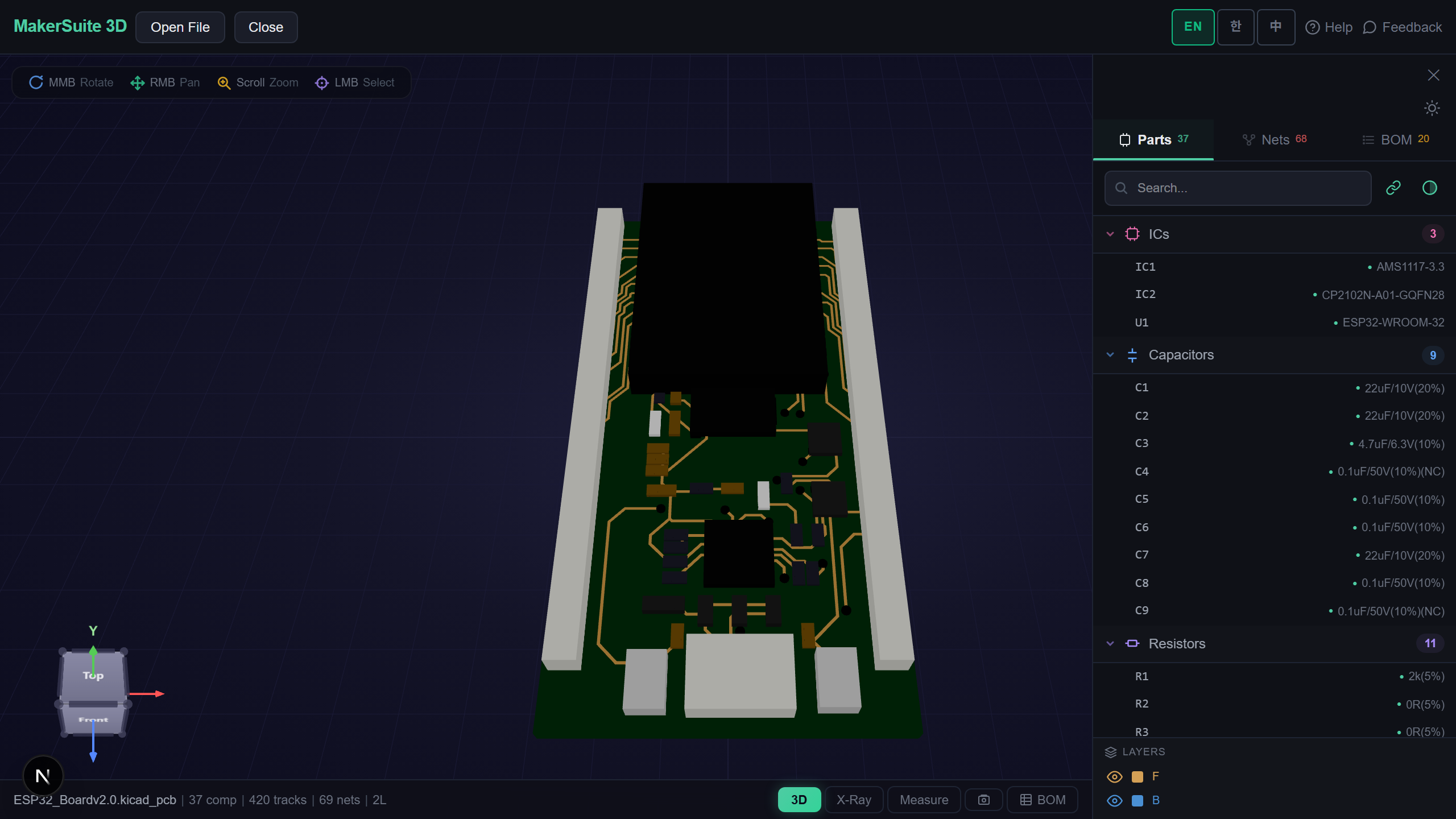
Eagle is no longer sold, but its libraries are everywhere — SparkFun and Adafruit publish theirs, vendors ship .lbr files with their parts, and old projects carry their own. Checking what is inside one used to mean installing Eagle or importing it into Fusion. MakerSuite 3D opens .lbr files directly.
How to Open an Eagle Library
- Open MakerSuite 3D — no login or installation needed
- Drop the .lbr file onto the drop zone
- Packages open in 3D side by side with their names, and the device symbols open on a sheet next to them — every gate of a multi-gate device on its own
- Switch between the footprint and symbol views, search the part list, measure pads, or open the 2D layer view
Open your Eagle library in the browser - no Eagle or Fusion needed.
Try MakerSuite 3D FreeWhat the Eagle Library Viewer Handles
- Packages — SMD and through-hole pads, drill holes, and the silkscreen: lines, arcs, rectangles, polygons and circles
- Symbols — every device set, one entry per gate, with its pins and texts
- Eagle 6 and later — the XML .lbr format, including names Eagle allows but CSS does not (quotes, inch marks)
- The same reader as boards — packages and symbols go through the Eagle board and schematic readers this viewer checks against Eagle’s own CAM output
Checked Against the Library Files
On three SparkFun libraries (520 packages, 306 device sets), every package opens with its pads where the XML puts them, and every gate of every device set is drawn. One of them uses a part named with an inch mark (0.25" jack) — it opens too.
What Is Inside an .lbr
An Eagle library is one XML file with three lists: packages (the footprints), symbols (the schematic drawings) and device sets, which tie symbols to packages — a device set has gates (one symbol each) and devices (one package each, with pin-to-pad connections).
MakerSuite reads every package as a one-part board and every device set as a one-part schematic, then lays them out on grids with the names under each. Everything happens in your browser; the file is not uploaded.
Frequently Asked Questions
Do I need Eagle or Fusion to open an .lbr file?
No. MakerSuite 3D reads Eagle library files directly in your browser. Drop the .lbr and every package and symbol in it is shown.
What does it show?
Every package (footprint) in 3D with its pads, drill holes and silkscreen, and every device set's symbols on a schematic sheet. You can switch between the two views or see them side by side.
Which Eagle versions are supported?
Libraries saved by Eagle 6 or later, which use the XML .lbr format. Older binary libraries from Eagle 5 and earlier are not supported yet.
Is my library uploaded to a server?
No. Parsing happens entirely in your browser - the file never leaves your machine.
Related Articles
Open your Eagle library right now — free.
Open MakerSuite 3D