Open Old Eagle Boards Online — Binary .brd from Eagle 3, 4 and 5
The Boards Modern Tools Refuse
Until 2011, Eagle saved boards in a binary format. Eagle 6 switched to XML, and today almost every tool — including the last Eagle releases and Fusion — expects the XML kind. That leaves a lot of open-hardware history stuck: a repository from 2010 with a .brd nobody can open without installing an old Eagle. MakerSuite 3D now reads those binary boards directly in your browser.
How to Open an Old Eagle Board
- Open MakerSuite 3D — no login or installation needed
- Drag the .brd onto the drop zone — binary and XML boards are told apart automatically (a GitHub link works too)
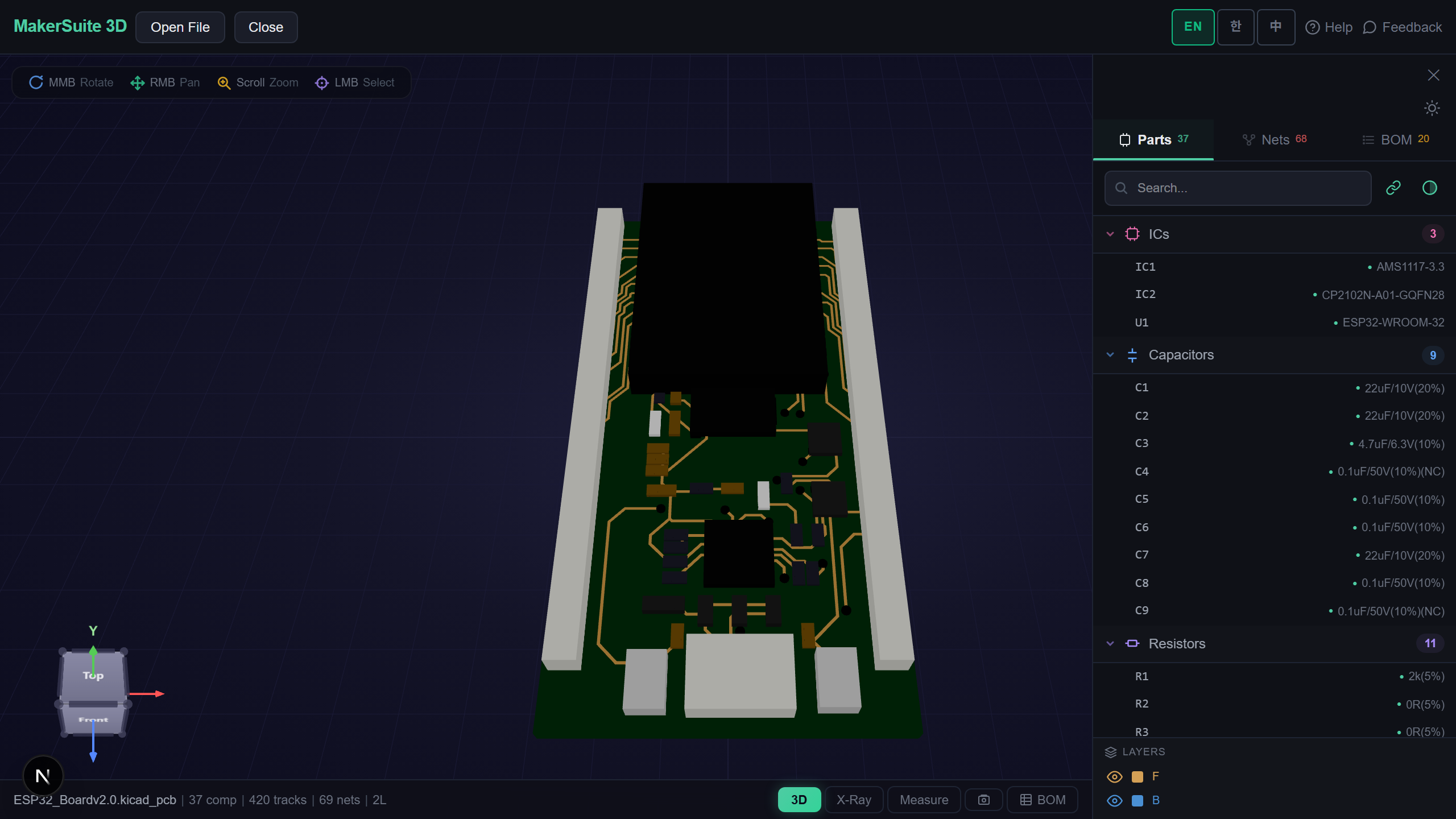
- The board opens in 3D with parts, pads, tracks, vias and copper pours, and the part list on the side
- Use X-Ray, net highlighting, measuring, the BOM with live supplier prices, or the DRC and DFM checks as with any other board
Open an Eagle 5 board in the browser - no old Eagle install needed.
Try MakerSuite 3D FreeWhat the Binary Reader Handles
- Eagle 3, 4 and 5 — the record layouts of all three, including Eagle 4 pads
- Parts and pads — through-hole pads in every shape (round, square, octagon, long, offset), SMD pads on either side, part rotation and mirroring
- Routing — tracks and arcs, vias with their layer span, copper pours, and pad and via sizes from the board’s own design rules
- Names — signal names, part names and values, including long ones Eagle keeps in a separate table
Checked Against Eagle’s Own Output
The reader was compared with the Gerber and drill files Eagle itself made from the same binary boards: every drill hole, every SMD pad and every through-hole pad lands where the manufacturing files put it, at the same size.
What Is Inside a Binary Eagle File
A binary Eagle board is a run of 24-byte records — layers, libraries, packages, elements, signals — forming a tree in which each record says how many follow under it. Names that do not fit in a record are replaced by a marker and stored in a string table after the records, in order. Design rules follow at the end.
MakerSuite walks that tree, resolves the names, and rebuilds the board as the XML Eagle 6 would have written — then opens it with the same reader as modern Eagle files. Everything happens in your browser; the file is not uploaded.
Frequently Asked Questions
Which Eagle versions open?
Binary boards from Eagle 3, 4 and 5, and XML boards from Eagle 6 through the final Autodesk release. The format is detected from the file itself.
Do I need to re-save the board in a newer Eagle first?
No. The binary file is read directly in your browser; nothing needs converting first.
How accurate is it?
It was compared with the Gerber and drill files Eagle generated from the same boards: drill holes, SMD pads and through-hole pads all match in position and size.
What about binary Eagle schematics?
Binary schematics (.sch) are not read yet. Boards are; re-save a schematic as XML in Eagle 6+ or Fusion to open it here.
Related Articles
Open your old Eagle board right now — free.
Open MakerSuite 3D