KiCad Library Viewer Online — Open .kicad_mod Footprints and .kicad_sym Symbols
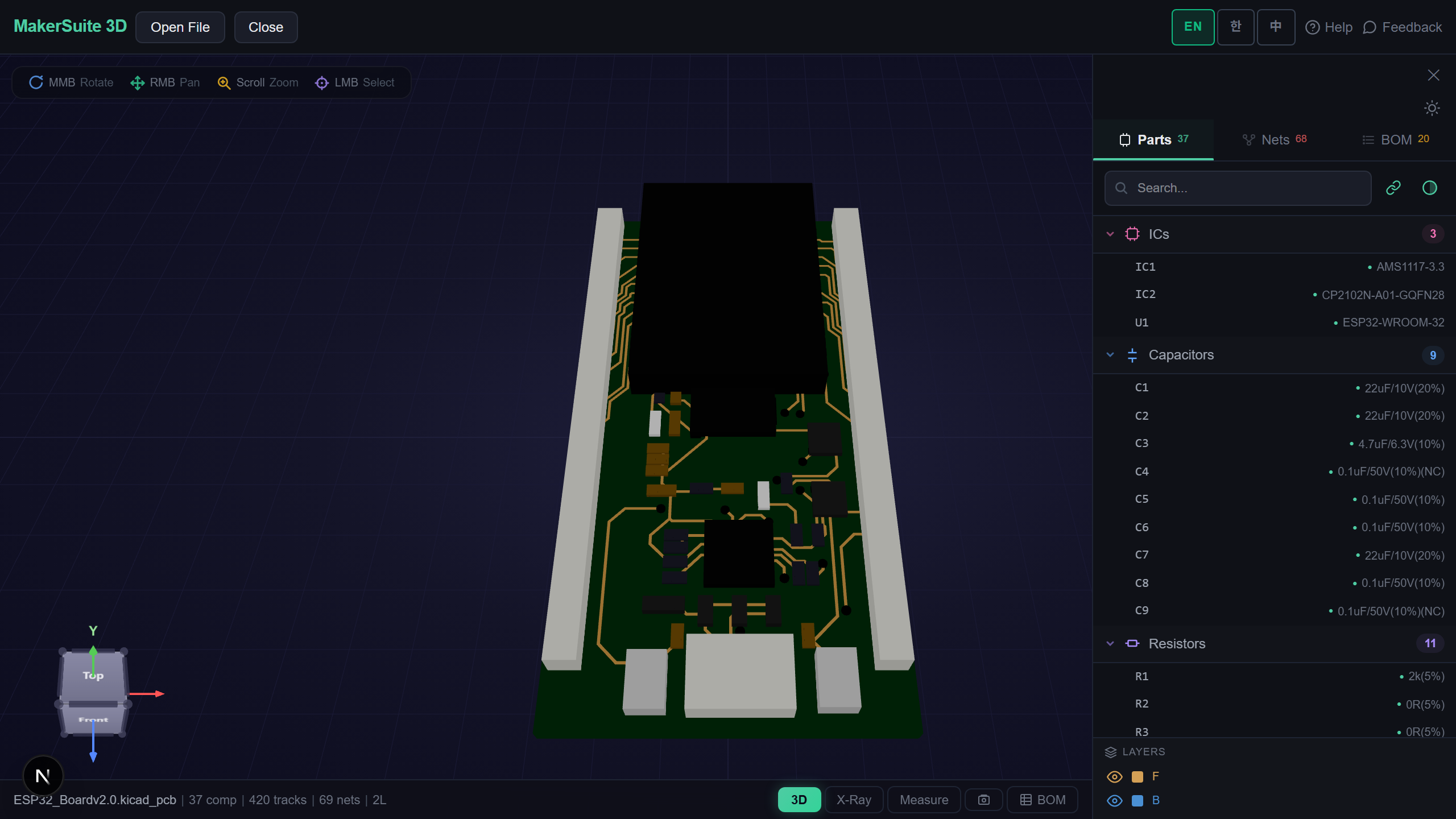
Look Inside a Library Before You Use It
Footprints and symbols are shared everywhere — in GitHub repositories, vendor downloads and forum threads — but checking one means opening KiCad, adding the library to a project table and browsing it in the editor. MakerSuite 3D opens KiCad libraries directly: drop a .kicad_mod, a whole .pretty folder or a .kicad_sym and see everything in it at once.
How to Open a KiCad Library
- Open MakerSuite 3D — no login or installation needed
- Drop a .kicad_mod file, several of them, or a whole .pretty folder — or a .kicad_sym (a .kicad_symdir folder works too)
- Footprints open in 3D side by side with their names; symbols open on one sheet, every unit of a multi-unit symbol on its own
- Search the part list, measure pads, switch to the 2D layer view, or drop footprints and symbols together to see both
Open your KiCad footprints and symbols in the browser - no KiCad install needed.
Try MakerSuite 3D FreeWhat the Library Viewer Handles
- Footprints — KiCad 6 and later footprints and the older KiCad 5 module format, with SMD and through-hole pads and silkscreen
- Symbols — every symbol in the file, multi-unit symbols split into their units, and derived symbols drawn from their parent
- Folders — a .pretty folder of footprints or a .kicad_symdir folder of symbols opens as one library
- The same reader as boards — footprints and symbols go through the KiCad board and schematic readers this viewer already checks against KiCad
Checked Against the Library Files
On 267 footprints from three official KiCad footprint libraries, every pad sits where the file puts it, at the size it gives. On three official symbol libraries (983 symbols, 231 of them derived from another), every symbol shows the pins of its normal body, a derived one its parent’s.
How a KiCad Library Is Stored
A footprint is one S-expression file, (footprint "name" …), and a .pretty folder is simply many of them. A symbol library is one (kicad_symbol_lib …) file holding many symbols; each symbol is split into sub-symbols per unit and body style, and a derived symbol only names its parent with (extends …). The current official sources keep one symbol per file in a .kicad_symdir folder instead.
MakerSuite reads each footprint as a one-part board and each symbol unit as a one-part schematic, then lays them out on a grid with the name under each. Everything happens in your browser; nothing is uploaded.
Frequently Asked Questions
Do I need KiCad to open a .kicad_mod or .kicad_sym file?
No. MakerSuite 3D reads KiCad footprint and symbol files directly in your browser. Drop the file, several files or a whole folder, and everything in it is shown.
Can I open a whole .pretty folder?
Yes. Drag the .pretty folder onto the drop zone, or select all the .kicad_mod files inside it. Every footprint is laid out on one grid with its name.
Are multi-unit and derived symbols supported?
Yes. Each unit of a multi-unit symbol is drawn on its own, and a symbol that extends another is drawn with its parent's body and pins. The normal body is shown; De Morgan alternates are not.
Are 3D models shown for footprints?
Pads and silkscreen are drawn. The 3D body models a footprint links to live in separate files and are not loaded for libraries.
Is my library uploaded to a server?
No. Parsing happens entirely in your browser - the files never leave your machine.
Related Articles
Open your KiCad library right now — free.
Open MakerSuite 3D