3D PCB Viewer Online Free — Realistic Rendering with STEP Models
What Makes a 3D PCB Viewer Different?
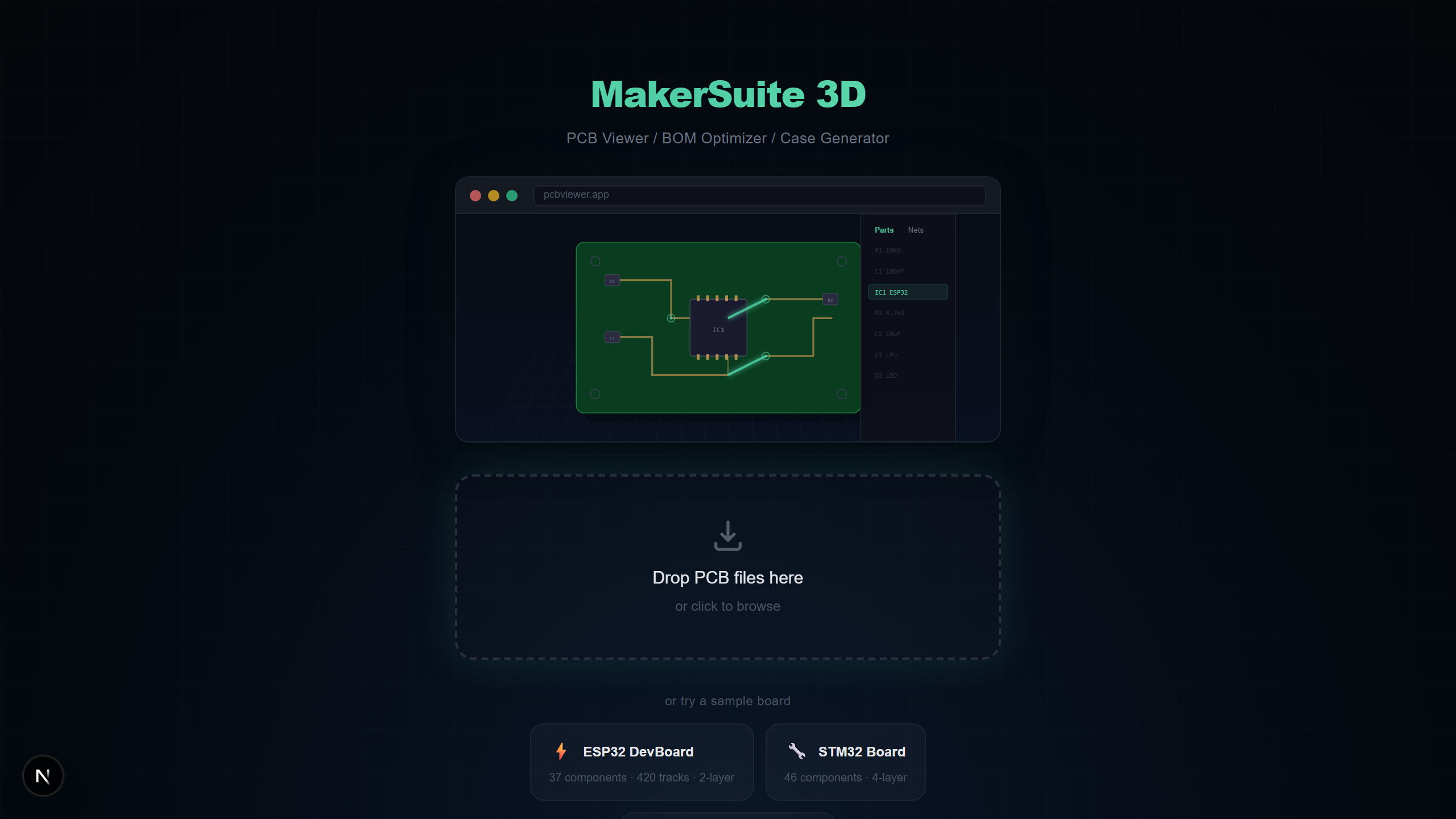
Most PCB viewers show your board as a flat 2D image — copper layers stacked on top of each other, components represented as colored rectangles. A 3D PCB viewer transforms that flat data into a realistic, rotatable three-dimensional scene where you can see component heights, inspect physical clearances, and understand how your board will look once assembled. MakerSuite 3D takes this further with photorealistic STEP models, screen-space ambient occlusion (SSAO), and Bloom post-processing — all running directly in your browser.
Why 3D Visualization Matters for PCB Design
Viewing your PCB in 3D is not just about aesthetics. It solves real engineering problems that 2D viewers cannot address:
- Mechanical fit verification — See if tall components interfere with enclosure walls before ordering your first prototype
- Component orientation checks — Instantly spot rotated ICs or reversed polarity on electrolytic capacitors
- Thermal analysis preview — Identify components that may need heatsink clearance or airflow space
- Client and stakeholder presentations — Show non-engineers what the finished board will actually look like
- Assembly verification — Compare your 3D rendering against the physical board to check for manufacturing errors
How to View Your PCB in 3D Online
Getting your PCB into a 3D view takes about five seconds with MakerSuite 3D:
- Open pcbviewer.app in your browser — no installation or signup needed
- Drag and drop your PCB file (.kicad_pcb, .zip Gerber, .brd, .json, or .PcbDoc)
- The viewer parses your file locally and renders the board in 3D with all copper layers, silkscreen, and components
- Use middle mouse to rotate, right mouse to pan, scroll wheel to zoom — same controls as Autodesk Inventor
3D Rendering Technology
MakerSuite 3D uses React Three Fiber (Three.js) with a professional post-processing pipeline to deliver high-quality 3D PCB visualization:
- STEP 3D Models — 116+ realistic component models loaded from Cloudflare R2 CDN, matched by IPC-7351 footprint naming and manufacturer part numbers
- SSAO (N8AO) — Screen-space ambient occlusion adds realistic shadows in crevices between components, under IC packages, and around board edges
- Bloom Glow — Selected nets glow with a Bloom post-processing effect, making it easy to trace signal paths visually across the board
- Tone Mapping — ACES filmic tone mapping ensures colors look natural across different monitors without overexposure
- 3D Nav Cube — Siemens NX / Autodesk Inventor-style orientation cube for quick camera presets (Top, Bottom, Front, Back, Left, Right)
Want to try it yourself? Upload your PCB file now.
Try MakerSuite 3D FreeSupported PCB File Formats
MakerSuite 3D automatically detects the file format and applies the correct parser. All parsing happens in your browser — no server upload required:
- KiCad — .kicad_pcb files with full net data, multi-layer support (up to 32 copper layers), zone fills, and 3D model paths
- Gerber — RS-274X Gerber ZIP with Excellon drill, automatic layer detection, and optional Pick & Place for 3D component placement
- Eagle — XML-based .brd files with component rotation, mirroring, and silkscreen text extraction
- EasyEDA — JSON format from EasyEDA Standard and LCEDA Pro with automatic 10mil-to-mm coordinate conversion
- Altium — OLE2/CFB binary .PcbDoc files with multi-layer support, blind/buried vias, and ComponentBodies6 stream parsing
MakerSuite 3D vs Other 3D PCB Viewers
Here is how MakerSuite 3D stacks up against other tools that offer 3D PCB visualization:
- MakerSuite 3D — Free, browser-based, 9 PCB formats, 116+ STEP models, BOM with LCSC/DigiKey/Mouser pricing, net highlighting with Bloom glow, no signup
- ZofzPCB — Free for basic use, Windows desktop only, Gerber input, good 3D rendering but requires installation and lacks BOM features
- Altium 365 Viewer — Free with Autodesk account, Altium files only, 3D rendering available but locked to Altium ecosystem, no supplier search
- KiCad 3D Viewer — Free, requires KiCad installation, only opens KiCad files, excellent 3D with STEP models but no BOM pricing integration
- GerbLook — Free, online, Gerber only, 2D-only rendering with no 3D support, useful for quick layer inspection but limited
Who Needs a 3D PCB Viewer?
- Hardware engineers reviewing teammate designs across different PCB tools without installing each one
- Mechanical engineers verifying enclosure fit by examining component heights and board dimensions in 3D
- Students and hobbyists exploring open-source PCB designs with realistic 3D visualization
- Procurement teams inspecting BOM accuracy while viewing the physical layout in 3D
Privacy and Security
MakerSuite 3D processes your PCB files entirely within your browser using TypeScript parsers. No file data is sent to any server. This makes it safe for proprietary designs, NDA-protected projects, and defense-industry boards where data sovereignty matters.
Frequently Asked Questions
What makes a 3D PCB viewer different from a 2D viewer?
A 3D PCB viewer renders your circuit board with realistic depth, component heights, and STEP 3D models. You can rotate the board freely, see how components physically fit together, and inspect clearances that are invisible in flat 2D views. MakerSuite 3D uses Three.js with SSAO and Bloom post-processing for photorealistic rendering.
Can I view Gerber files in 3D?
Yes. MakerSuite 3D parses Gerber RS-274X files with Excellon drill data and reconstructs the board in 3D. If you include a Pick & Place (.pos) file in your ZIP, the viewer also places 3D component models on the board.
How does the 3D model library work?
MakerSuite 3D hosts 116+ STEP 3D models on a Cloudflare R2 CDN. When your PCB is loaded, the viewer matches each component's footprint to the library using IPC-7351 naming (CAPC, RESC, SOP, QFP) and manufacturer part numbers. Components closest to your camera load first.
Is there any file size limit for the 3D viewer?
There is no hard file size limit. Since all parsing happens locally in your browser, performance depends on your device. Boards with 500+ components and 4000+ tracks render smoothly on modern laptops.
How does MakerSuite 3D compare to ZofzPCB and Altium 365 Viewer?
ZofzPCB requires a Windows desktop installation. Altium 365 Viewer requires signup and only opens Altium files. MakerSuite 3D is browser-based, free with no signup, and supports 9 PCB formats (KiCad, Gerber, Eagle, EasyEDA, Altium, PADS, P-CAD, Protel 99, Allegro) with BOM supplier search included.
Related Articles
See your PCB in 3D right now
Open MakerSuite 3D